8.1.6.1. When sale is completed, press the MR to go to the “Register of Sales”. The first
screen shows the totals: weight and turnover of all clients’ bills.
To go back to WEIGHING MODE use the C or CP keys
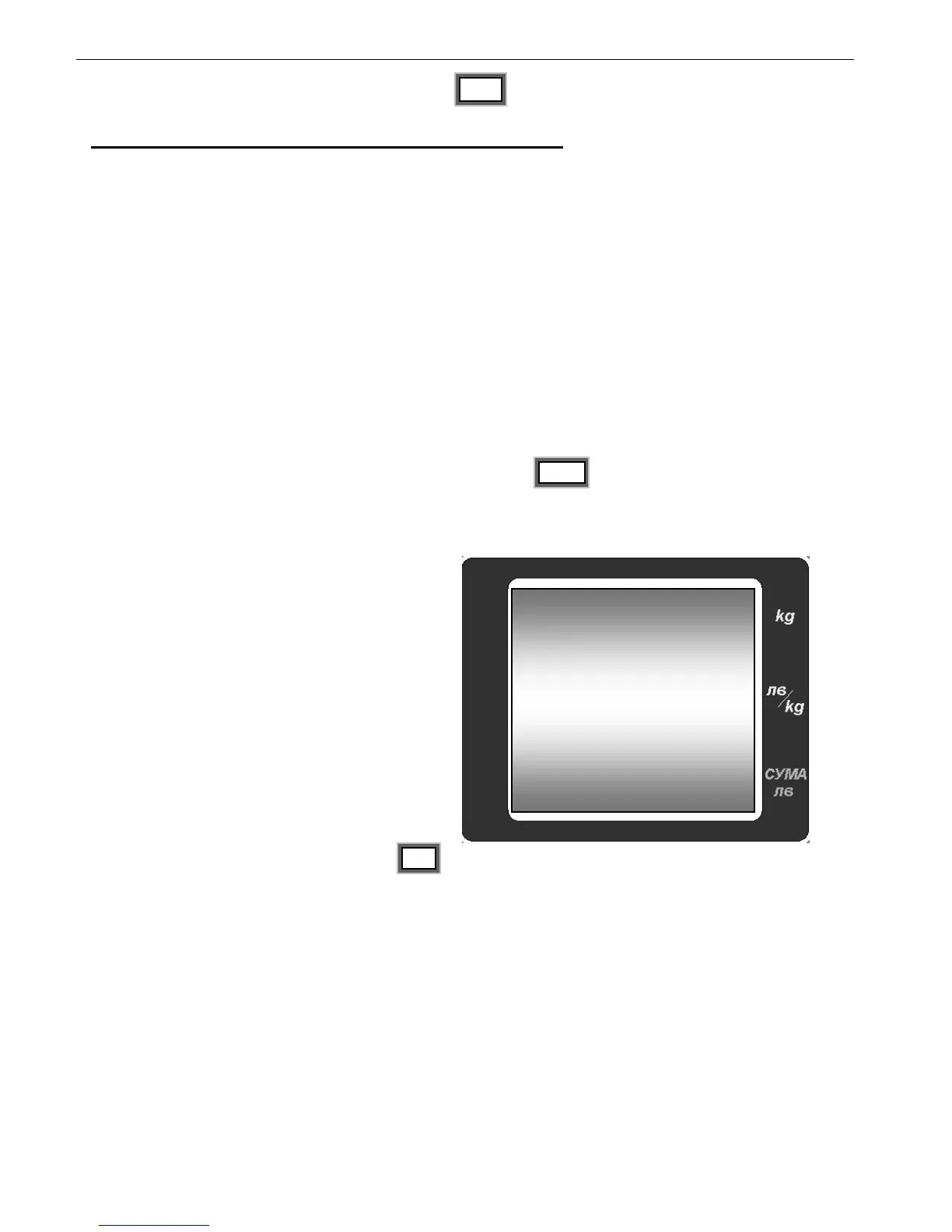
On the first line is shown total weight, on the
bottom line is shown the total turnover at the
moment.
Use the MR key to switch the articles on
which there are accumulated sums.
To clear the “Register of Sales” press the MC
key two times, when the “Register of sales” mode
is entered.
When the register is cleared, a CLEAr sign is
displayed followed by a sound.
The number of the PLU is cleared at this
moment.


 To Next Page