PRG – switching between article by number
PLU (PLU1) or article by article’s number (Art1) –
to change use C .
PRG - going back to WIGHING Mode
For in detail description how to use PRE-LEBALING function, see p.8.3.4;
For COUNTING FUNCTION, see p. 8.2
8.4.3. Setting articles (for price computing scales)
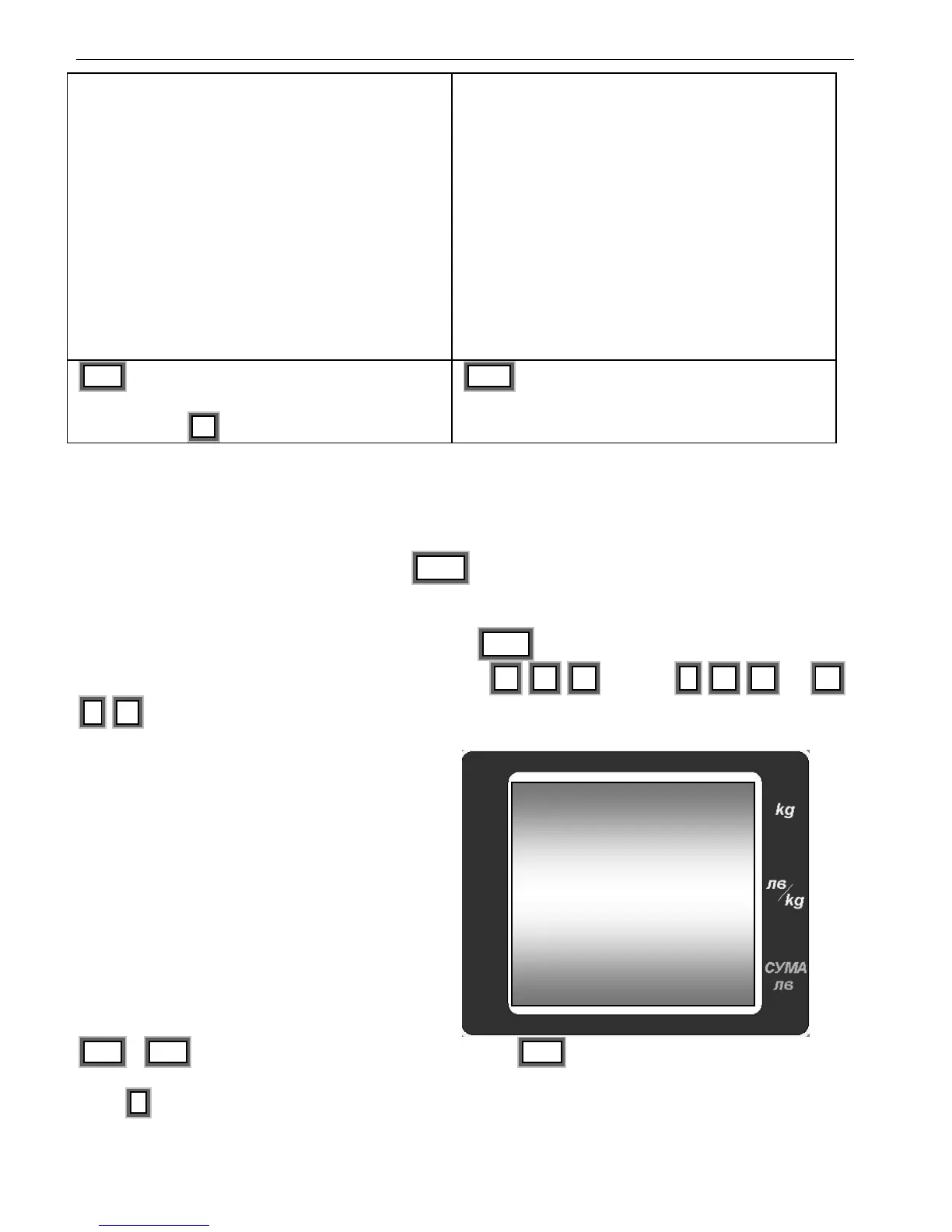
To switch to this function, double click PRG in WEIGHING Mode. The display shows price
and tare for article 1775. If there is no set tare, the display for weight is showing the current
weight. The price of the article is blinking and the display for total price is showing the articles
number. To switch to the desired article press PLU , From the numeric keyboard choose
three digits for the desired number. For example: 0 , 8 , 9 or 0 , 0 , 1 or 1 ,
5 , 6
PRG , PRG – To switch to programming
articles.
Press + to switch to editing of PLU 1
Or use PLU for direct call of the desired article


 To Next Page