Electronic Scale – models EVLplus хх LМ1, BM1, LT1, BT1
29
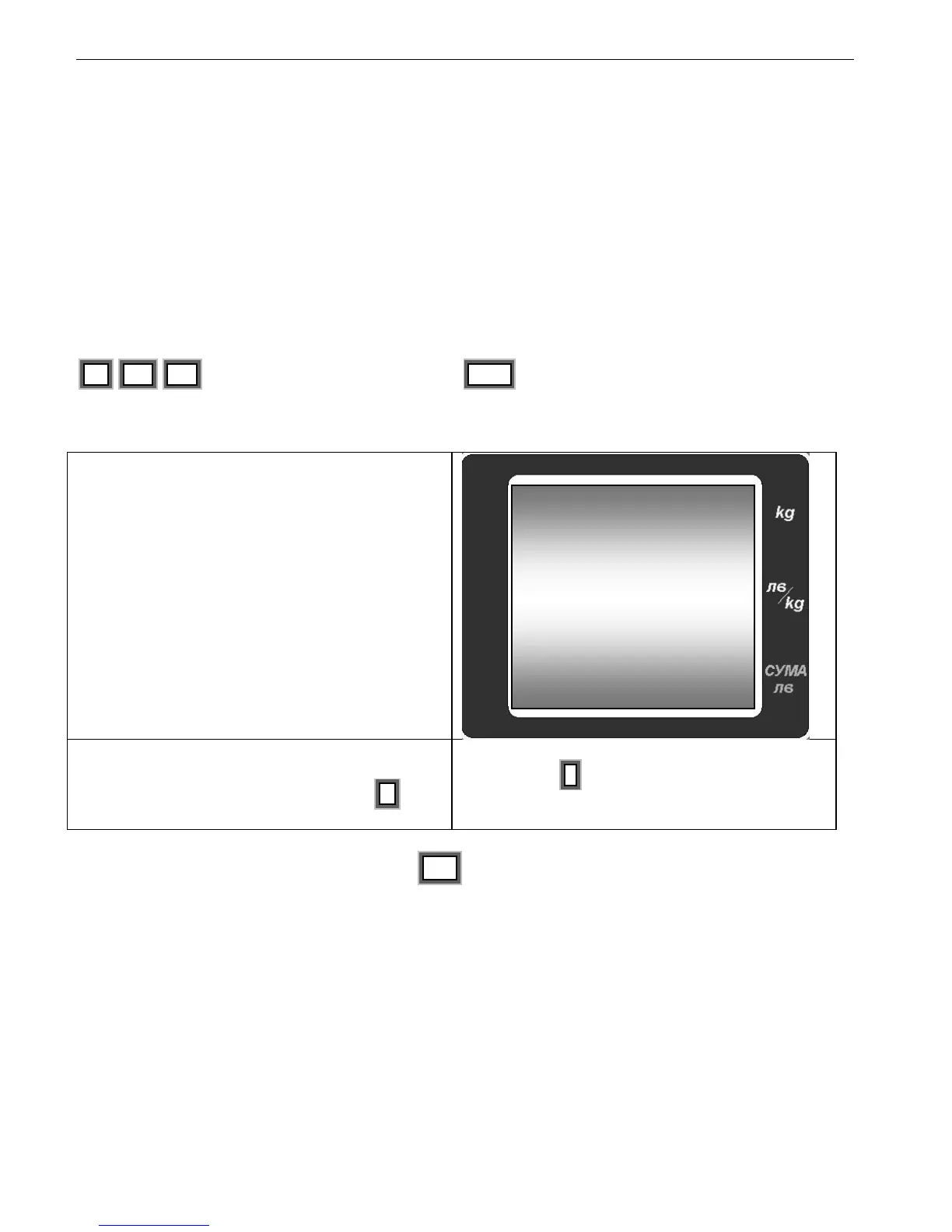
1 , 2 , 1 - switch to article № 121 by
entering the 3 digits!
PLU – To confirm the entered number. As a
result is shown the set price and tare of the
article PLU121 and the price is blinking.
Enter the desired price.
For example: 4.75. If you desire to save a tare for
this PLU, place the box (tare) and press Т.
The value for Tare is displayed with negative
sign. Press + to save the changes and the
scale is switching to the next PLU number – in
this case № 122.
To go back to WEIGHING Mode press CP at any time to skip the rest of the functions in
the SERVICE Mode.
8.4.4. Battery check
This function of the SERVICE Mode is used to check the condition of the battery. The
numerical value is showing the voltage of the battery. There 3 factory set values for the
voltage of the battery – V min, V middle, V max. When the scale measures the voltage less
than V min, the display shows „bat LO”


 To Next Page