EasyManua.ls Logo

Eliminator 011-1846-6 - User Manual

Eliminator 011-1846-6
17 pages
Print Icon
To Next Page IconTo Next Page
Loading...
POWER/
PUISSANCE
8.8.8.
INPUT//
ENTRÉ
E
(V)
OUTPUT/SORTIE
(KW) (W)
REMOTE ON
/OFF
INTERRU
PTEUR TÉLÉCOMMANDE
USB
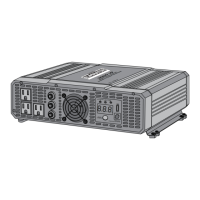
3000
W
Digital Power Inv
erter
Onduleur Portatif
Numérique
011-1846-
6
INSTRUCTION
MANUAL
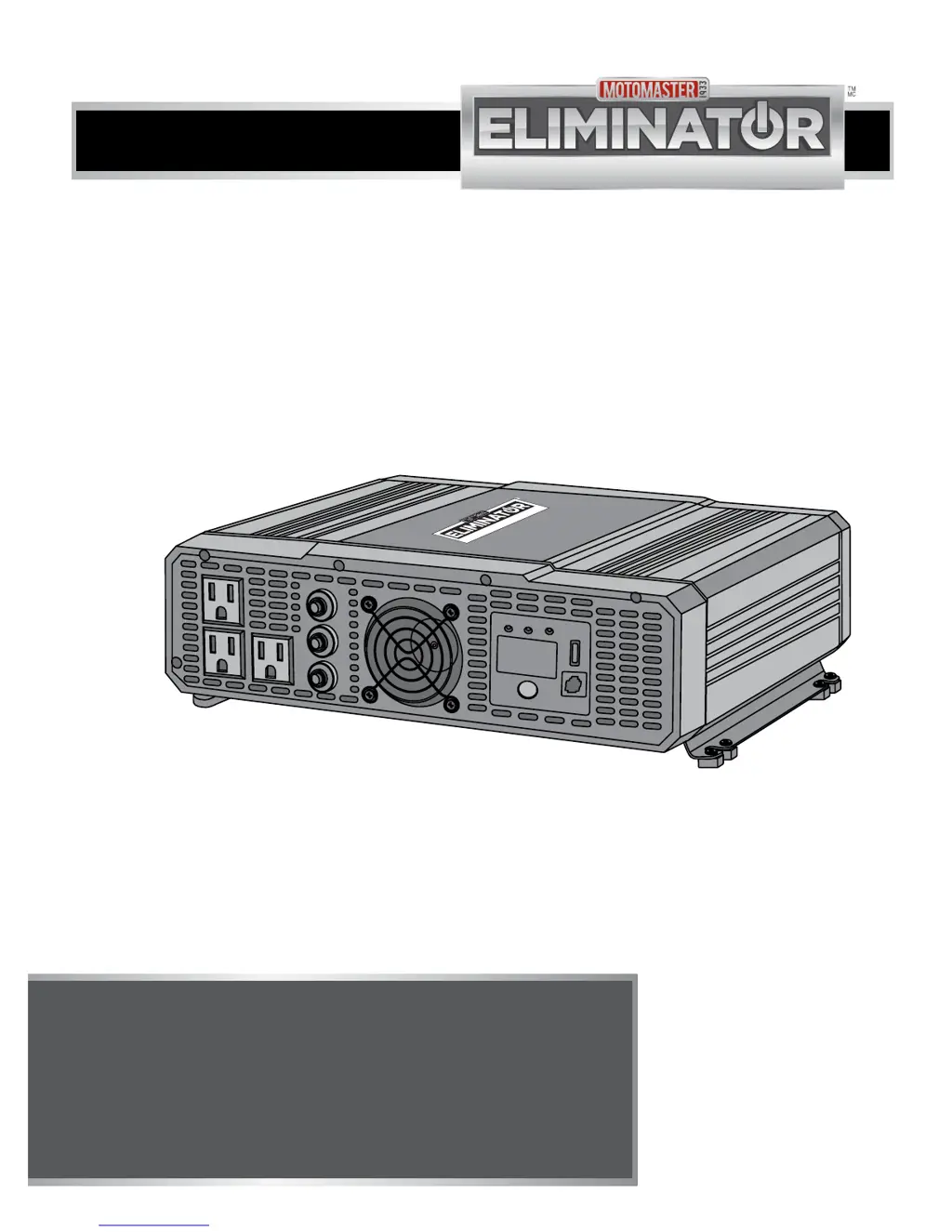
3,000 WATT MODIFIED SINE
WAVE DIGITAL INVERTER
model no. 011-1846-6
IMPORTANT:
This manual contains important safety and
operating instructions. Read all instructions and
follow them with use of this product.

Questions and Answers

  • J
    jay26Aug 2, 2025
    What to do if my Eliminator Inverter has no output voltage?
    • A
      Anna JohnsonAug 2, 2025
      If your Eliminator Inverter shows no output voltage and no voltage indication, first, ensure the inverter is turned ON. If it is ON, check the wiring to confirm that the inverter is properly connected to a power supply. Finally, verify that the DC polarity is correct, as reversed polarity can damage the inverter and void the warranty; in this case, a qualified service technician should repair it.
  • B
    Brittany RichardsonAug 7, 2025
    What to do if Eliminator 011-1846-6 Inverter displays OLP?
    • D
      Denise CarrAug 7, 2025
      If the digital display of your Eliminator Inverter shows “OLP”, it means the AC output is overloaded, causing the inverter to shut down. To solve this, ensure that the total load connected to the inverter is within its operating limits. Refer to the technical specifications to verify the allowable load.
  • T
    Tony HunterAug 12, 2025
    Why does my Eliminator 011-1846-6 Inverter display LUP?
    • G
      Gary DavisAug 12, 2025
      If the digital display of your Eliminator Inverter shows “LUP”, the low battery voltage shutdown feature has turned the inverter OFF. You should recharge the battery and check that all cables and connections are secure. Also, ensure you are using the correct cable length and gauge as specified on page 22 of the assembly instructions, and that all cable connections are firmly in place. If the problem persists, the battery condition may be poor, and you may need to charge or replace it.
  • M
    Megan VasquezAug 17, 2025
    How to fix OCP error on Eliminator Inverter?
    • J
      Jordan HancockAug 17, 2025
      If the digital display of your Eliminator Inverter shows “OCP”, the over-temperature shutdown feature has turned the inverter off. To resolve this, make sure the inverter is in a well-ventilated area with unobstructed ventilation openings. If possible, reduce the ambient temperature. Refer to the technical specifications for optimal operating conditions.
  • M
    Michael WaltonAug 22, 2025
    What does OPP mean on my Eliminator Inverter?
    • B
      Brent MartinezAug 22, 2025
      If the digital display of your Eliminator Inverter shows “OPP”, this indicates a short circuit has occurred. You should check the AC wiring to resolve this issue.
  • P
    Pamela MitchellAug 27, 2025
    What does OUP mean on Eliminator 011-1846-6 Inverter?
    • M
      Michael StephensAug 27, 2025
      If the digital display of your Eliminator Inverter shows “OUP”, the high battery voltage shutdown feature has turned OFF the inverter. Ensure that the inverter is connected to a 12 V battery.

Summary

Safety Information

Shock Hazard

Safety precautions regarding electrical shock hazards.

Fire Hazard

Warnings about overheating and fire risks.

Explosion Hazard

Risks associated with battery explosions.

Safety Precautions When Using Rechargeable Appliance

Guidelines for using the inverter with rechargeable appliances.

Explosion and Fire Hazard

Precautions to prevent explosions and fires.

Equipment Damage

Instructions to prevent damage to the inverter.

Chemical Hazard

Hazards related to battery acid and chemicals.

Important Information

Safety Features

Safety mechanisms like shutdown and alarms.

Assembly Instruction

Assembly Instruction

Connecting the Battery Cables

Instructions for properly connecting battery cables.

Operation

Turning On;Off the Inverter

Procedures for turning the inverter on and off.

Troubleshooting

Common Issues and Solutions

Table of problems, causes, and solutions for the inverter.

Technical Specification

Eliminator 011-1846-6 Specifications

General IconGeneral
Input Voltage12V DC
Output Voltage120V AC
Frequency60Hz
Efficiency90%
WaveformModified Sine Wave
CoolingFan
ProtectionsOverload, Overheat, Short circuit

Related product manuals