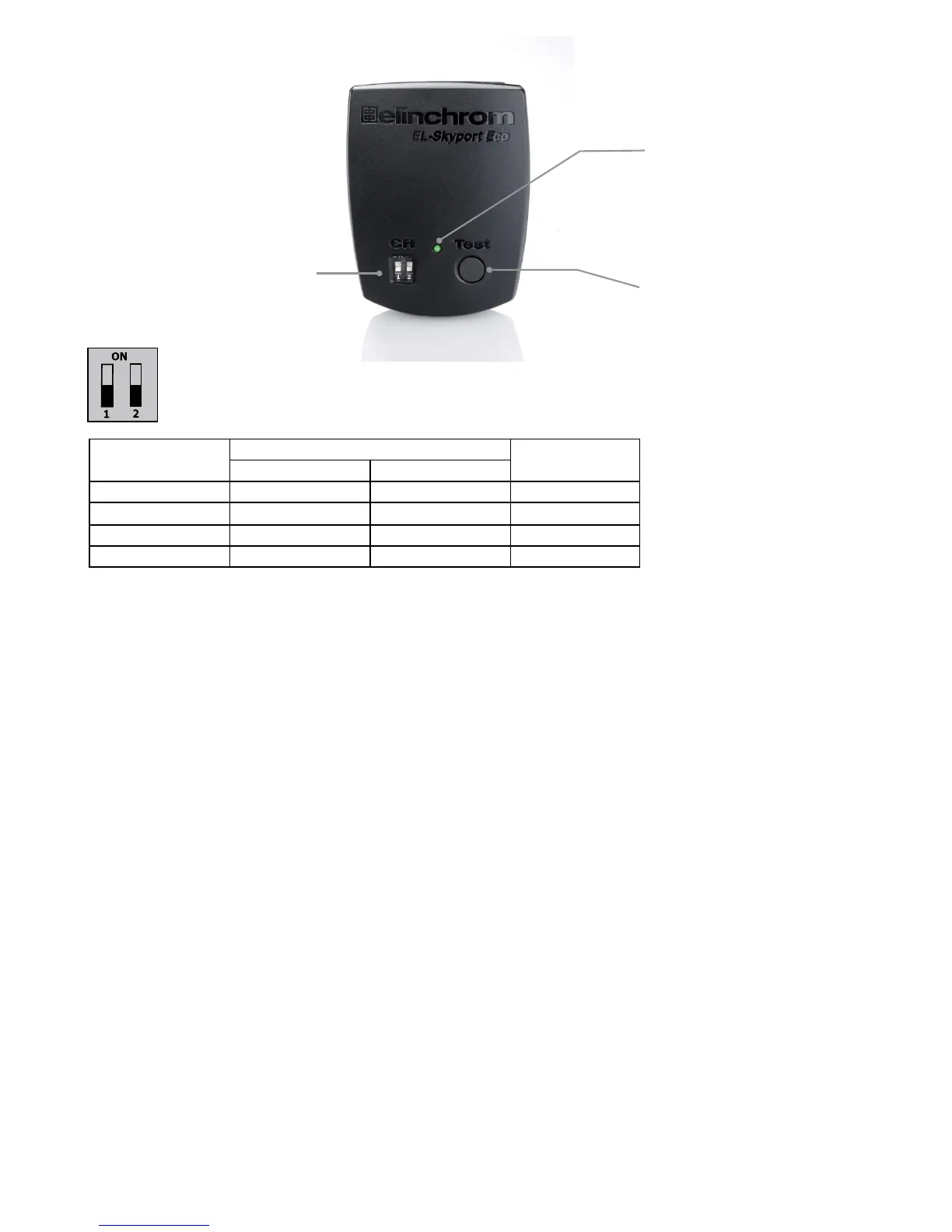
Fig. 2
Status LED
Flash Test
Four Frequency
channel selectors
Frequency Channel
Note:
Transmitter and the corresponding Transceiver RX the Universal Receiver or the EL units with
integrated EL-Skyport Receiver must have the same frequency channel settings!
Frequency
Channel
Slide Button conguration Frequency
/ Mhz
1 2
1 (default) Off Off 2456
2 On Off 2458
3 Off On 2460
4 On On 2462
EL-Skyport Sync Speed & Standard Mode
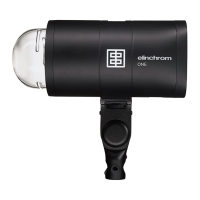
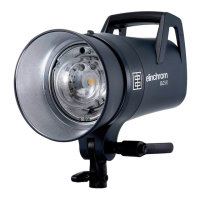
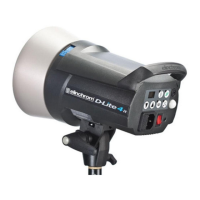
The SPEED function is available for Ranger Quadra AS, BXRi 250 / 500 und D-Lite it and all other units,
when used with the EL-Skyport Universal Speed.
Select “Speed” sync mode
Synchronises SLR cameras up to 1/250 s, or compact digital cameras up to 1/2850 s
- Press test push button one time to switch module on.
- Press test push button for minimum 5 seconds until the STATUS LED ashes two times.
- Release test push button.
- Now the EL-Skyport Transmitter Eco works in “SPEED” mode (r.2 mode).
Select “Standard” triggering mode
Synchronises SLR cameras up to 1/200 s, or compact digital cameras up to 1/1600 s
- Press test push button one time to switch module on..
- Press test push button for minimum 5 seconds until the STATUS LED ashes one time.
- Release test push button.
- Now the EL-Skyport Eco works in “STANDARD” mode.
EL-Skyport Module Conguration:
Only possible with EL-Skyport PC / MAC software v3.0 and higher.
- Power-Save Timer, individual programmable or disabled.
- Trigger delay is programmable from 250 microsecondes (1/4000 s) up to 15 s.
- Download the FREE EL-Skyport Software 3.0 from www.elinchrom.com
17


 To Next Page