EasyManua.ls Logo

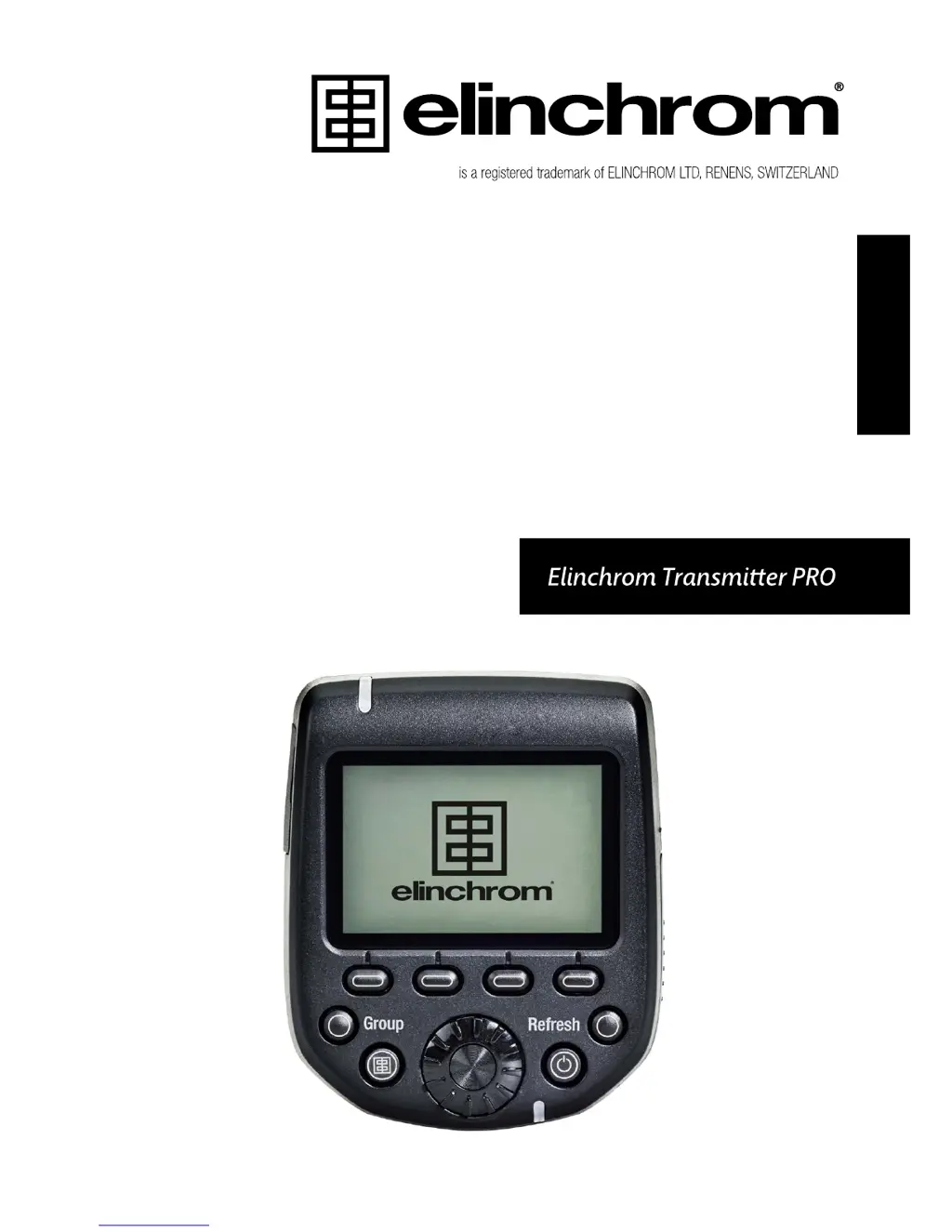
Elinchrom TRANSMITTER PRO - User Manual

Elinchrom TRANSMITTER PRO
36 pages
Print Icon
To Next Page IconTo Next Page
Loading...
USER MANUAL
GEBRAUCHSANLEITUNG
MANUEL D’UTILISATION
MANUAL DE FUNCIONAMIENTO
MANUALE D’USO
GEBRUIKSAANWIJZING
РУКОВОДСТВО ПО ЭКСПЛУАТАЦИИ
ュアル
用户手册
EN
DE
FR
IT
ES
NL
RU
JP
CN

Questions and Answers

  • M
    Mrs. Diamond WilsonAug 14, 2025
    Why camera will not trigger Elinchrom flash units, but the test button works?
    • C
      Colin BeasleyAug 14, 2025
      If the test button on your Elinchrom Transmitter works, but your camera won't trigger the flash units, consider the following: * Check the hotshoe fitting. * Ensure hotshoe communication is enabled in your camera settings. * Verify that the transmitter version is compatible with your Canon or Nikon camera. * Consult the list of compatible cameras.
  • T
    Tammy YoungAug 17, 2025
    What to do if Elinchrom flash unit cannot be triggered when the mode “ALL” is selected?
    • P
      Peter HallAug 17, 2025
      If your Elinchrom flash unit isn't triggering when the “ALL” mode is selected, make sure of the following: * The transmitter and receiver have the same frequency channel settings. * In ELSP MODE: the transmitter and receiver have the same synchronization mode settings (normal or speed sync mode). * The Skyport receiver is switched on in all EL-units with built-in receivers. * The transmitter version corresponds to your camera brand.
  • J
    Jill PruittAug 20, 2025
    Why some Elinchrom units are not triggering when the group mode is selected?
    • J
      Jason LeeAug 20, 2025
      If some of your Elinchrom units aren't triggering in group mode, please check these: * Verify the Group settings of the EL-flash unit. * Reduce the distance to any unresponsive unit. * Ensure the transmitter and receiver have the same synchronization mode settings (normal or speed sync mode) and frequency channel settings.
  • R
    rubenhigginsAug 25, 2025
    How to fix interference with other 2.4 GHz networks causing unreliable triggering of Elinchrom?
    • A
      Amy KelleyAug 25, 2025
      To resolve interference issues with other 2.4 GHz networks causing unreliable triggering of your Elinchrom system: * Try a different frequency channel for both the transmitter and the receiver of the EL-unit. * Reduce the distance between the flash unit and Transmitter Pro.
  • K
    Keith ClarkAug 27, 2025
    Why is the distance range limited on my Elinchrom PRO?
    • B
      bradleysamanthaAug 27, 2025
      If you're experiencing a limited distance range with your Elinchrom Transmitter, consider these factors: * Reposition the units. * Increase the distance from walls and ceilings. * If in ELSP Mode: be aware that in speed sync mode, the distance range is reduced by approximately 50%. Switch back to normal sync mode to increase the range. * Outdoors, the distance range could be reduced due to humidity, interference, obstacles, etc.
  • C
    Christopher BoydAug 30, 2025
    What to do if scanning Elinchrom units and no EL-unit is found, or some units are missing?
    • B
      Brittany SullivanAug 30, 2025
      If you're scanning for Elinchrom units and none are found, or some are missing, try the following: * Switch on all enabled EL-units, then switch on the EL-Skyport Transmitter Pro or go to setup and rescan. * Ensure frequency, group, and ELSP mode settings match with the Transmitter Pro. * Make sure that all Skyport enabled units are operating on the latest firmware.
  • S
    Susan MosleySep 3, 2025
    How to fix automatic Hi-Sync / HSS mode sync up to 1/8000s on Elinchrom?
    • T
      Troy WilsonSep 3, 2025
      To optimize automatic Hi-Sync / HSS mode with your Elinchrom system: * Note that Elinchrom Action (previously A) heads are not optimized for Hi-Sync / HSS. For better performance, use flash units with Hi Sync or flash tubes heads. * ODS fine tuning can help optimize Hi-Sync performance. * If you see visible banding, reduce the shutter speed on your camera, or set ODS and adjust to minimize or avoid banding. * Hi Sync / HSS functionality only works with compatible cameras and the appropriate Transmitter Pro, and when the camera is set to shutter speeds above 1/250s.
  • K
    Kelly JohnsonSep 6, 2025
    What to do if some information is not displayed about Digital RX, Ranger RX or Style RX Elinchrom units?
    • J
      jessica47Sep 6, 2025
      If some information isn't displayed for Digital RX, Ranger RX, or Style RX Elinchrom units: * Note that units equipped with a plug-in Transceiver RX have limited remote features. These units can still be triggered and controlled (but without visual feedback) by the Transmitter Pro. * Consider updating the firmware of the Transmitter Pro.
  • L
    Logan DavisSep 10, 2025
    How to troubleshoot Elinchrom PRO not switching on?
    • F
      fpayneSep 10, 2025
      To troubleshoot an Elinchrom transmitter that is not switching on, check the battery polarity and replace both discharged batteries.

Summary

Introduction

Declaration of Conformity USA and Canada

Versions

Features

Installing the Batteries

Batteries

Compatibility

Triggering

Remote Control

Frequency Channels

Technical Data

Hot-Shoe Adapter

Mounting on the Camera

Display

Buttons

Speed Buttons 1-4

Explains the functions of the four speed buttons for quick settings.

ELINCHROM TTL

ELINCHROM Transmitter Pro TTL Features

Details the TTL features available for the Elinchrom Transmitter Pro.

ON;OFF

Instructions for switching the Elinchrom Transmitter Pro on and off.

Group Button

Explains the function of the Group button for TTL/Manual mode.

Test Button (with EL Logo)

Describes how to use the Test button to fire flashes.

Refresh Button

Explains how to use the Refresh button to update settings.

Rotation Ring

Set; Confirmation Button

Setup Menu

Scan

Details how the Transmitter Pro searches for Elinchrom flash units.

Frequency Channels

Explains the selection and support of Skyport frequency channels.

ELSP Mode

ODS Setup

AUTO MOD

AF LIGHT

Key Click

Sleep Mode

Auto OFF Mode

Contrast

Backlight

Manufacturing Reset

Firmware Update

Troubleshooting

Limited Distance Range

Interference and Unreliable Triggering

Automatic Hi-Sync; HSS Mode

Scanning EL-Units

Elinchrom TRANSMITTER PRO Specifications

General IconGeneral
CompatibilityElinchrom flash units
Frequency Band2.4 GHz
Channels20
Groups4
Battery Type2 x AA batteries
DisplayLCD
Firmware UpgradeableYes
Flash ModesTTL, Manual
TTLYes
Hi-SyncYes
MountingHot shoe
Sync Speed1/8000 s (with compatible units)
Range200 m (656 ft)

Related product manuals