EasyManua.ls Logo

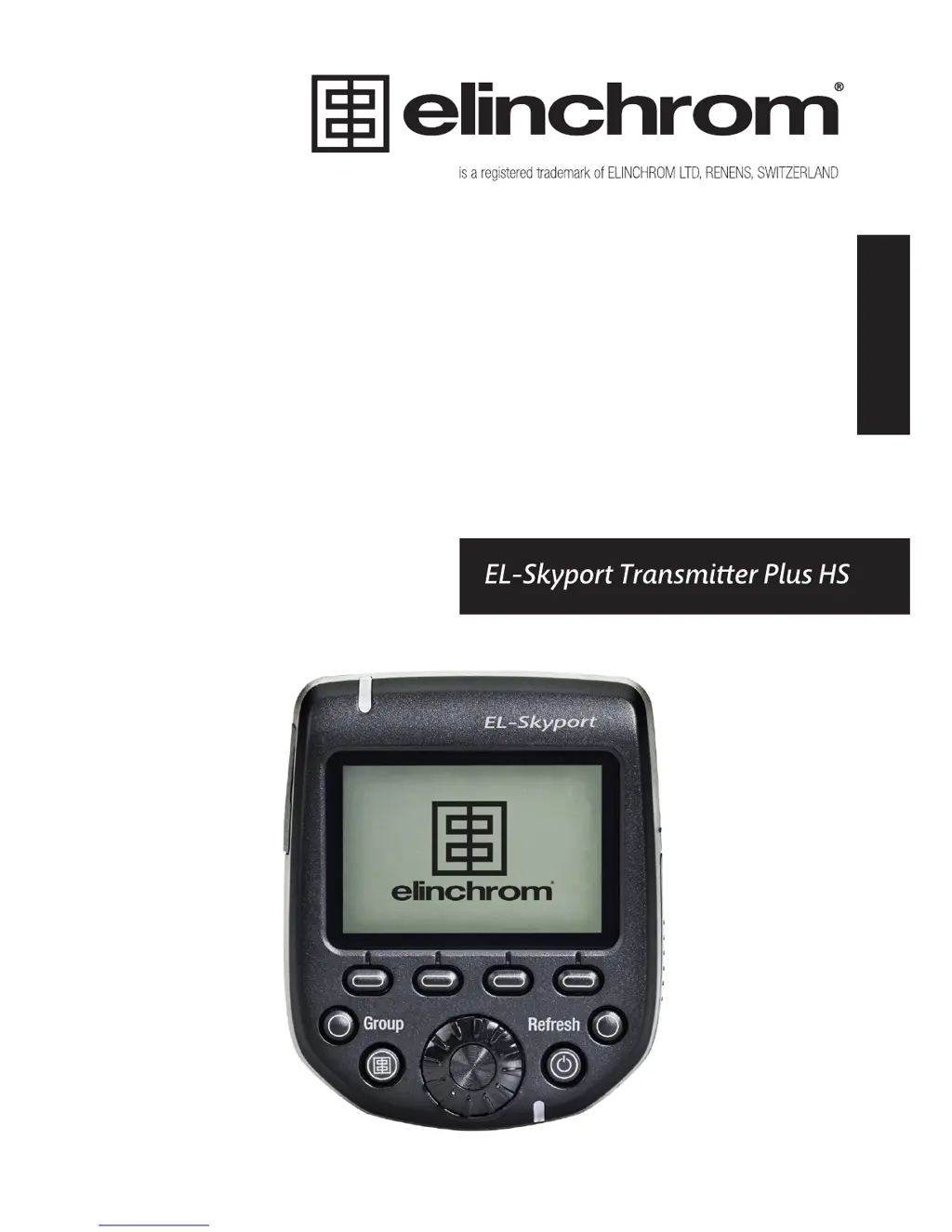
Elinchrom El-Skyport - User Manual

Elinchrom El-Skyport
19 pages
Print Icon
To Next Page IconTo Next Page
Loading...
USER MANUAL
GEBRAUCHSANLEITUNG
MANUEL D’UTILISATION
MANUAL DE FUNCIONAMIENTO
MANUALE D’USO
GEBRUIKSAANWIJZING
РУКОВОДСТВО ПО ЭКСПЛУАТАЦИИ
ュアル
用户手册
EN
DE
FR
IT
ES
NL
RU
JP
CN

Other manuals for Elinchrom El-Skyport

Questions and Answers

  • M
    mary17Aug 18, 2025
    What to do if my Elinchrom El-Skyport Transmitter flash unit cannot be triggered when the 'ALL' mode is selected?
    • M
      Mark MasonAug 18, 2025
      If your Elinchrom Transmitter flash unit isn't triggering in 'ALL' mode, here are a few things to check: * Make sure the transmitter and receiver are set to the same frequency channel. * Verify that both the transmitter and receiver have the same synchronization mode settings (normal or speed sync mode). * Ensure the EL-Skyport receiver is switched on in all EL-units with built-in receivers. * Confirm that the transmitter version is correct for your Canon or Nikon camera.
  • C
    Christy GarciaAug 20, 2025
    Why are some Elinchrom units not triggering when the group mode is selected?
    • C
      Christine HuntAug 21, 2025
      If some of your Elinchrom units aren't triggering in group mode, try these solutions: * Check the group settings on the EL-flash unit. * Reduce the distance to any unresponsive unit. * Ensure the transmitter and receiver share the same synchronization mode (normal or speed sync) and frequency channel settings.
  • R
    Richard FlemingAug 23, 2025
    Why won't my camera trigger Elinchrom El-Skyport flash units, even though the test button works?
    • M
      Marie BrockAug 23, 2025
      If the test button on your Elinchrom Transmitter works but the camera doesn't trigger the flash units, consider the following: * Examine the hotshoe fitting to ensure it's properly connected. * Verify the camera settings and ensure hotshoe communication is enabled. * Confirm that the transmitter version is compatible with your Canon or Nikon camera. * Consult the list of compatible cameras to ensure yours is supported.
  • R
    Rachel ParrishAug 26, 2025
    How to fix interference and unreliable triggering with my Elinchrom El-Skyport due to other 2.4 GHz networks?
    • L
      linda90Aug 26, 2025
      To address interference and unreliable triggering with your Elinchrom Transmitter, consider these steps: * Try using a different frequency channel for both the transmitter and the receiver of the EL-unit. * Shorten the distance between the flash unit and the transmitter.
  • J
    Julie DixonAug 27, 2025
    What to do if the Elinchrom Transmitter is not finding all EL-units during scanning?
    • W
      William MartinAug 28, 2025
      If the Elinchrom Transmitter isn't finding all EL-units during scanning, try the following: * Switch on all enabled EL-units, then switch on the EL-Skyport Transmitter Plus HS or go to setup and rescan. * Ensure that the frequency, group, and ELSP mode settings match on both the transmitter and the units. * Make sure all enabled EL-Skyport units are running the latest firmware.
  • V
    Vicki RiveraAug 30, 2025
    Why is the distance range limited on my Elinchrom Transmitter?
    • M
      Melissa MezaAug 30, 2025
      If you're experiencing a limited distance range with your Elinchrom Transmitter, consider the following: * Reposition the units for better signal propagation. * Increase the distance from walls and ceilings to minimize interference. * If using ELSP Mode, be aware that speed sync mode reduces the distance range by approximately 50%; switch back to normal sync mode if needed. * Outdoors, humidity, interference, and obstacles can also reduce the distance range.
  • B
    Benjamin ColemanSep 1, 2025
    How to optimize HS mode for my Elinchrom Transmitter to sync up to 1/8000s?
    • Z
      zraySep 1, 2025
      To optimize HS mode on your Elinchrom Transmitter for sync speeds up to 1/8000s: * Note that Elinchrom Action heads are not optimized for HS mode; use flash units with Pro flash tubes or dedicated HS heads for better performance. * Fine-tune ODS to optimize HS performance. * If banding is visible, reduce the shutter speed or adjust ODS to minimize it. * HS functionality only works with Canon or Nikon cameras and the appropriate transmitter.
  • L
    Lauren ChungSep 4, 2025
    What to do if my Elinchrom Transmitter is not switching on?
    • H
      Henry JonesSep 4, 2025
      If your Elinchrom Transmitter isn't switching on, check the battery polarity and replace any discharged batteries.
  • B
    Brendan EvansSep 6, 2025
    Why is some information not displayed for Digital RX, Ranger RX, or Style RX units on my Elinchrom Transmitter?
    • C
      Chad ColemanSep 6, 2025
      Units equipped with a plug-in Transceiver RX have limited remote feature capabilities. These units can still be triggered and controlled by the EL-Skyport Transmitter Plus HS, but without visual feedback.
  • S
    Shannon HawkinsSep 8, 2025
    Why is the Elinchrom Receiver distance range too small?
    • T
      Thomas AcostaSep 8, 2025
      If the Elinchrom Receiver's distance range is too small, try these steps: reposition the unit, increase the distance to walls and ceilings, position the antenna of Transmitter and Receiver, use an RX extension cable to reduce the distance between modules, or change the Frequency Channel in case there are interferences with other wireless devices.

Summary

Introduction to Elinchrom Transmitter

Declaration of Conformity and Radiation Statement

Radiation Exposure Statement

Compliance with portable RF exposure limits in Canada and USA.

FCC Class B Compliance Note

Equipment tested and found to comply with FCC limits for digital devices.

Product Versions and Features

Battery Installation and Types

Compatibility, Triggering, and Channels

Technical Data Specifications

Hot-Shoe Adapter Functionality

Hot-Shoe Adapter Features

Details the capabilities and compatibility of the transmitter with camera hotshoes.

List of Tested Cameras

Provides a link to the Elinchrom website for compatible camera models.

Mounting and Detaching the Transmitter

Attaching the Transmitter

Instructions for securely attaching the transmitter to the camera's hotshoe mount.

Detaching the Transmitter

Instructions for safely removing the transmitter from the camera's hotshoe mount.

Display Panel Operations

Display Panel Dashboard

Describes the main display layout and elements of the transmitter.

Display Panel Setup Menu

Describes the display during menu navigation and setup.

Transmitter Buttons Overview

Speed Button Functions

Details the functions of the four speed buttons for quick parameter adjustments.

Transmitter Control Functions

On;Off and Group Button

Instructions for powering the transmitter and toggling flash groups.

Test, Refresh, Dial, and Set Buttons

Explains the functions of the test, refresh, rotating dial, and set buttons.

Setup Menu Options

Scan Functionality

Automatically searches for Elinchrom flash units with EL-Skyport.

Frequency Channels

Details available frequency channels for El-Skyport units.

ELSP Modes

Explains Normal and Speed modes for shooting functionality.

Sync Modes

Describes Standard, HS Hi-Sync, and Second Curtain synchronization modes.

Advanced Settings and Modes

ODS Setup (Over-Drive-Sync)

Improves exposure with HS Sync mode by adjusting flash duration.

Auto Mod, AF Light, and Key Click

Controls modelling lamp, AF assist light, and button feedback.

Sleep and Auto Off Modes

Enables battery saving by putting the transmitter into sleep or auto-off.

Contrast and Backlight

Adjustments for display contrast and backlight illumination.

Manufacturing Reset and Firmware Update

Troubleshooting Common Issues

Troubleshooting Specific Problems

Limited Distance Range Issues

Solutions for reduced transmission range and interference.

HS Mode and Banding

Optimizing HS mode performance and avoiding visible banding.

Scanning and Unit Detection

Resolving issues with finding or missing Elinchrom units.

Additional Resources

Download User Guide

Link to obtain the complete El-Skyport Transmitter Plus HS user guide.

Download Conformity Documents

Find declarations for EC and USA & Canada conformity.

Firmware Update via USB Port

Instructions for downloading and installing the latest firmware.

Elinchrom El-Skyport Specifications

General IconGeneral
BrandElinchrom
ModelEl-Skyport
CategoryTransmitter
LanguageEnglish

Related product manuals