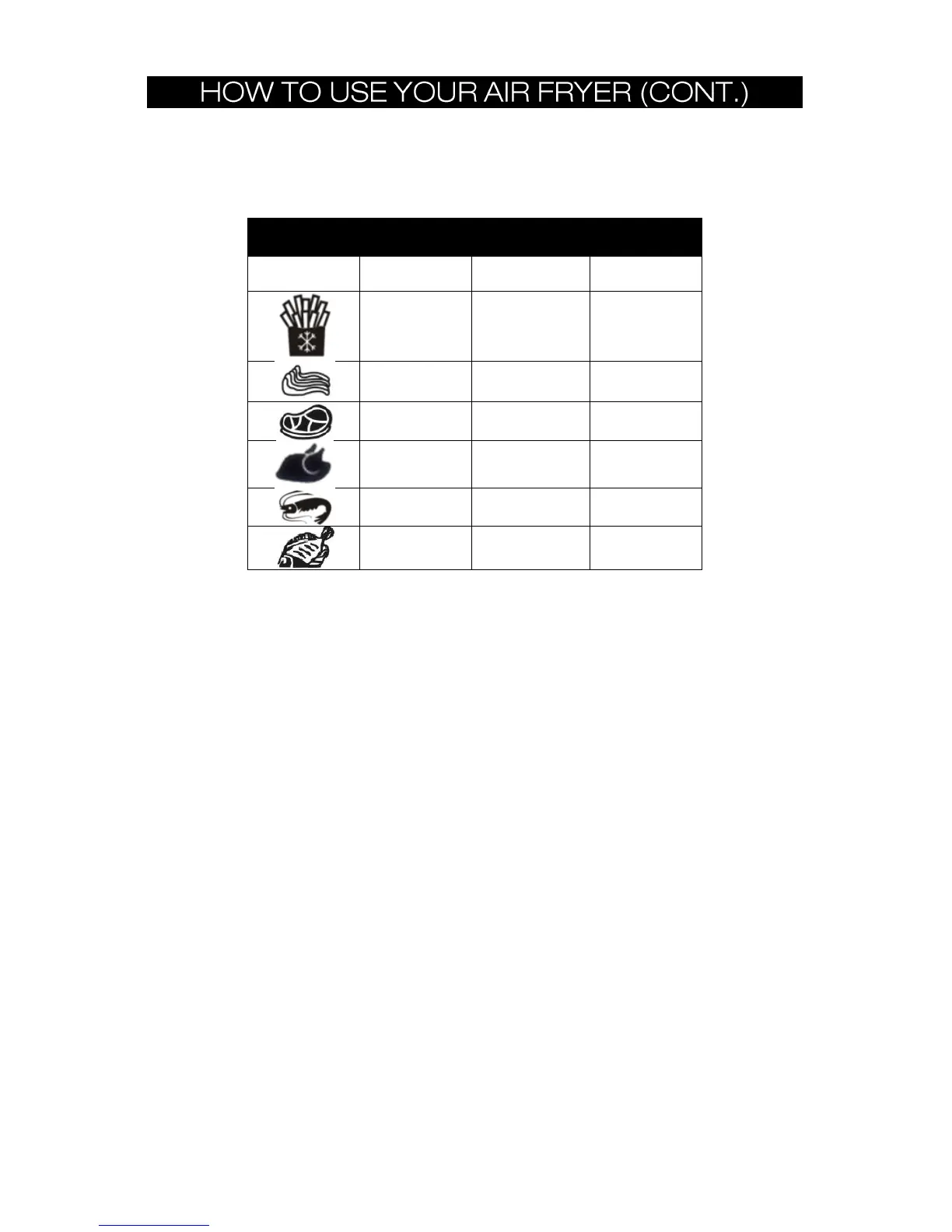
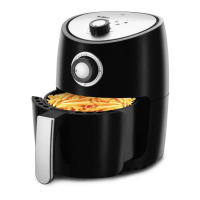
HOW TO SELECT A QUICK MENU FUNCTION:
QUICK MENU CHART
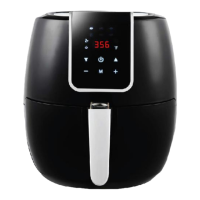
1. Plug Power Cord (9) into an electrical outlet.
2. Press and hold the POWER button for 3 seconds to unlock, you will hear a beep and the
LED screen will illuminate. The Digital Display will default to 392°F.
IMPORTANT: If programming is left idle, the unit will begin operation automatically
using the settings displayed on the screen. (Refer to TIP #1).
TIP #1: At any time during cooking, the temperature and time can both be adjusted
using the appropriate buttons. There is no need to tap the START button after adjusting
the time and/or temp.
TIP #1: It is recommended to preheat the air fryer on empty at 365°F for 3 min. if the
appliance is cold. The initial 15 minutes of use may result in minimal smell and smoke.
This is normal and harmless and comes from the protective substance applied to the
heating elements during manufacturing.
3. Press the (M) button to cycle through the 6 different Menu functions. Default Menu
Temperatures and Times will appear.
4. To select desired Menu function, tap the START Button to begin cooking.
NOTE: The initial 15 minutes of use may result in minimal smell and smoke. This is
normal and harmless and comes from the protective substance applied to the heating
elements during manufacturing.
CANCELING A SELECTION:
1. To CANCEL any programmed selection, simply tap the POWER button to cancel the
selection.
2. To change a selection, simply press the (M) button to cycle through the other Menu
functions.
NOTE: Tap START button after changing a setting during the cooking process to resume
cooking.


 To Next Page