EasyManua.ls Logo

Elmo 16-CL - Page 57

Elmo 16-CL
76 pages
Print Icon
To Next Page IconTo Next Page
To Previous Page IconTo Previous Page
Loading...
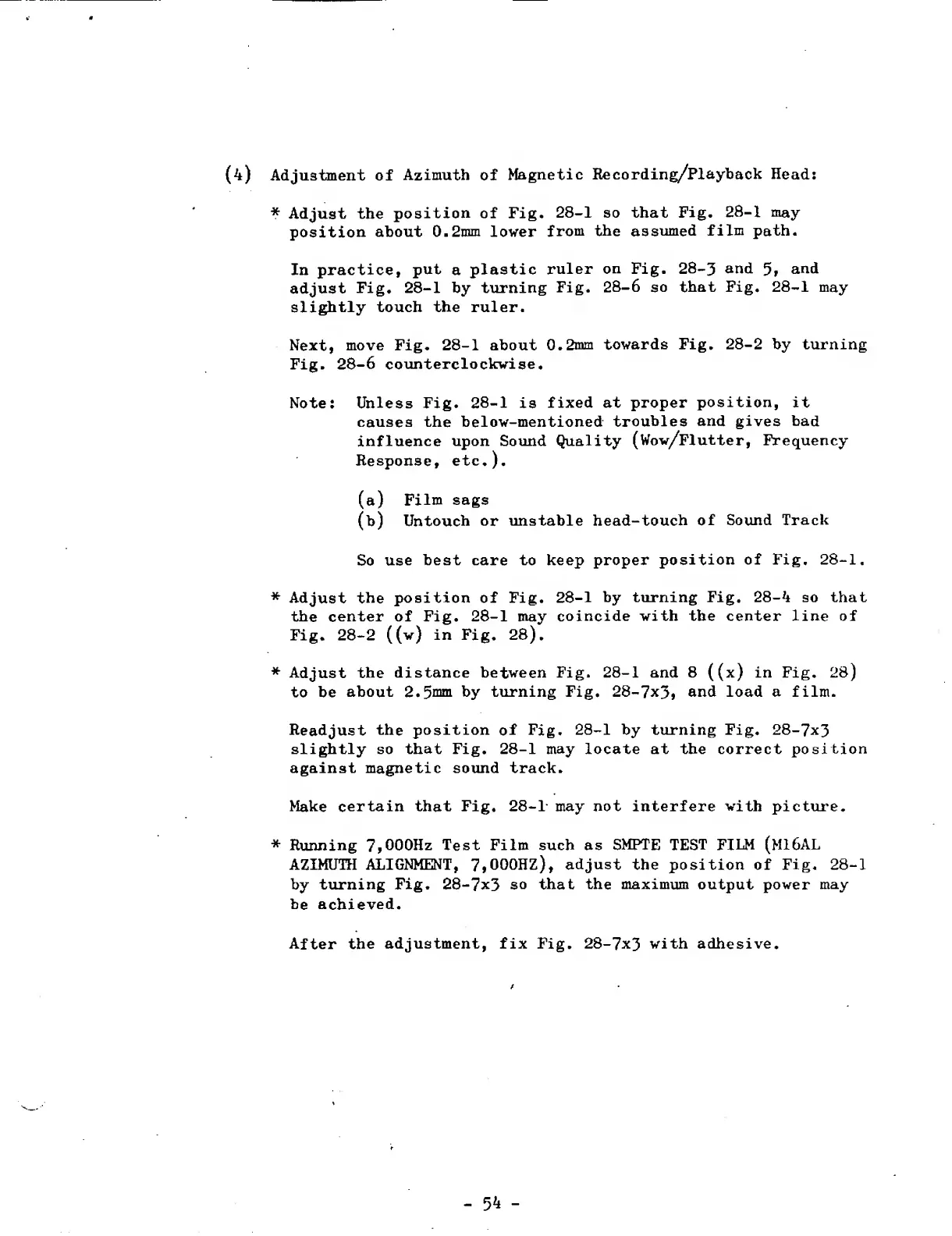
(4)
Adjustment
of
Azimuth
of
Magnetic
Recording/Playback
Head:
*
Adjust
the
position
of
Fig.
28-1
so
that
Fig.
28-1
may
position
about
0.2mm
lower
from
the
assumed
film
path.
In
practice,
put
a
plastic
ruler
on
Fig.
28-3
and
and
adjust
Fig.
28-1
by
turning
Fig.
28-6
so
that
Fig.
28-1
may
slightly
touch
the
ruler.
Next,
move
Fig.
28-1
about
0.2mm
towards
Fig.
28-2
by
turning
Fig.
28-6
counterclockwise.
Note:
Unless
Fig.
28-1
is
fixed
at
proper
position,
it
causes
the
below-mentioned
troubles
and
gives
bad
influence
upon
Sound
Quality
(Wow/Flutter,
Frequency
Response,
etc.).
(a)
Film
sags
(b)
Untouch
or
unstable
head-touch
of
Sound
Track
So
use
best
care
to
keep
proper
position
of
Fig.
28-1.
*
Adjust
the
position
of
Fig.
28-1
by
turning
Fig.
28-4
so
that
the
center
of
Fig.
28-1
may
coincide
with
the
center
line
of
Fig.
28-2
((w)
in
Fig.
28).
*
Adjust
the
distance
between
Fig.
28-1
and
8
((x)
in
Fig.
28)
to
be
about
2.5mni
by
turning
Fig.
28-7x3>
and
load
a
film.
Readjust
the
position
of
Fig.
28-1
by
turning
Fig.
28-7x3
slightly
so
that
Fig.
28-1
may
locate
at
the
correct
position
against
magnetic
sound
track.
Make
certain
that
Fig.
28-1
may
not
interfere
with
picture.
*
Running
7,000Hz
Test
Film
such
as
SMPTE
TEST
FILM
(M16AL
AZIMUTH
ALIGNMENT,
7»000HZ),
adjust
the
position
of
Fig.
28-1
by
turning
Fig.
28-7x3
so
that
the
maximum
output
power
may
be
achieved.
After
the
adjustment,
fix
Fig.
28-7x3
with
adhesive.
-
54
-

Related product manuals