User Manual: 1002L, 1502L, 2002L
UM600012 Rev F, Page 4 of 24
Chapter 1: Introduction
Product Description
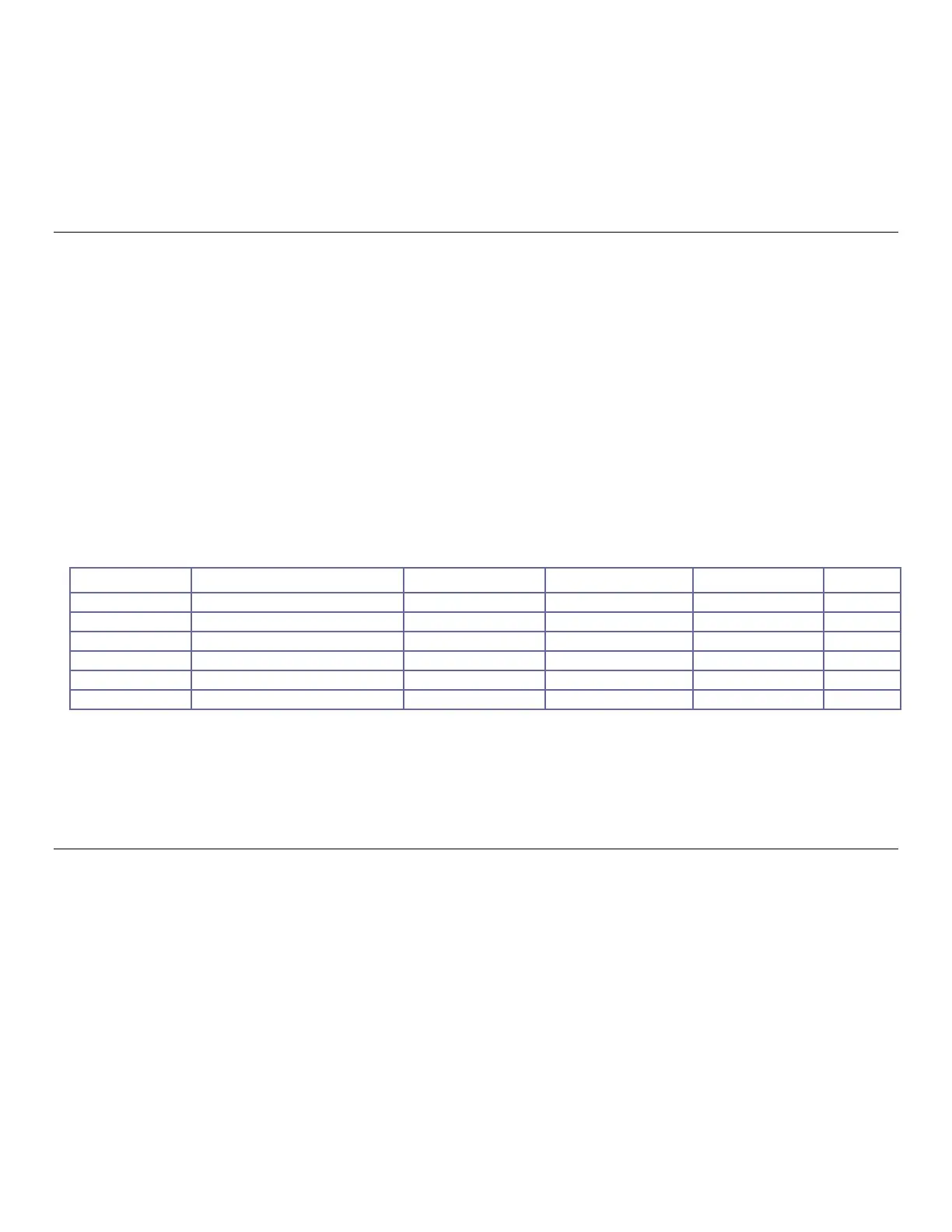
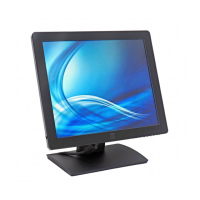
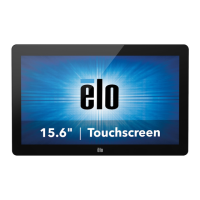
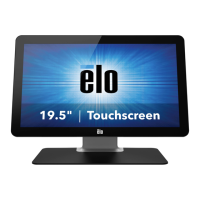
Your new touchmonitor combines the reliable performance of Elo Touch Solutions touch
products with the latest developments in touch technology and display design. This combination
of features creates a natural flow of information between the user and the touchmonitor.
This touchmonitor incorporates a 16.2M color, active matrix thin film transistor LCD panel to
provide high quality display performance. Its LED backlight significantly reduces power
consumption and eliminates mercury (compared to CCFL-backlit panels). Other features that
enhance this LCD monitor’s performance are Plug & Play compatibility, on-screen display
(OSD) controls, and a family of optional peripherals including magnetic stripe reader (MSR) and
near field communication reader (NFC)
Precautions
Follow all warnings, precautions and maintenance as recommended in this user manual to
maximize the life of your unit, to ensure user safety, and to prevent risks. See the Safety &
Maintenance chapter for more information.
This manual contains information that is important for the proper setup and maintenance of the
unit. Before setting up and powering on your new touchmonitor, read through this manual,
especially the Installation, Mounting, and Operation chapters.


 To Next Page