EasyManua.ls Logo

Eloma Joker T - User Manual

Default Icon
48 pages
Print Icon
To Next Page IconTo Next Page
Loading...
Operation Manual
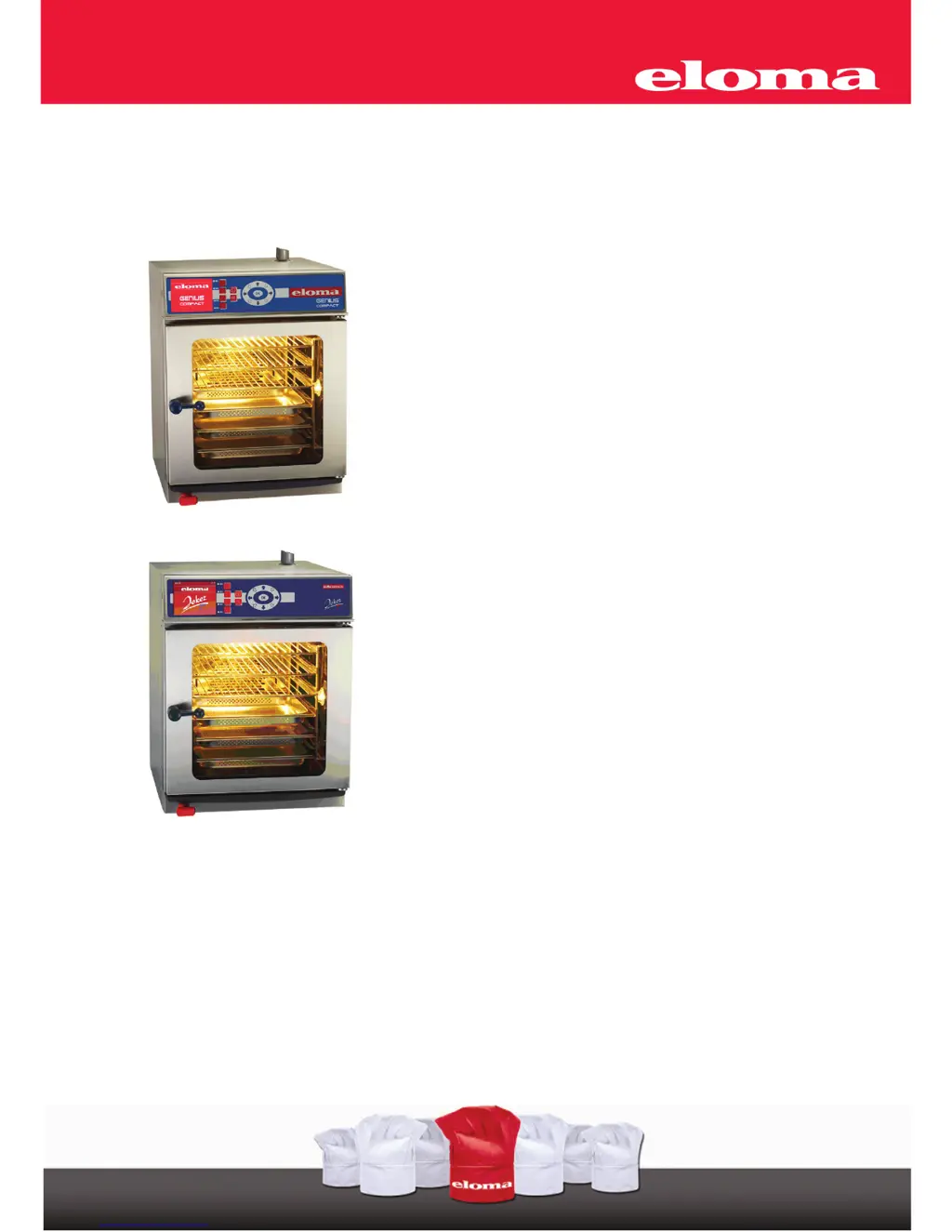
Combi-Steamer
GENIUS Compact
Combi-Steamer
Joker T

Table of Contents

Other manuals for Eloma Joker T

Questions and Answers

Summary

Pictograms and Symbols Used

Safety Information and Precautions

Control Panel and Functional Description

Control Panel Genius compact, Joker T

Details the components and labels on the control panel.

Operation with Scout

Describes how to use the Scout feature for operation.

Manual Operation Overview

Outlines the steps for operating the appliance manually.

Start-up in Manual Operation

Manual Input Procedures

Explains how to input cooking parameters manually.

Manual Operation: Single Step Input

Details manual operation for a single cooking step.

Manual Operation: Two-Step Input (Steptronic)

Guides manual operation with two sequential cooking steps.

Manual Operation: Multi-Step Input (Steptronic)

Explains manual operation for multiple cooking steps.

Displaying Actual Situation (Steptronic)

Shows how to monitor the current state of a cooking program.

Displaying Actual Values (Steptronic)

Describes how to view real-time cooking parameters.

Additional Functions in Manual Operation

Covers extra features available for manual cooking programs.

Delay Start Programming: Manual Input

Explains how to schedule a manual program to start later.

Cooking Procedures

Program Storage and Management

Saving Cooking Programs

Details the process for saving custom cooking programs.

Editing Program Names

Guides on naming saved programs using suggestions.

Modifying Program Numbers

Explains how to reassign program numbers.

Marking Programs as Favorites

Describes how to mark programs for quick access.

Adding Program Information

Instructions on adding supplementary information to saved programs.

Deleting a Program

Steps to remove saved cooking programs.

Copying a Program

How to duplicate existing cooking programs.

Starting Programs from the List

Guide to selecting and running programs from the main list.

Starting Programs from Favorites

Describes how to run programs marked as favorites.

Delayed Program Start Operation

Explains how to set a delayed start for any program.

Menu Groups in Automatic Operation

Selecting and Starting Programs via Menu Group

Guide to selecting programs from a specific menu group.

Picto Operation Mode

Describes a simplified program selection method using pictograms.

Special Programs Overview

Regenerating Program

Details the procedure for the Regenerating special program.

LT-Cooking (Low Temperature)

Explains the low-temperature cooking process.

Cook & Hold Program

Describes the program for cooking and holding food.

Delta-T Cooking

Details the Delta-T cooking method.

Baking Program

Instructions for the baking function.

Combi Cooking Functionality

Preheat, Cool Down, and Active Temp

Active Temp as First Step in Multi-Stage Program

Using Active Temp as an initial program step.

Manual Preheat Function

Describes how to manually activate the preheat function.

HACCP Data Logging

Serial Interface Connection Cable

Details on connecting printers or devices via serial interface.

Printing Recorded Cooking Processes

How to select and print cooking logs.

Special Programs and Setup Options

Weekly Program Scheduling

Setting up programs to run automatically on specific days/times.

Appliance Setup and Configuration

Configuration options for the appliance.

Cleaning the Cooking Chamber

Automatic Self-Cleaning (Autoclean)

Guide to using the automatic cleaning function.

Delayed Autoclean Start

How to schedule the automatic cleaning process.

Printing Autoclean Protocols

Printing logs of past cleaning cycles.

Manual Cleaning Procedure

Steps for performing manual cleaning of the cooking chamber.

Operational Safety Hints

Communication and Connectivity

Starting ProConnect Communication

Steps to initiate communication with a PC.

Connection to Kitchen Control Systems (KCS)

Details on connecting to KCS.

Error Handling and Troubleshooting

Error Display Interpretation

Explains how errors are shown on the display.

Error Message Codes

Lists error codes and their descriptions.

Troubleshooting Common Issues

Provides solutions for common operational problems.

Proper Appliance Turn-off Procedure

Instructions on how to properly shut down the appliance.

General Cleaning and Maintenance

Eloma Joker T Specifications

General IconGeneral
CategoryKitchen Appliances
TypeCombi Steamer
Capacity6 x 2/3 GN
Temperature Range30°C to 300°C
ControlElectronic
MaterialStainless Steel

Related product manuals