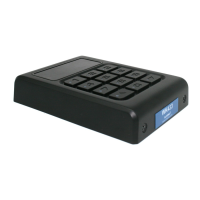
Once the keypad code is programmed, the keypad needs to be programmed to the receiver.
Programming the keypad to the receiver
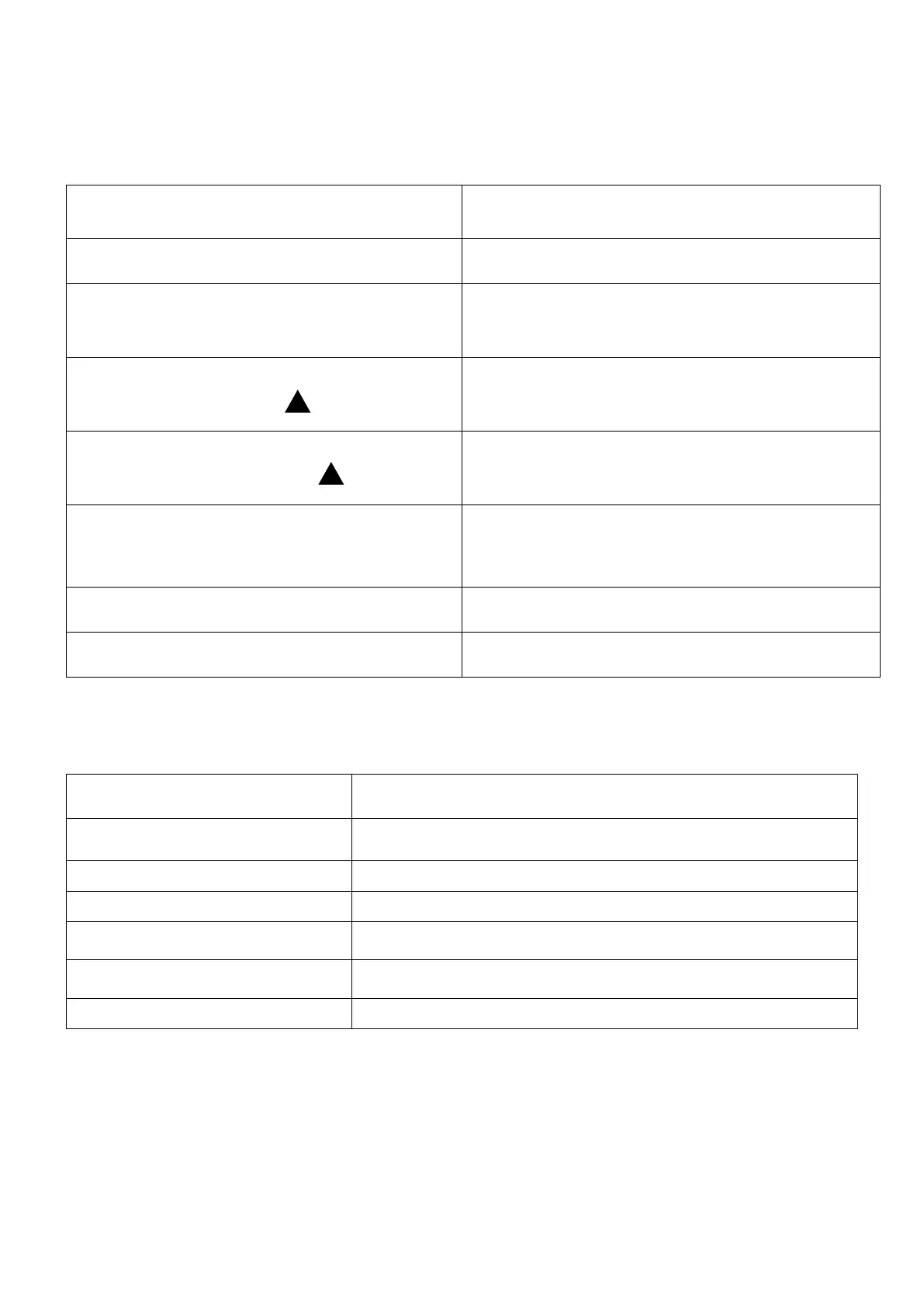
1. Connect power to the receiver
Red LED will blink once and then turns OFF
2. Press and release the learn button on
the receiver
Red LED comes ON and stays ON
3. Type the code combination on the
keypad and press
4. Type the code combination again on
the keypad and press
Red LED blinks fast for 3seconds and turns
OFF
Deleting the Keypad from the
receiver
Press and hold the learn button for 10sec
Red LED turn On and stays ON
Technical Data for the receiver
30mA standby, 70mA with relay ON
Operating Temperature Range
Change over relay output, rated at 1A at 24VDC


 To Next Page