19.
REPEAT
REP
REPEAT 1
REP
ALBUM
REPEAT
ALBUM
REP
ALL
REPEAT
ALL
RAND
PANDOMNORMAL
PLAYBACK
REPEAT ONE TRACK
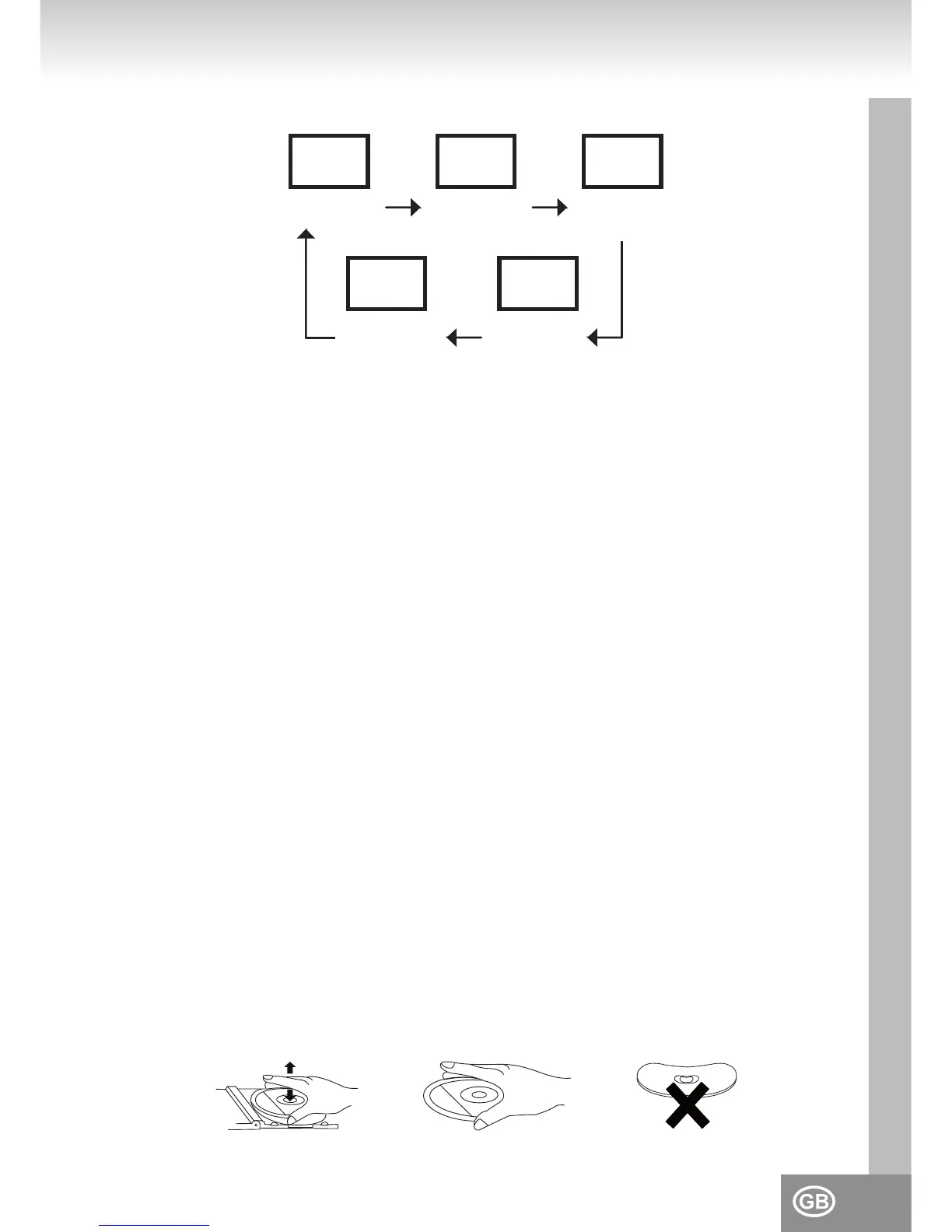
1. In the stop mode or playback mode press MODE (15) once.
2. The display shows “REP“. In the stop mode press now PLAY / PAUSE (19) for playback or SKIP +
(16) or SKIP - (17) to select a track. Now the selected track will be repeated constantly. With SKIP +
(16) or SKIP - (17) another track can be selected (see SELECTION OF A DIFFERENT TRACK)
3. Press STOP (13) or MODE (15) to stop the repeat function and return to normal playback mode.
REPEAT ONE ALBUM / FOLDER (ONLY MP3)
1. In the stop mode or playback mode press MODE (15) twice.
2. The display shows “REP ALBUM“. In the stop mode press now PLAY / PAUSE (19) for playback.
Now the selected album will be repeated constantly. With SKIP + (16), SKIP - (17) or ALBUM (12)
another album can be selected (see SELECTION OF A DIFFERENT ALBUM)
3. Press STOP (13) or MODE (15) to stop the repeat function and return to normal playback mode.
REPEAT ALL TRACKS (COMPLETE CD)
1. In the stop mode or playback mode press MODE (15) three times.
2. The display shows “REP ALL“. In the stop mode press now PLAY / PAUSE (19) for playback. Now
the CD will be repeated constantly.
3. Press STOP (13) or MODE (15) to stop the repeat function and return to normal playback mode.
RANDOM PLAYBACK
1. In the stop mode or playback mode press MODE (15) four times.
2. The display shows “RAND“. In the stop mode press now PLAY / PAUSE (19) for the playback of all
tracks on the CD in random order. With SKIP + (16) or SKIP - (17) another track can be selected
random (see SELECTION OF A DIFFERENT TRACK).
Note: Pressing MODE (15) ve times returns to the normal mode.
DISC CLEANING AND MAINTENANCE
Handling of CDs
* Remove the CD from its cover.
* Do not touch the surfaces.
* Do not attach stickers to CDs and do not write on them.
* Do not bend CDs.



 To Next Page