20 21
UK
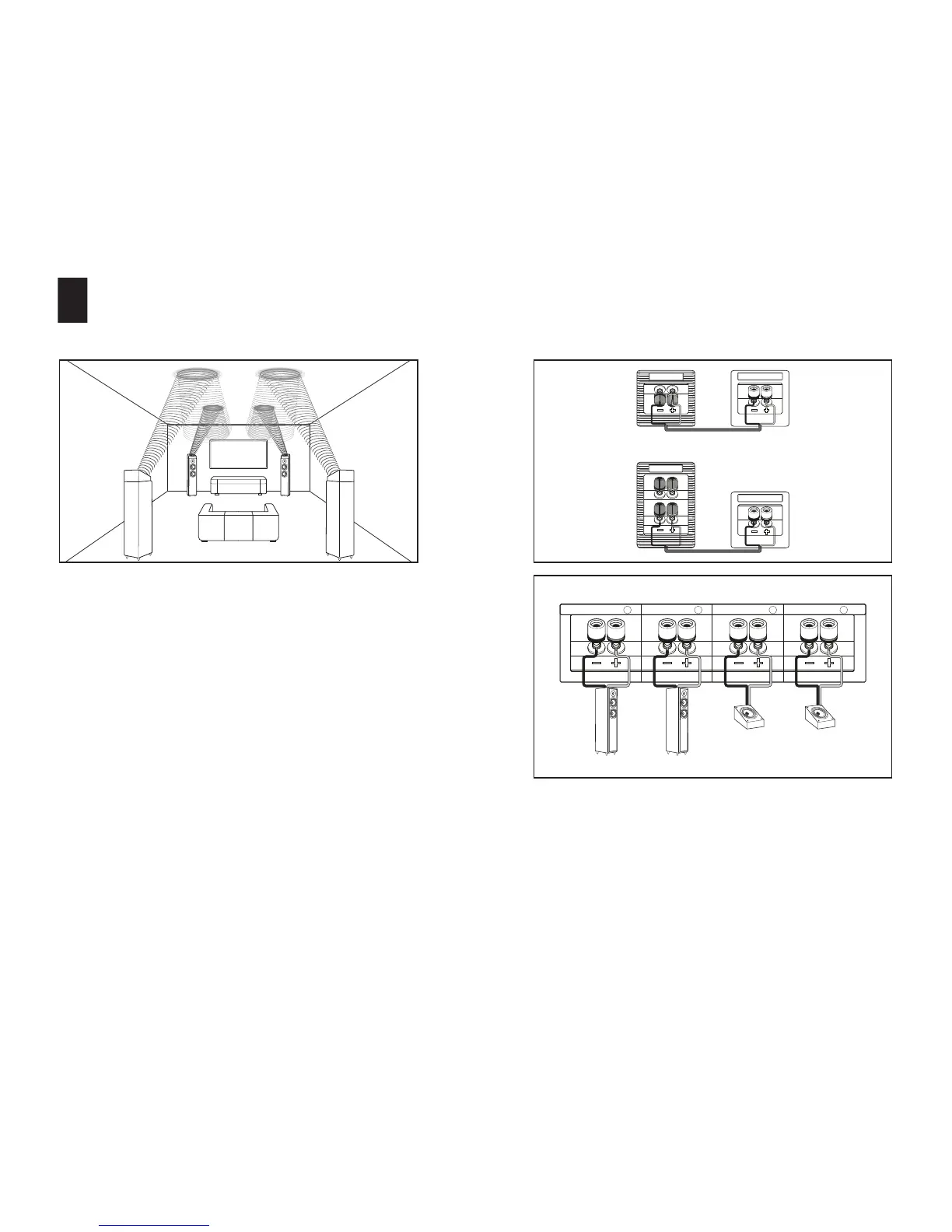
REAR SETUP OF MONITOR ATM AND IX
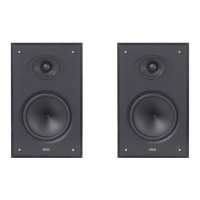
Firstly, position your Monitor IX speakers in your room. Space the speakers
25-30cm away from the walls, and turn them gradually towards your listening
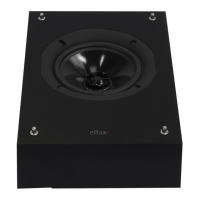
area. Then place the Monitor ATM on the oorstanding speakers.
CONNECTIONS FOR REAR MONITOR ATM AND IX
Connect the inputs of your Monitor ATM to the REAR HEIGHT
(or PRESENCE) terminals of your amplier. Then, connect the MAIN inputs of
your Monitor IX to the SURROUND terminals of your amplier.
Connect the pole “+” of the speaker (Red) to the pole “+” of the amplier, then
the pole “-” of the speaker (Black) to the pole “-” of the amplier. Please take
care to respect the left and right channels.
MONITOR IX
MONITOR ATM
REAR HEIGHT
SURROUND
SURROUND R SURROUND L REAR HEIGHT R REAR HEIGHT L


 To Next Page