Notebook Manual 31
3.2.1 For keyboard users
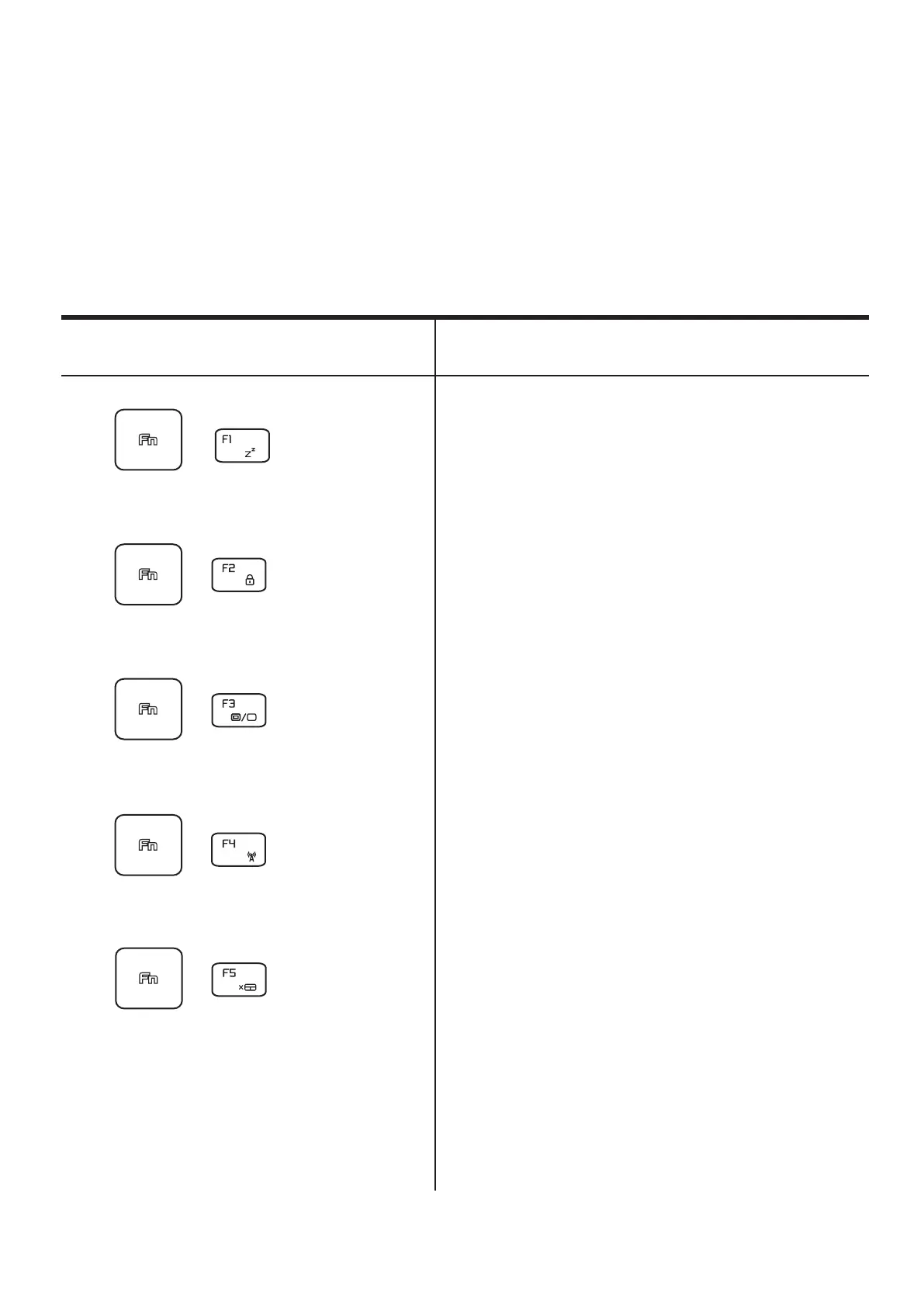
To activate these functions, press the hot key associated with
the desired function as below :
Function Keys
Function DescriptionKeypad
RADIO
On/O:
Press this key combination (Fn+F4)
to turn all radios on or o.
Display
mode:
Press this key combination (Fn+F3)
to enable Display Mode.
Touch pad
On/O:
Press this key combination (Fn+F5)
to
On/O Touch pad mode.
Suspend:
Press this key combination (Fn+F1)
to enter sleep mode.
Windows
Lock/On:
Press this key combination (Fn+F2)
to turn
Windows Lock/On .
+
+
+
+
+



 To Next Page