GB
39
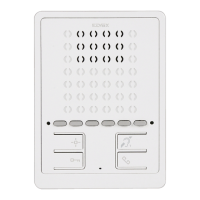
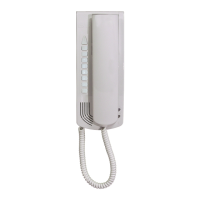
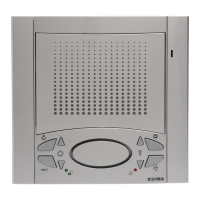
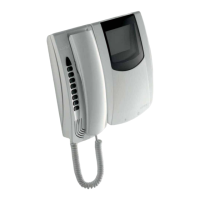
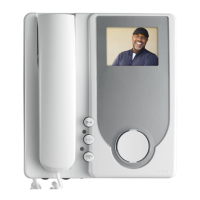
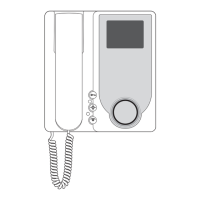
6900 series hands-free interphone for Due Fili Elvox
(Two-Wire systems)
Art. 6901, 6901/D
Description
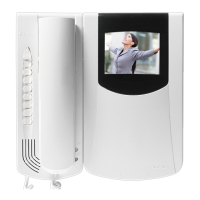
Two-channel hands-free interphone in thermoplastic material with loudspea-
ker for electronic call. Equipped with four buttons dedicated to the main
video door entry system functions: door lock release, self-start, auxiliary
services (stair light), conversation. The internal audio volume and chime vo-
lume can also be adjusted, muting with “privacy” function activated and va-
rious chimes selected. Option of setting different chimes for calls made from
different points, e.g.: outdoor entrance panel, door call, intercommunica-
ting call. With the chime muted, a red LED will signal up to 4 unanswered
calls by flashing a corresponding number of times. Speakerphone system
with hands-free mode. Green LED “door open” signal. Option of operating
up to six auxiliary functions or intercommunicating calls. Suitable for wall
mounting using screws and wall plugs, or for connection to rectangu-
lar/round junction boxes. For use in Elvox Two-Wire systems with power
supply art. 6922.
Art. 6901/D has a hearing aid function. When this function is in use, the hea-
ring aid must be set to the “T” position.
Before programming, read the instructions carefully so that you are
fully aware of all features, functions and performance options.
Technical specifications
• ABS interphone
• Surface-wall mount installation: The interphone can be installed in back
box model 503, round 60 or 70 mm back boxes or directly in the wall
using wall plugs. The circuit is connected to the cover, i.e. the removable
part, while the terminal block remains fixed to the base.
• Standard colour: white
• Two-wire Bus power supply
• Power consumption:
- in standby: 2 mA
- in standby with red LED lit steadily: 5 mA
- in standby with red and green LEDs lit: 7 mA
- maximum in-call current: 110 mA
- maximum conversation current for 6901: 100 mA
- maximum conversation current for 6901/D: 130 mA
• Option of installing up to 8 interphones with simultaneous calls.
• Operating temperature: 0° to 40°C
• Electronic chime: with diversification between entrance panel calls, in-
tercommunicating calls and door calls. There are 10 different chime me-
lodies to choose from.
• Output for additional chime art. 860A or relay art. 0170/101.
• Input for door calls with different chime from entrance panel calls.
• Dimensions: 102x142x23 mm
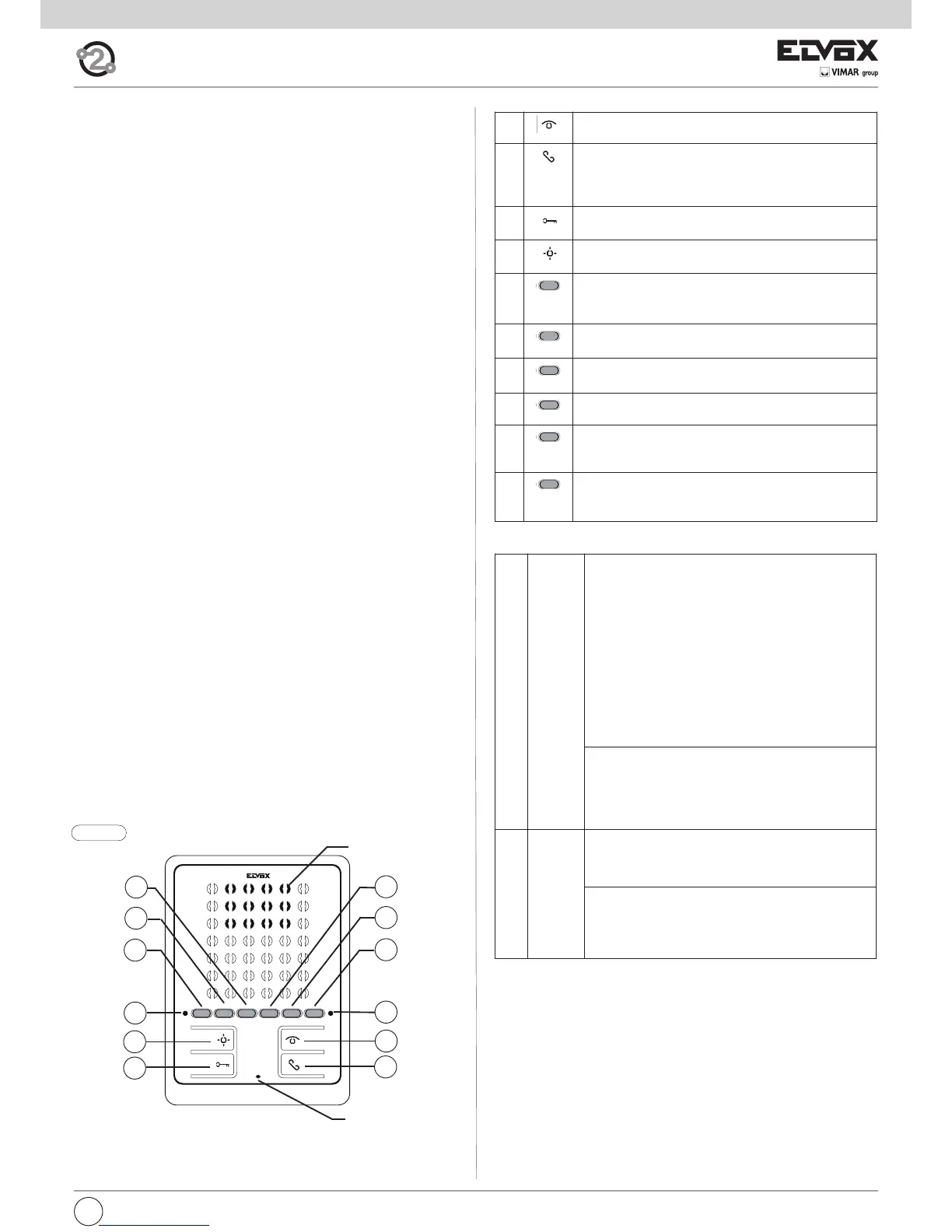
Fig. 9.1
Loudspeaker
Microphone
E5
E4
F
E6
A
B
E2
E3
G
E1
D
C
Buttons:
A Self-start: for interphone self-activation
(Master entrance panel by default).
B Talk/Listen: Activates/deactivates communication (with
hands-free operating mode by default: after call or self-
activation, press to begin conversation and press again to
end it).
C Lock: lock opening command (programming can be adju-
sted using the programmer).
D Auxiliary 1 (stair light): For auxiliary service (actuator 1 of
relay 69RH or 69PH activated by default).
E1 Button 1: Programmable button for auxiliary service acti-
vation or intercommunicating call (actuator 2 of relay 69RH
or 69PH activated by default).
E2 Button 2: Programmable button for auxiliary service acti-
vation or intercommunicating call
E3 Button 3: Programmable button for auxiliary service acti-
vation or intercommunicating call
E4 Button 4: Programmable button for auxiliary service acti-
vation or intercommunicating call
E5 Button 5: Programmable button for auxiliary service acti-
vation or intercommunicating call (entrance panel function
F1 activated by default).
E6 Button 6: Programmable button for auxiliary service acti-
vation or intercommunicating call (entrance panel function
F2 activated by default).
F Red LED during normal operation:
- Flashing light: indicates that the interphone is recei-
ving a call (from outdoor entrance panel or from inter-
communicating device).
- Steady light: chime muted.
- Steady light with active audio: indicates that a con-
versation is in progress (in “hands-free” operating
mode).
- Steady light with flashing every 10 s: when the
chime is muted and if calls have been made from the
entrance panel, the LED flashes a corresponding
number of times to indicate the number of call made
(up to 4 calls are logged). The log is reset when the
chime volume is restored.
during programming:
- Flashing light: indicates that programming is under-
way.
- Steady light: indicates that programming is under-
way and that communication with the entrance panel
is in progress.
G Green
LED
during normal operation:
- Steady light: door open indication, if the sensor is in-
stalled in at least one entrance panel and connecting
terminals PA and M.
during adjustment:
- Flashing light: indicates that the interphone chime
volume is being adjusted or the melody selected.
- Flashing light with active audio: indicates that the
conversation volume is being adjusted.
LED indications:



 To Next Page
 Loading...