40
GB
6P6S542121
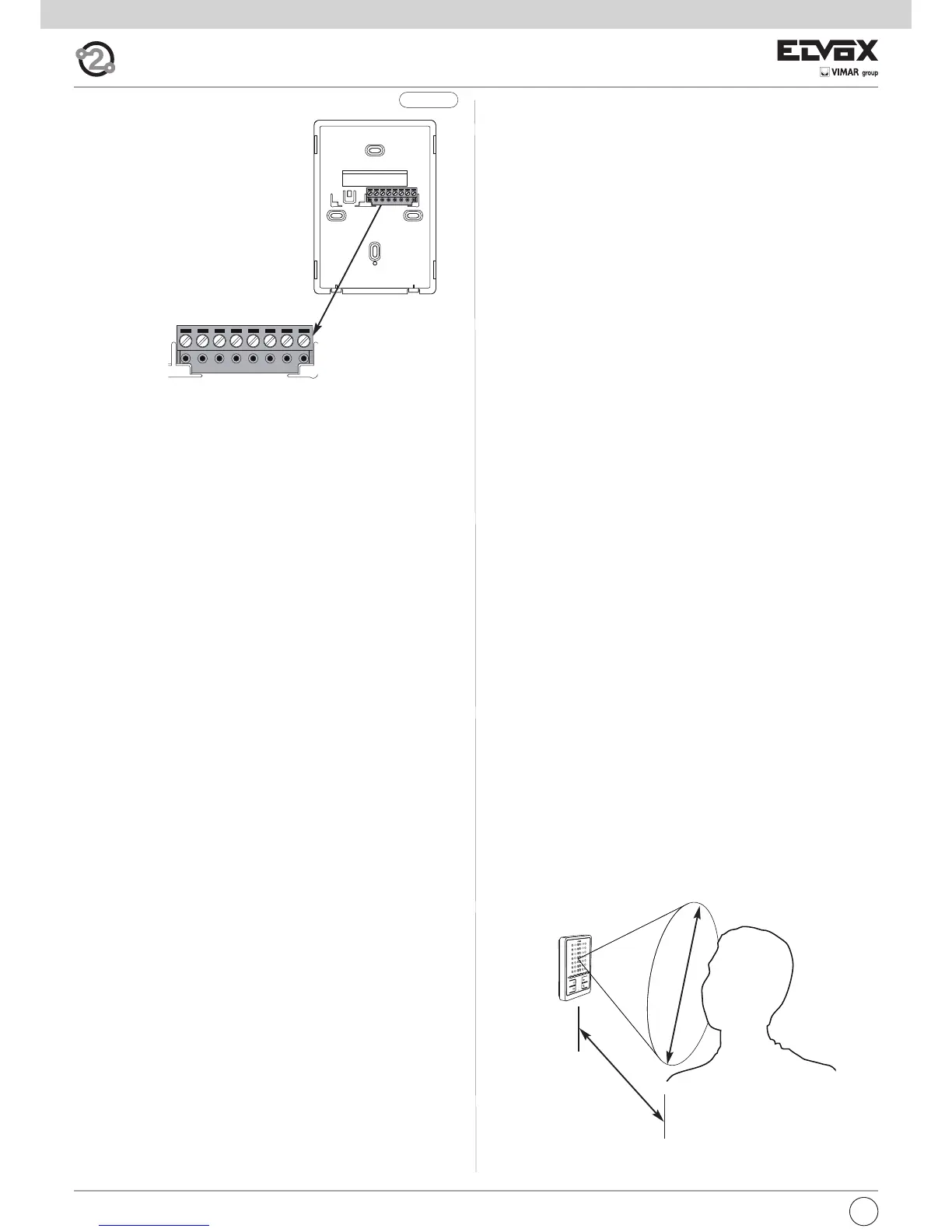
Fig. 9.2
30÷40 cm
30÷40 cm
Terminals:
1, 2 Two pairs of terminals for Two-
wire Bus
4 Earth reference
5 Additional chime wiring (Posi-
tive 12 V reference)
6S Additional chime wiring (chime
repetition)
6P Door call input (with reference to
terminal 4)
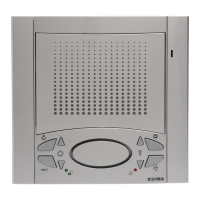
Operation
Important: For the interphone to work, the ID must have already been
programmed. To check this, press one of the interphone buttons (any but-
ton apart from speak/listen). If an ID has been assigned to the interphone,
a beep will sound when a button is pressed; if no ID has been assigned or
it has been deleted, a triple beep will sound.
Hands-free operating mode (default)
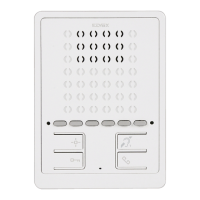
When an outdoor or intercommunicating call is received, press and re-
lease button B (speak/listen) just once to begin communication. Press but-
ton B again to end communication.
Speak/listen operating mode
When an outdoor or intercommunicating call is received, press and hold
button B (speak/listen) to begin communication. Communication ends au-
tomatically 5 s after button B is released.
Operating times
The answer and conversation times depend on the configuration of the
corresponding entrance panel parameters (to change these times, please
refer to the electronic entrance panel unit instructions).
- Answer time (for entrance panel call): Default value 30 s
(minimum value 1 s, maximum value 255 s)
- Answer time (for intercommunicating call): 30 s (fixed value)
- Conversation time (for entrance panel call): Default value 120 s
(minimum value 10 s, maximum value 2550 s)
- Conversation time (for intercommunicating call): Default value 5 minu-
tes (adjustable; no time limit)
Answering a call
Answering a call in “hands-free” mode
A call from the outdoor entrance panel or from an intercommunicating de-
vice can be answered during the chime cycle or once it has ended. To an-
swer, press and release button B (speak/listen). The red LED indicates that
the interphone is in use. To end communication, press button B again (the
red LED switches off).
Answering a call in “speak/listen” mode
A call from the outdoor entrance panel or from an intercommunicating de-
vice can be answered during the chime cycle or once it has ended. To an-
swer, press and hold button B (speak/listen) during the entire
communication. To end communication, release button B (speak/listen);
after 5 s communication will stop.
Answering a call in “hands-free” mode with “automatic answer” fun-
ction
The “automatic answer” function is only available in “hands-free” mode.
On receipt of a call, the interphone starts communication automatically at
the end of the chime cycle; the red LED lights up steadily to indicate this.
Communication ends automatically after the set conversation time.
Receiving a door call
The interphone can receive calls from a door call button, if the latter is di-
rectly connected to terminals 4 and 6P or via interface art. 6120 (see wiring
versions).
When the door call button is pressed, the interphone emits a different tone
to the one used for outdoor entrance panel calls or intercommunicating
calls; chime cycle duration depends on the amount of time for which the
button was pressed (max. 10 s).
Making an intercommunicating call
To make a call to another indoor unit, one or more buttons must have been
programmed (see “Button programming” section). To make the call, press
the button programmed for the relevant indoor unit. During the call, the in-
terphone emits a tone in order to signal that the call is being made.
When the internal unit receiving the call answers, communication begins
automatically (the red LED lights up steadily).
Press button B to end the conversation.
If you want to end the call before it is answered, press B.
The maximum conversation duration is 5 minutes.
If the interphone is already engaged with another call, a tone will be heard
on the interphone making the call to indicate that the user receiving the
call is busy.
Lock command
Press the lock button to transmit a lock opening command to the entrance
panel (by default, the last entrance panel to make a call).
Self-start
- Self-start with dedicated button (button A):
to use the self-start function and communicate with the master entrance
panel, press and release button A. To end communication, press button
B.
- Self-start with button programmed for specified entrance panel:
to use the self-start function and communicate with a specific entrance
panel, press and release the button programmed to call that entrance
panel. Press button B to end the call.
Calling a porter switchboard
To call a porter switchboard (where fitted): press and release button B; the
green LED will flash for a few seconds. Press button C (lock) at this stage
to make the call.
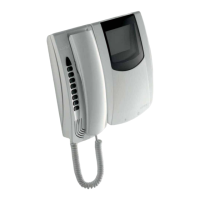
Hearing aid function (art. 6901/D only)
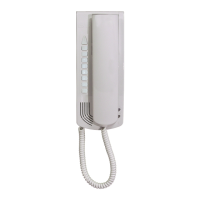
Art. 6901/D has an internal coil which allows hearing aid wearers to use
the device. In this operating mode, the hearing aid must be switched to
the “T” position.
For correct chime reception, the user should stand in front of the inter-
phone, so that the hearing aid is within the magnetic field created by the
interphone, as shown in the figure.
Note: any metal objects or electronic equipment nearby may compromise the
quality of the sound received by the hearing aid.



 To Next Page
 Loading...