3
2
1
11
10
8
7
0
9
65
Warp
Drive
30
20
10
Wet
100
80
70
Dry
90
6050
%
Mix
DISCRETE CLASS-A
STEREO SATURATOR
KARACTER
3
2
1
11
10
8
4
0
9
65
Warp
Drive
30
20
10
Wet
100
80
40
Dry
90
6050
%
Mix
7
Control Voltage
The Drive and Mix parameters can be modulated or automated with an
external Control Voltage (abbreviated CV). The special signals needed for
this are typically provided by analog synthesizers or specialized products
for generating control voltages.
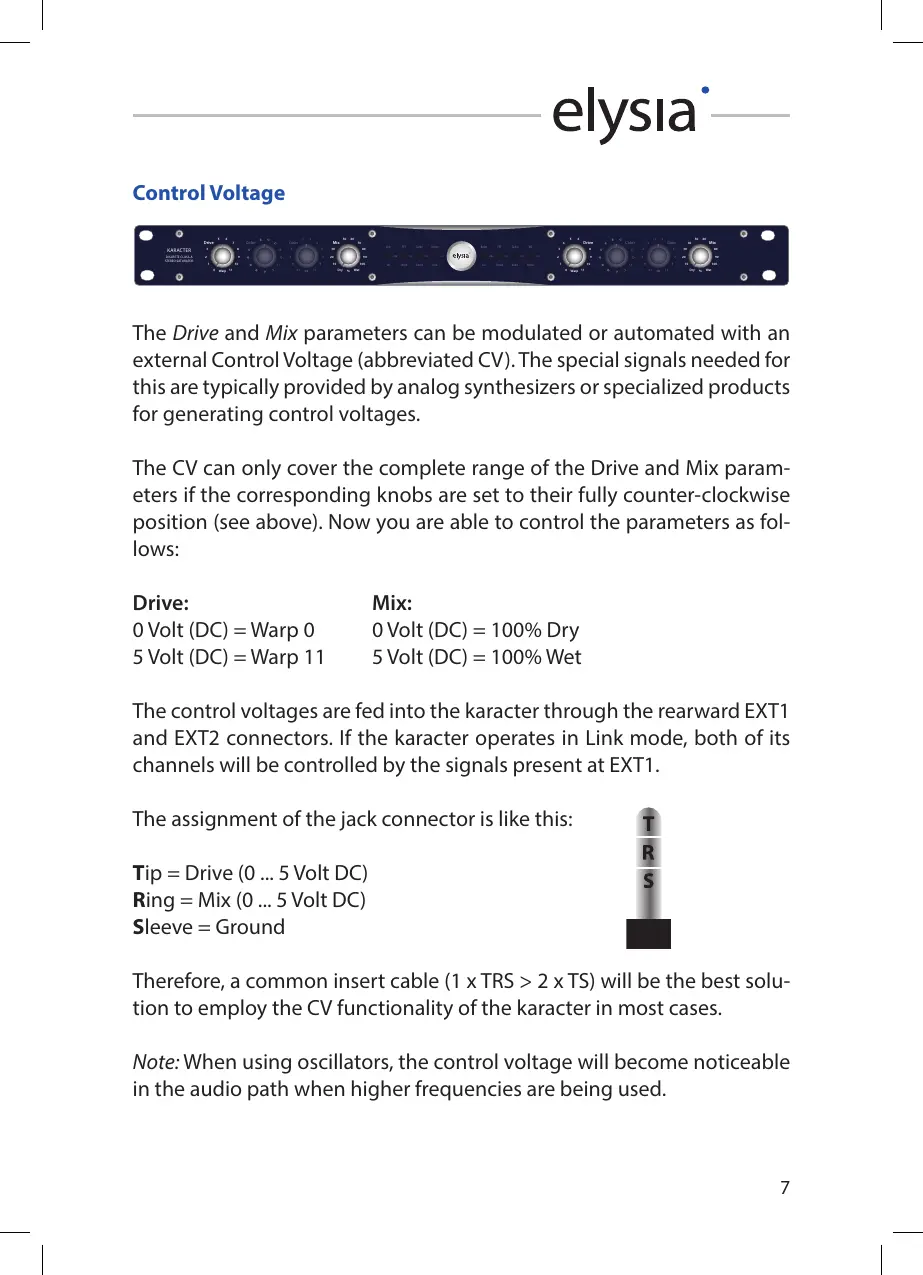
The CV can only cover the complete range of the Drive and Mix param-
eters if the corresponding knobs are set to their fully counter-clockwise
position (see above). Now you are able to control the parameters as fol-
lows:
Drive: Mix:
0 Volt (DC) = Warp 0 0 Volt (DC) = 100% Dry
5 Volt (DC) = Warp 11 5 Volt (DC) = 100% Wet
The control voltages are fed into the karacter through the rearward EXT1
and EXT2 connectors. If the karacter operates in Link mode, both of its
channels will be controlled by the signals present at EXT1.
The assignment of the jack connector is like this:
Tip = Drive (0 ... 5 Volt DC)
Ring = Mix (0 ... 5 Volt DC)
Sleeve = Ground
Therefore, a common insert cable (1 x TRS > 2 x TS) will be the best solu-
tion to employ the CV functionality of the karacter in most cases.
Note: When using oscillators, the control voltage will become noticeable
in the audio path when higher frequencies are being used.


 To Next Page