2
www.emachines.com
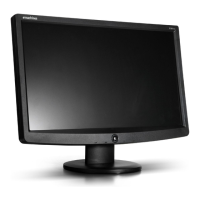
Setting up the monitor
Read all instructions before using the monitor and save them for later use. Follow all
warnings and instructions marked on the product.
To set up the monitor:
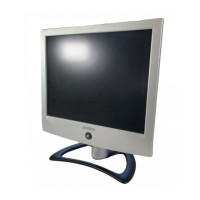
■ Attach the base
■ Connect the video and power cables
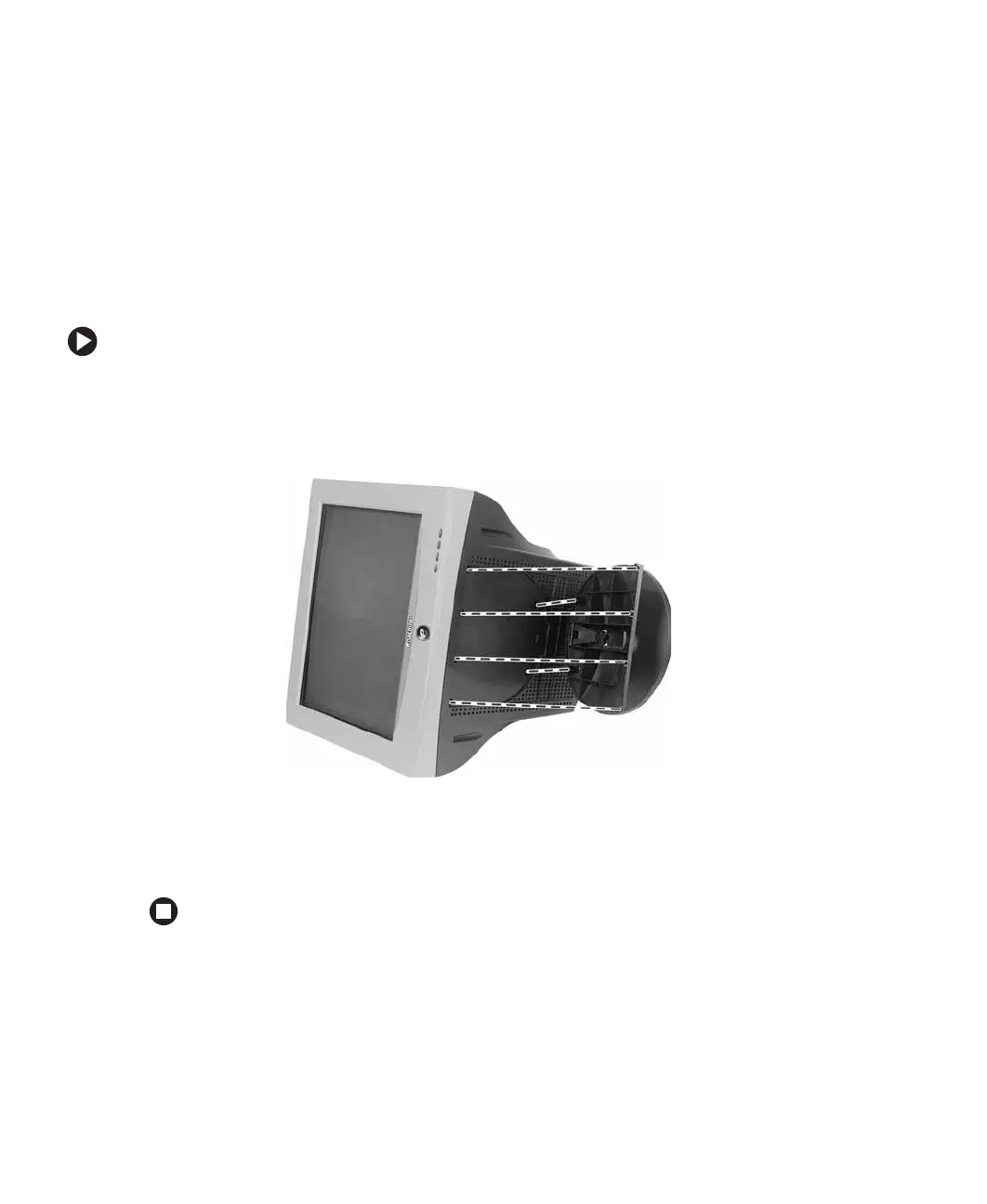
To attach the base:
1 Carefully set the monitor on its side.
2 Hold the base with the tab facing the back of the monitor and align the hooks on
the base with the corresponding slots on the bottom of the monitor.
3 Slide the base toward the front of the monitor so all hooks are securely in place. A
retaining latch built into the base clicks into place when the base is correctly attached.
4 Carefully set the monitor upright and place it on a sturdy, level surface.



 To Next Page