10
www.gateway.com
■ / (brightness)
OSD active: Press to move up through menu selections and adjust OSD options.
OSD inactive: Press to adjust the brightness.
■ / (contrast)
OSD active: Press to move down through menu selections and adjust OSD options.
OSD inactive: Press to adjust the contrast.
■ Menu
Press to view the OSD. Press again to exit or move to a previous menu.
On-screen display options
Adjusting OSD settings
To adjust the OSD settings:
1 Press the Menu button. The OSD menu opens.
2 Use the and buttons to highlight a setting, then press the Auto button to open
the selected menu or setting.
3 Use the and buttons to adjust the setting to the desired level or change
the option.
4 Press the Input button to return to a previous menu.
5 When you have finished making all adjustments, press the Menu button at the
Main Menu to exit.
Tips & Tricks
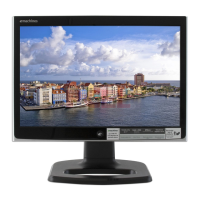
While the OSD is active, on-screen labels appear next to the buttons
to help you identify them.


 To Next Page