4
www.gateway.com
Attaching the optional stand
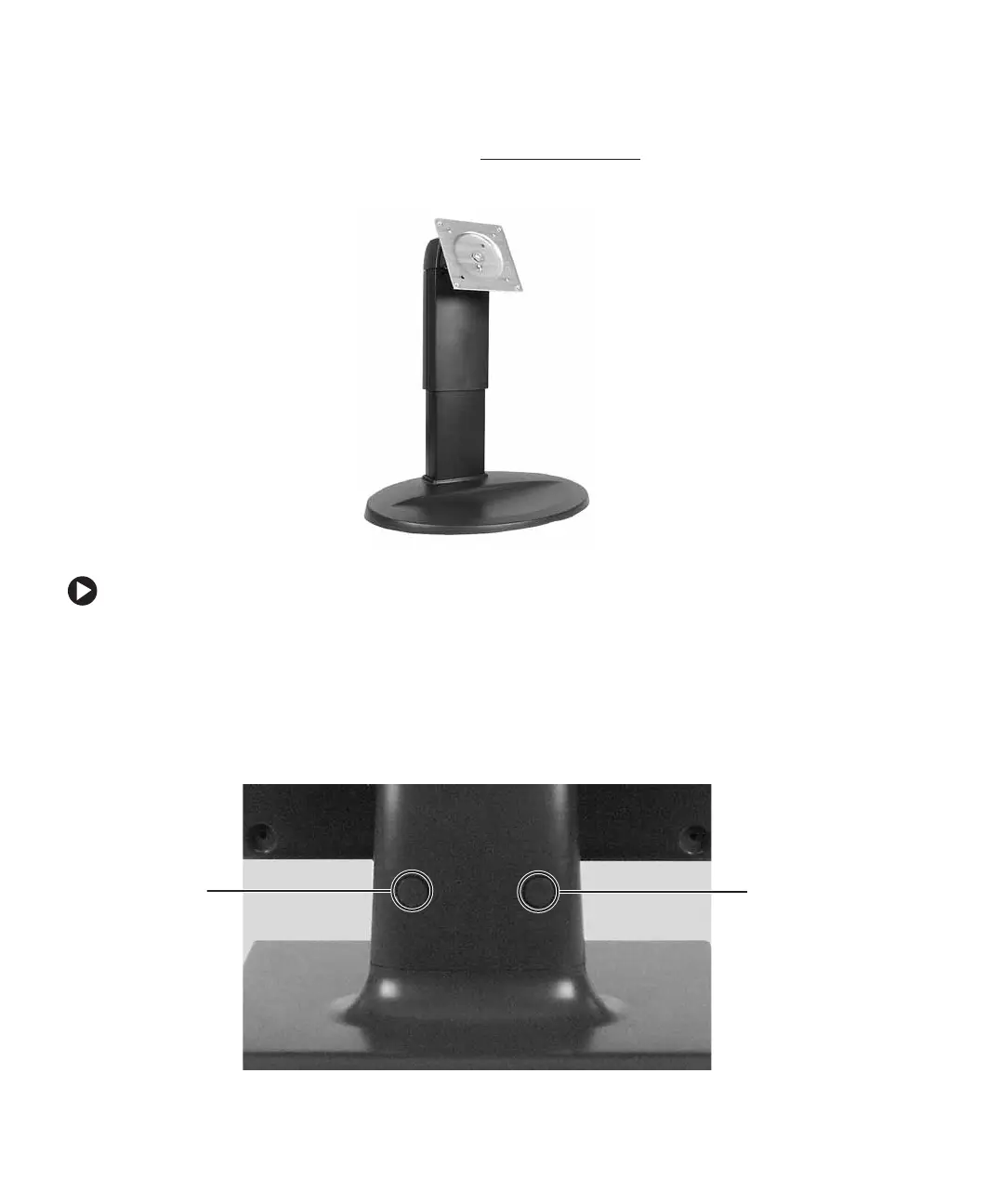
You can buy a fully adjustable stand from www.gateway.com. The stand can be adjusted
for height, tilt, pan angle, and screen rotation.
To attach the height-adjustable stand:
1 Make sure the monitor is turned off.
2 Place the monitor face-down on a soft, non-marring surface. A non-slip mat on a
tabletop is ideal. Allow the monitor base to hang down over the edge of the table.
3 Press the two release buttons on the back of the monitor’s original neck, then slide
the monitor base out of the neck.
Release
button
Release
button


 To Next Page