5
www.gateway.com
Attaching the optional stand
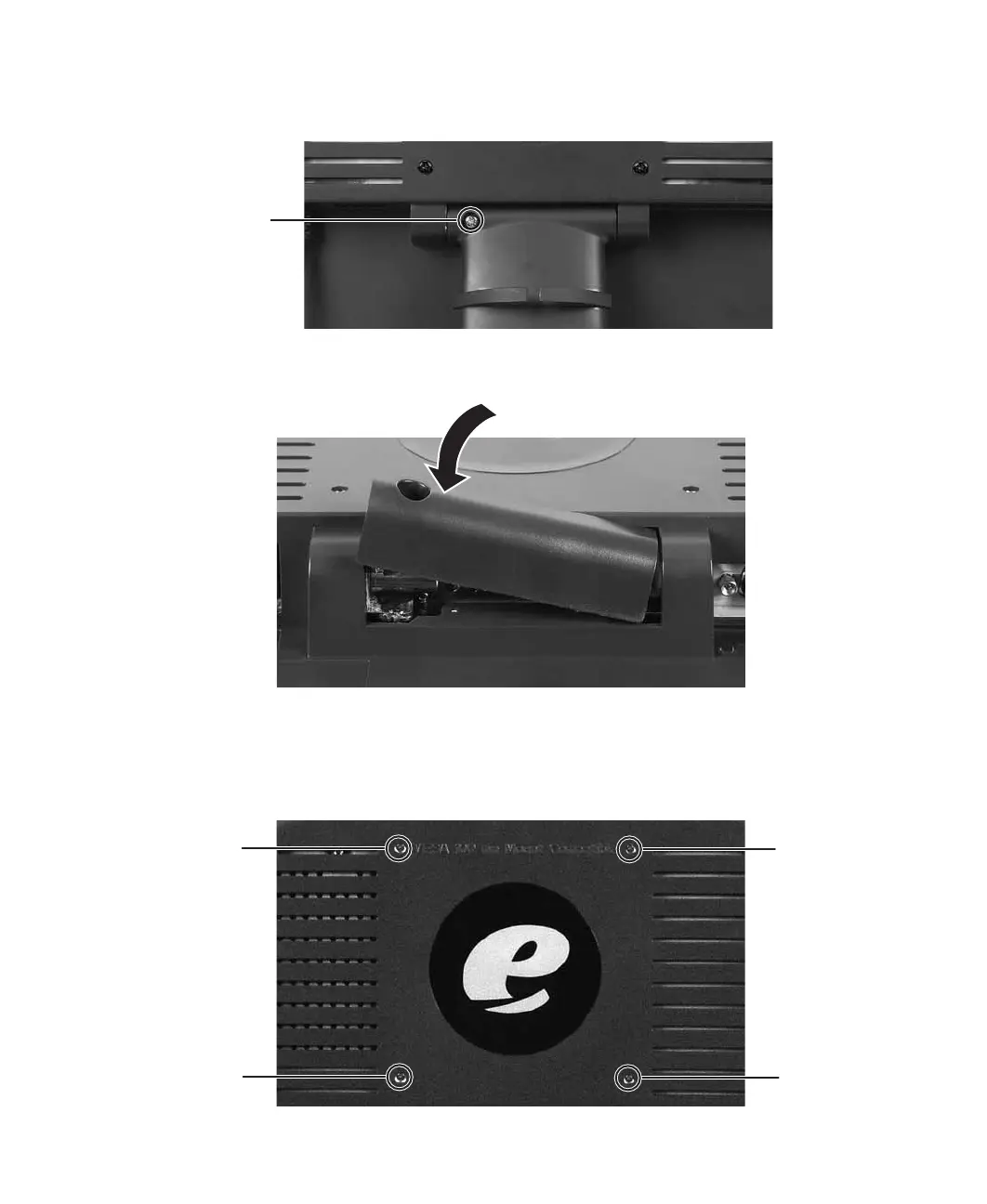
4 Remove the screw from the neck hinge, then remove the neck from the LCD panel.
Do not discard the screw.
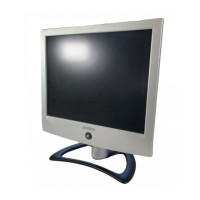
5 Place the hinge cover over the hinge.
6 Attach the hinge cover using the screw you removed from the original neck hinge.
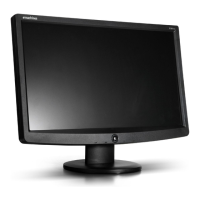
7 Remove the four small screws from the back of the LCD panel. Do not discard the
four screws.
Screw
Screw
Screw
Screw
Screw


 To Next Page