10
To save battery, you should put your tablet in sleep
mode by turning off the LCD display. To do this,
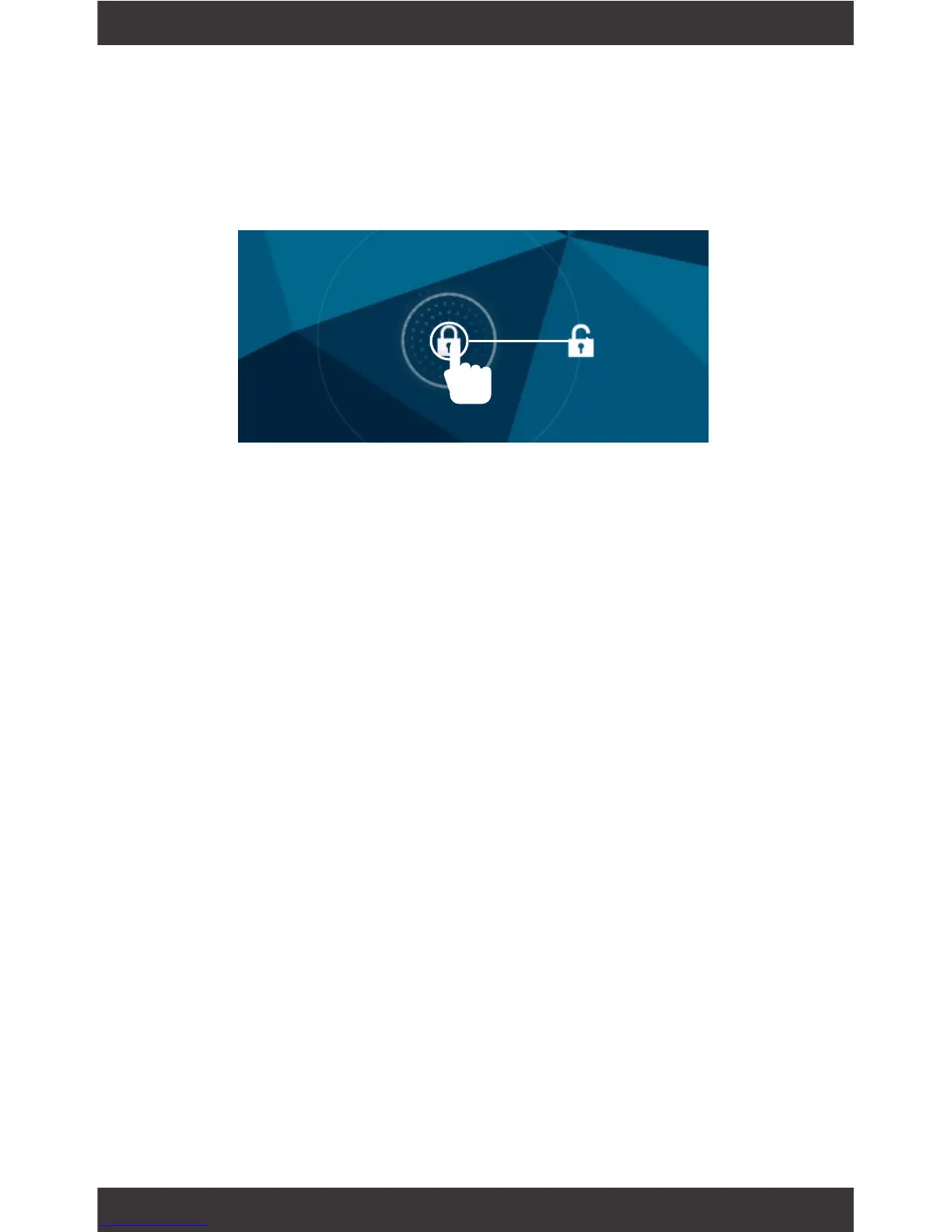
press the power key and immediately release it. Do it
again to bring up the lock screen.
Tapandholdyourngeronanyopenspaceonyour
home screen. You can choose from the built-in wall-
papers or use an image from your gallery.
Sleep Mode
Change the Wallpaper
Swipe to the right to unlock screen.



 To Next Page