16
Keyboard Settings
Input languages: Select different languages
to be included when typing.
Android Keyboard Settings: Edit keyboard
settings such as Auto-capitalization, Sound,
Auto correction, and Input methods &
styles.
Move the insertion point: Touch where you want to
type. The cursor will blink in the new position and a
blue tab will appear below it. Drag the tab to move
the cursor.
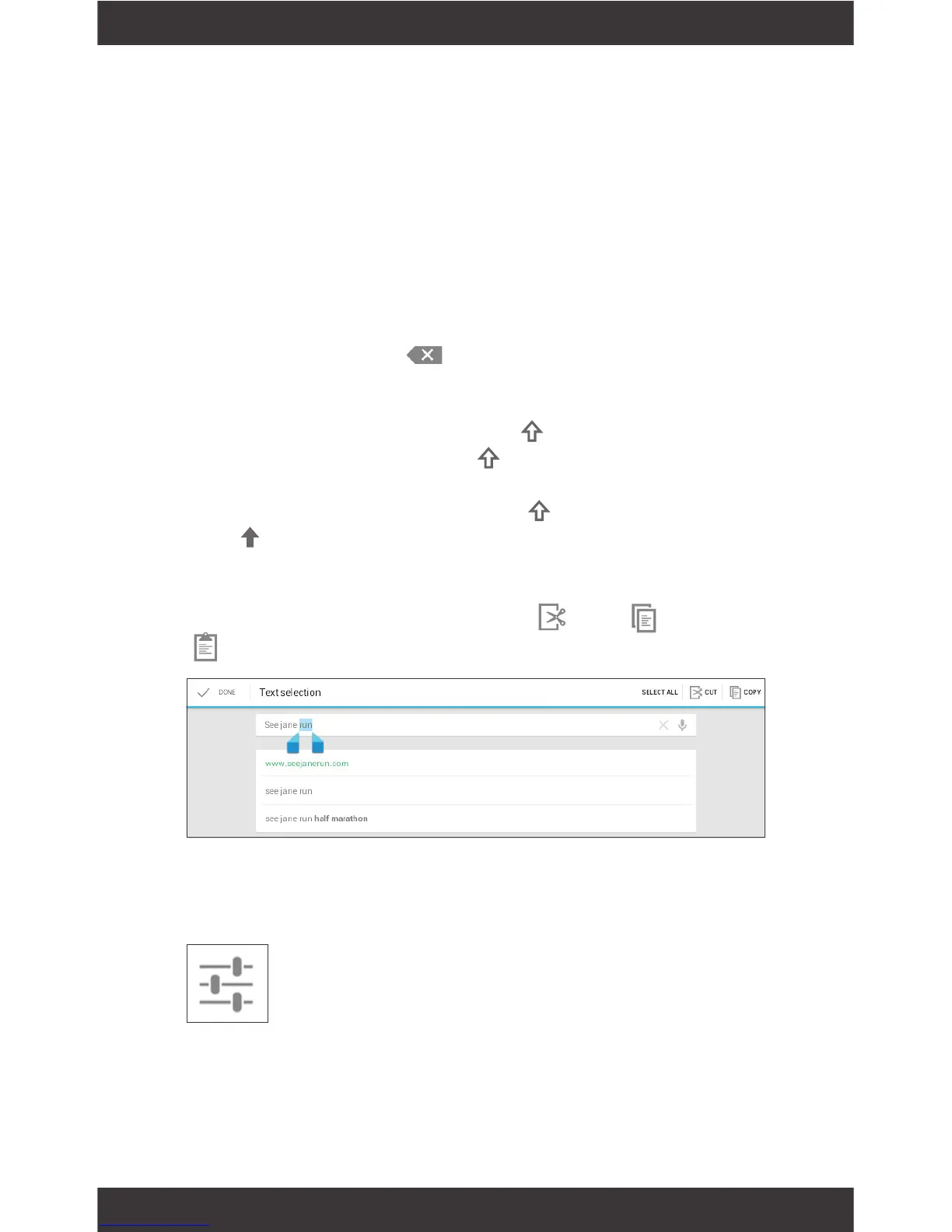
Select text: Touch & hold within the text. The nearest
word will be highlighted and blue tabs with appear.
Drag tabs to edit selection.
Delete text: Touch to delete characters or
selected text.
Insert Capital Letters: Tap the key once to insert
one capital letter. Or hold key while you type.
Turn on caps lock: Double-tap key. It will turn
into . Tap again to return to lowercase.
Cut, Copy, paste: Select the text you want to manip-
ulate. When highlighted, touch Cut, Copy, or
Paste.
Basic Editing



 To Next Page