What’s inside
Before you start
In the Box
Connecting the Desk Sign
Power
Network
Mounting the Desk Sign
Troubleshooting
Partition/Desk Mount
Wall/Glass Mount
02
03
04
05
06
04
05
06
06
Before you start
INSTALLATION GUIDE
03
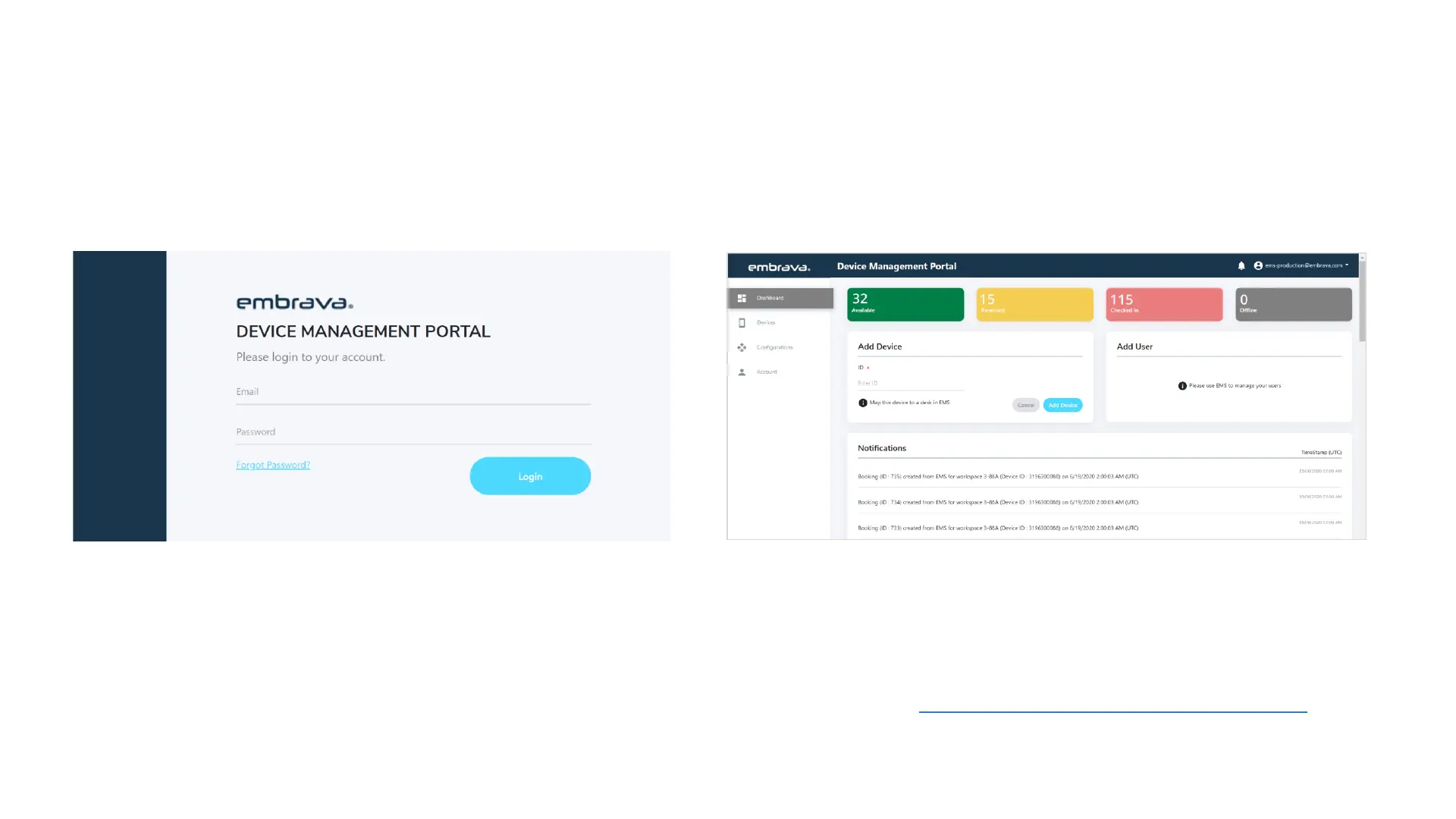
First things first, before you power on and have your Desk Sign manage a workspace you must first have registered and have
access to the Embrava Device Management System (DMS) Portal as shown below:
From within the Embrava DMS, you can connect to your specific Integrated Workplace Management System (IWMS), maps Desk
Signs to workspaces and configure your different alerts on the Desk Sign.
If you are yet to register for access to the Embrava DMS please contact support here: https://www.embrava.com/support-call


 To Next Page