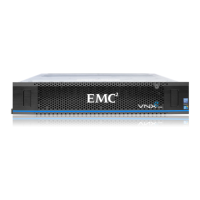
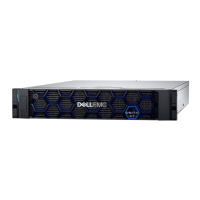
Data Domain DD with Extended Retention Software Storage System
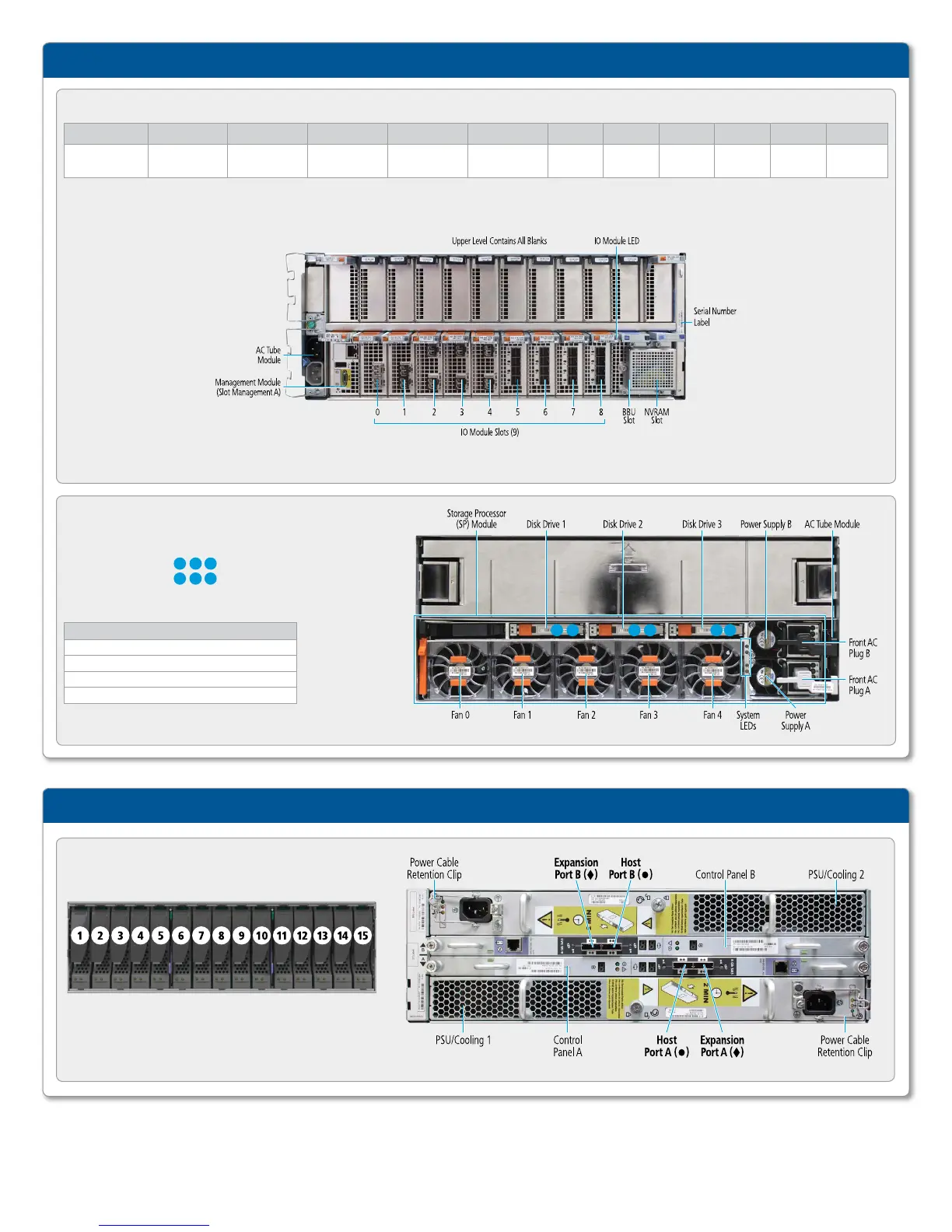
FIGURE : REAR PANEL AND INPUT/OUTPUT CONNECTIVITY
Slot MGMT A Slot 0 Slot 1 Slot 2 Slot 3 Slot 4 Slot 5 Slot 6 Slot 7 Slot 8 Slot 9 Slot 10
Management
module
FC, Ethernet
or empty
FC, Ethernet
or empty
FC, Ethernet
or empty
FC, Ethernet
or empty
Ethernet
or empty
SAS SAS SAS SAS BBU NVRAM
FIGURE : ES EXPANSION SHELF
Expansion shelf disk-drive numbering and components:
Note: Physical numbering of the disks is 0-14
while the logical numbering is 1-15.
Data Domain Expansion Shelves
FIGURE : FRONT PANEL AND DISK LOCATIONS
Hot-swappable disks
Physical location:
Logical numbering:
System Fault LED
Display Meaning
Blue Normal operation
Amber Chassis fault
Yellow Storage processor fault
White Do not remove storage processor
1 2
1.1 1.2
3
1.3
2 1.2
3 1.31 1.1


 To Next Page