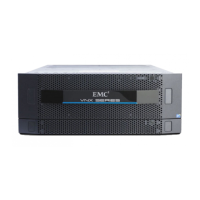
Disk-array enclosure
VNX5500 Hardware Information Guide 89
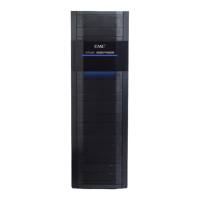
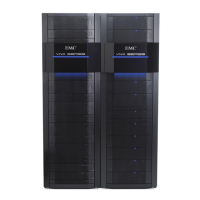
To accommodate the 4U, 60 DAE, a 40U Dense rack is required. The Dense rack is 44
inches (111.76 cm) deep. Because each DAE weighs 57.8 lb (26.28 kg) empty and 213 lb
(96.62 kg) fully loaded, a DAE interlock mechanism is provided in the Dense rack to
prevent the extension of no more than one DAE at a time.
Access to disk drives, LCCs, and cooling modules
To prevent bodily injury when mounting or servicing the 4U, 60 DAE in a Dense rack, you
must take special precautions to ensure that the DAE remains stable. The following
guidelines are provided to ensure your safety:
When lifting this DAE, always use two people and a lifting device.
For service personnel, when accessing this unit in a rack above 31U, always use an EMC
authorized step ladder.
When mounting this unit in a partially filled rack, load the rack from the bottom to the top
with the heaviest component at or close to the bottom of the rack.
If the rack is provided with stabilizing devices, install the stabilizers before mounting or
servicing the DAE in the rack. The
Replacing a DAE
document for the DAE
provides more
information.
Unlike the 2U and 3U DAEs, the 4U, 60 DAE is a drawer-type of DAE that slides in and out
of the 40U Dense rack. It is not fixed to the rack. The disk drives, LCCs, and cooling
modules for the DAE are located inside the DAE.
To gain access to the DAE, you must first, open the console, then unlock and remove the
front bezel. Next, to unlock the DAE from the rails, pull on the orange loops on each side
of the DAE (location 1 in Figure 78 on page 90). Finally, pull the orange tabs on each side
of the DAE (location 2 in Figure 78 on page 90) to slide the DAE out of the rack on its rails
until it locks into the secure service position. For complete instructions, see the
Replacing
a disk in a 60-disk enclosure
procedure.


 To Next Page