EasyManua.ls Logo

EMEET Luna - LED Status Indicator; Operating Instructions; Power On;Off; Connection

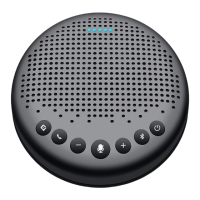
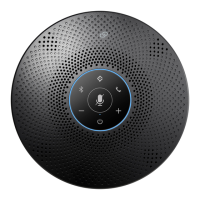
EMEET Luna
46 pages
Print Icon
To Next Page IconTo Next Page
To Previous Page IconTo Previous Page
Loading...
English 02
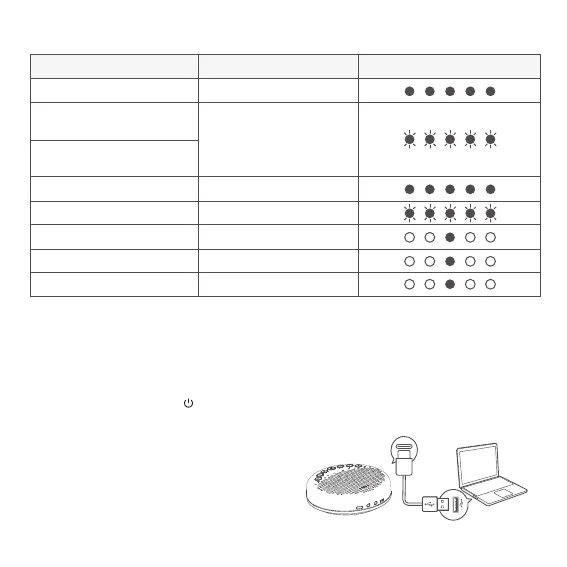
LED Status Indicator
Operating Instructions
Power On/O
Indication LightStatus
Mic Mute
Incoming call when
Bluetooth is connected
Skype for business incoming
call when USB is connected
Volume display
Battery low display
USB connection
Audio in connection
Audio out connection
Flashes green
Turns cyan
Turns cyan
Flashes red
Turns green
Turns yellow green
Turns red
Press and hold the power button “ ” for 2 seconds to power on or o.
·Note : It will automatically power o after 1 hour of inactivity.
Connection
a) After connect the device to a PC via USB, start to use it.

Related product manuals