Emerson FB2200 Flow Computer Instruction Manual
D301784X012
March 2019
96 Service and Troubleshooting
EXPLOSION HAZARD: Do not disconnect equipment unless power has been removed or the area
is known to be non-hazardous.
EXPLOSION HAZARD: Substitution of any components may impair suitability for Class I, Division
2.
EXPLOSION HAZARD: Do not replace batteries unless power has been switched off or the area is
known to be non-hazardous. Batteries must only be changed in an area known to be non-
hazardous.
There are no user-serviceable parts inside the battery pack. Do not open the battery pack as you
may damage the battery pack or injure yourself.
You need a Phillips-head screwdriver to perform this procedure.
Keep the replacement battery pack handy during the procedure.
1.
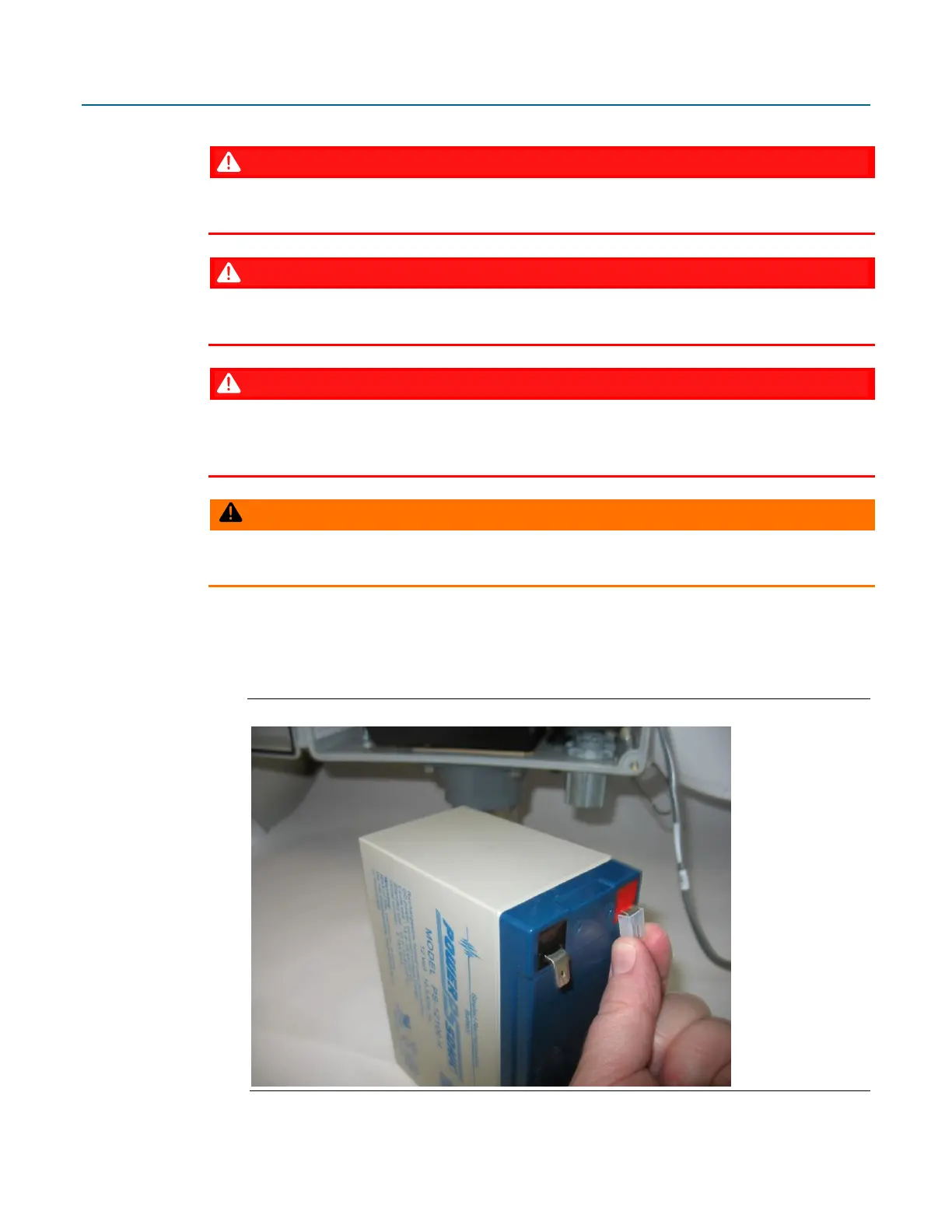
Remove the plastic tabs covering the connectors on the new battery pack.
Figure 5-6. Remove Plastic Tabs from New Battery Pack
2.
Open the enclosure.



 To Next Page