Emerson FB2200 Flow Computer Instruction Manual
D301784X012
March 2019
38 Installation
4.
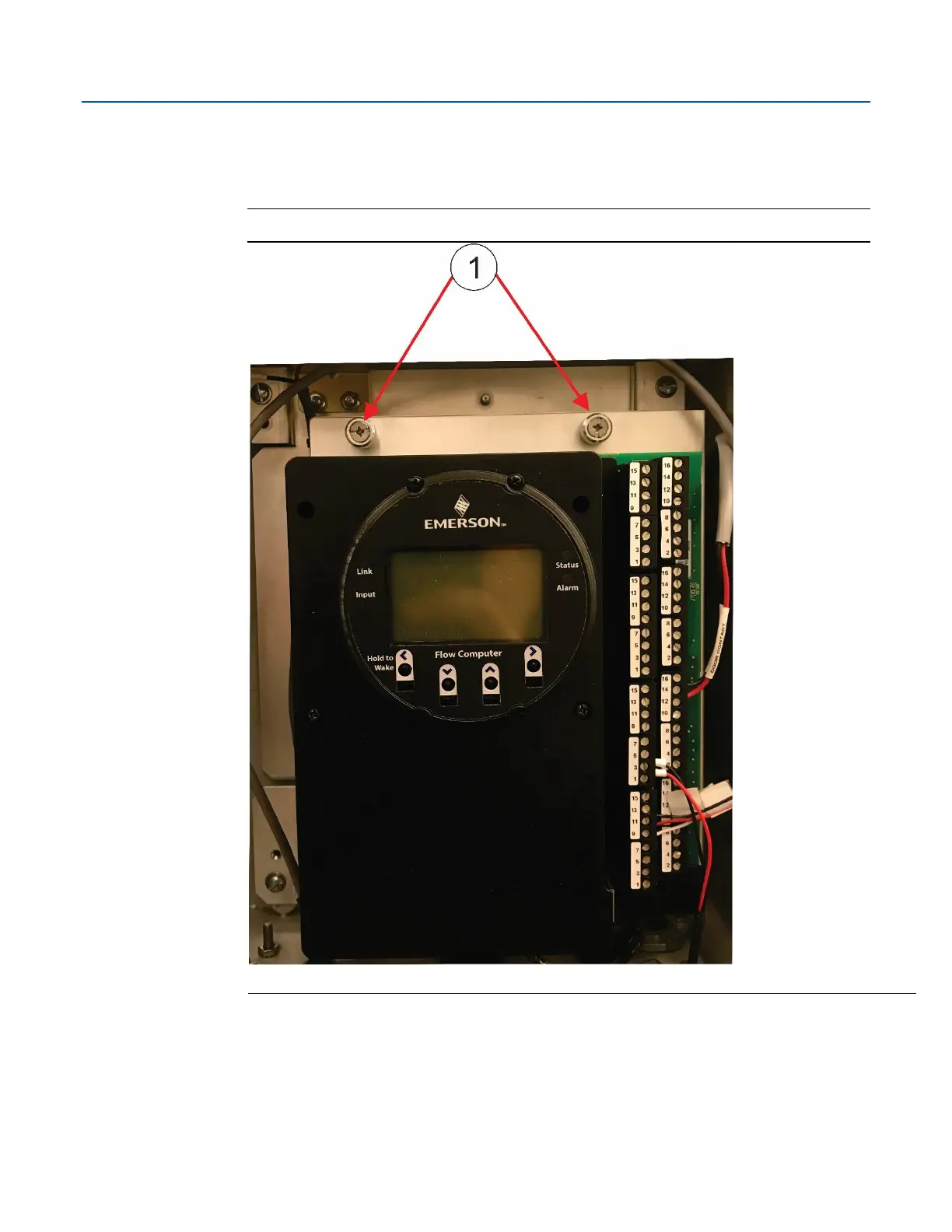
Loosen the two captive fastening screws at the top of the of the battery compartment, while
holding onto the battery compartment door. Carefully rotate the electronics assembly
towards you to reveal the inside of the battery compartment. A strap prevents the front of
the compartment from rotating too far forward.
Figure 2-24. Captive Fastening Screws



 To Next Page