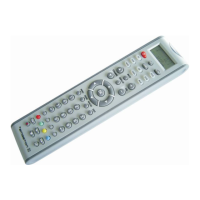
UK Universal remote control - User Manual
KEY FUNCTIONS
SET - shows the status
LEARN - setting up learning functions for actual device by pressing and holding the key
MACRO - sequent operation for your home theater
POWER - turning the device on and off
TV, VCR, DVB, DVD, CD, TAPE, TUNER, AUX - selecting the device which you want
to control
CH - Working like the Channel Up and Down key on your original remote control
VOL and MUTE - Controlling the volume, like the Volume Up and Down and Mute key
on your original remote control.
0-9 - The number keys operate the same function as on your original remote control.
ENTER - the same function as on your original remote control
MENU - the same function as on your original remote control
AV - Works like the TV/Video key on your original TV remote, and TV/SAT key on your
original satellite, remote AB in cable and CD modes
Show View - scans all channels for you to have a program quick view
All off - turns on or off all your devices with one button
CH± - like the Channel Up/Down keys on your original remote control
VOL± - the volume control, just like the Volume Up / Down on your original remote
control
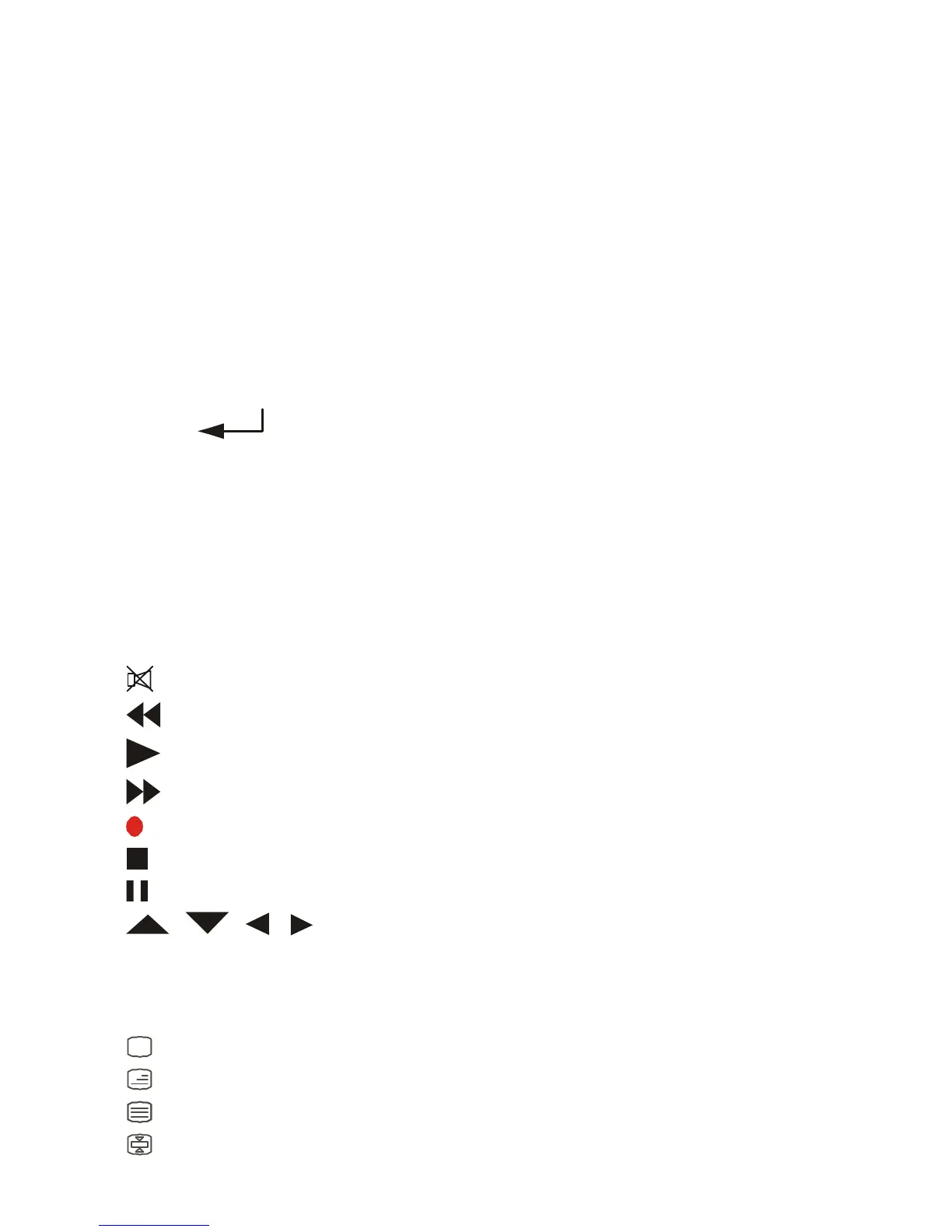
MUTE
REW
PLAY
FFWD
REC
STOP
PAUSE
OK EXIT- just like the UP, DOWN, LEFT, RIGHT, OK and EXIT
Keys on your original remote control for menu function. During the set up mode they are
only used as a cursor for confirming and exiting remote control programming.
RED, YELLOW, BLUE, GREEN for TV Fast Text
Television video
TV and text mixed
Teletext mode
Page hold


 To Next Page
 Loading...