Centrale digitale terretre programmabile / Digital terrestrial programmable headend
Add all the input channels you want and assign them to
the output channels.
After this, the correct LTE filter will be set for the input (possible filters are 694MHz,
790MHz or OFF). If the channels are lower than 48, the 694MHz filter is activated.
The 790MHz filter is activated for the channels lower than 60.
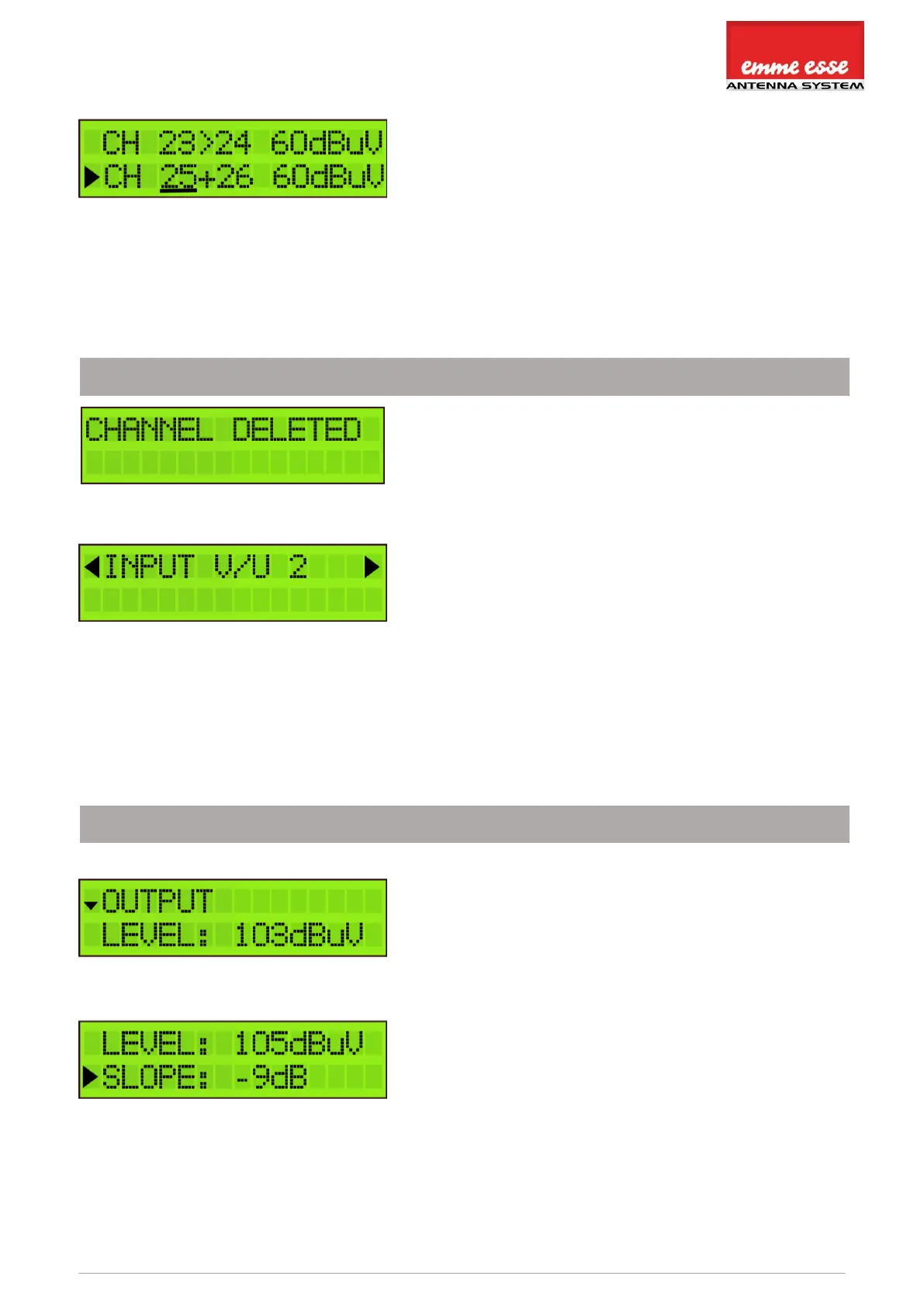
To delete a (pair of) channel(s), position the arrow on
the channel and press the rotary button 3 seconds.
When you have added all the channels to INPUT V/U 1,
and you want to add channels to the other inputs,
scroll up to the top of the menu (to INPUT V/U 1), tap
the button and scroll to the next input.
Repeat the previous steps for all input channels.
OUTPUT SETTINGS
Define the OUTPUT LEVEL of the output signal.
Range between 93 dBµV and 113 dBµV (default output
level is 103 dBµV). Check the output via a network
analyser on the -30dB test port.
Note: The more channels you select, the less input
power you should give (e.g. 106 to 110 dBµV for 10
channels).
A SLOPE of up to -9dB can be set between the
beginning of BIII and the end of UHF to compensate for
cable losses. 0dB means all channels have the same
output level (see previous display readout), -9dB
means the beginning of BIII (174MHz) is 9dB weaker
than the end of UHF.
Note: In the OUTPUT menu, you define the output level in dBµV of the MUX’s. The Domino TV
Organizer has enough gain to guarantee this output level under all input conditions. In case a
slope has been set, the output level indicated on the display will be the output level of the



 To Next Page