Centrale digitale terretre programmabile / Digital terrestrial programmable headend
highest frequency MUX.
ADVANCED SETTINGS
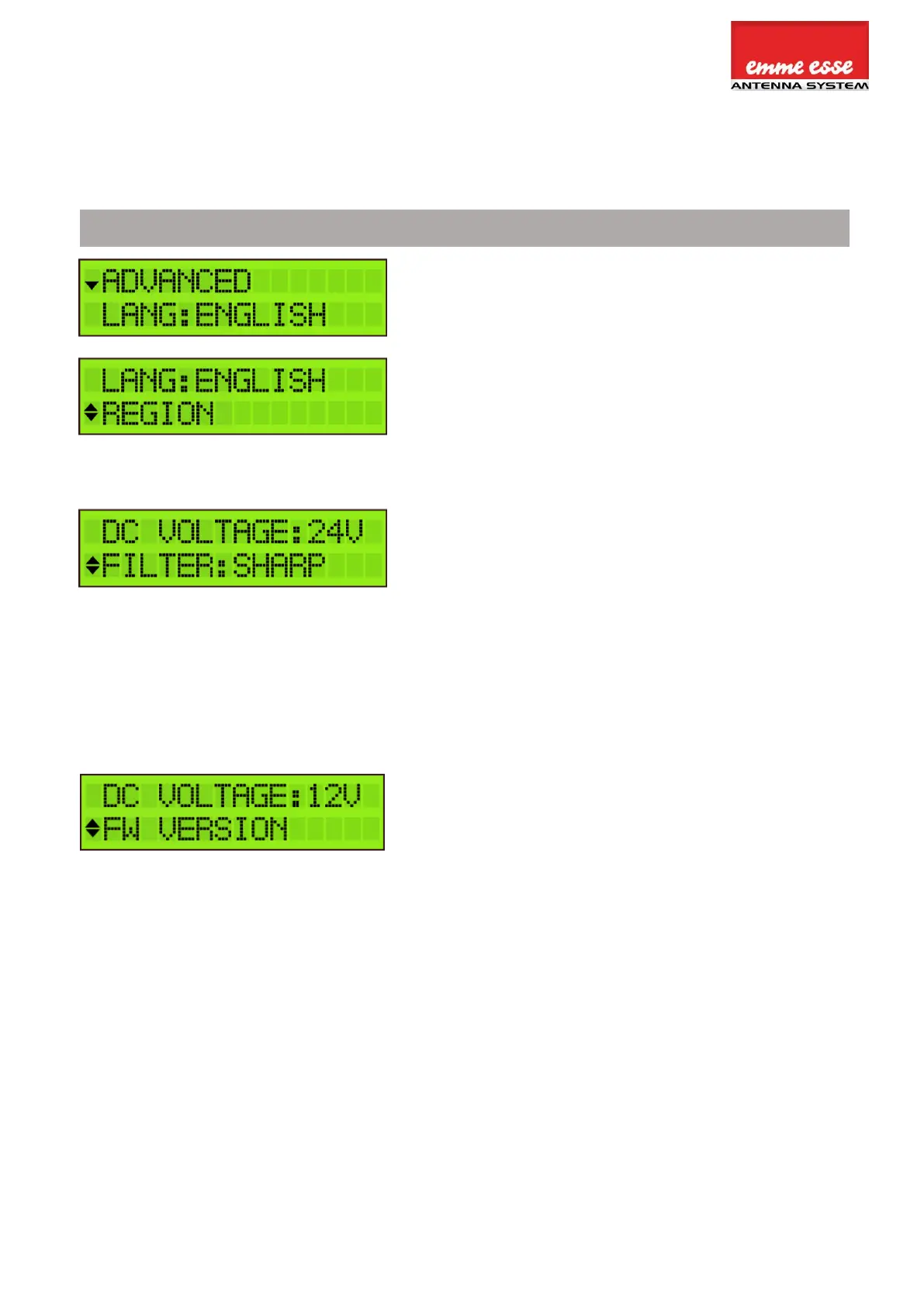
The language of Domino TV organizer can be set to
English, Italian, Spanish or French.
Tap REGION to check to which region/country the
Domino TV organizer is set. To change the
region/country, a hard reset is required (see
instructions above (cfr. REGION/COUNTRY SETTINGS).
There are 3 options to select the filter bandwidth:
“Best MER” has the widest filter bandwidth. This will
give the best MER in case where there are no adjacent
Multiplexes. “Sharp” has the narrowest bandwidth and
will work best when there are difficult adjacent
Multiplexes but this could be at the expense of the
overall MER performance. “Optimal” is the compromise
between the other 2 options. This is the best setting in
95% of the cases.
Define DC VOLTAGE for the inputs, choose between
12V or 24V. This is a global setting for all inputs, each
input can then be switched between OFF or this value.
(cfr. STEP 2).
Tap FW VERSION to check the firmware version of the
device.
Tap SERIAL NUMBER to check the serial number of the
device.
To format the SD CARD, tap FORMAT CARD.
To upgrade the firmware of the device, tap UPGRADE
FW. Make sure the new firmware file is on the SD Card
before upgrading.



 To Next Page