27
Operation Guide
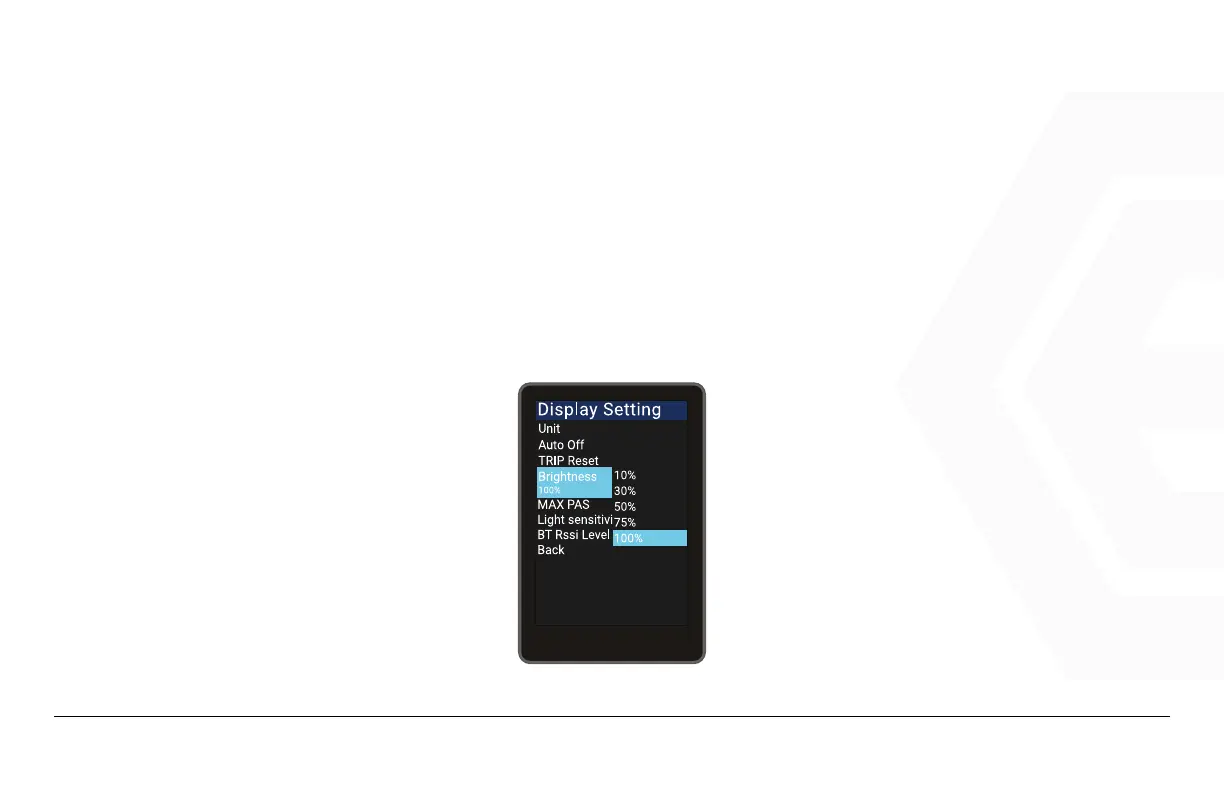
Backlight brightness settings
Go to the “Display Setting” menu, use the “+” or “-” button to move the cursor up or down, select
“Brightness”, and press Power to enter the settings. Move the cursor to select the desired brightness
level: “10%”, “30%”, “50%”, “75%”, or “100%”. Press Power to save and exit to “Brightness”, then exit to
the main interface by selecting “Back” and then “Exit”.
1. Speedometer & Control
d� Function Summary



 To Next Page