29
Operation Guide
1. Speedometer & Control
d� Function Summary
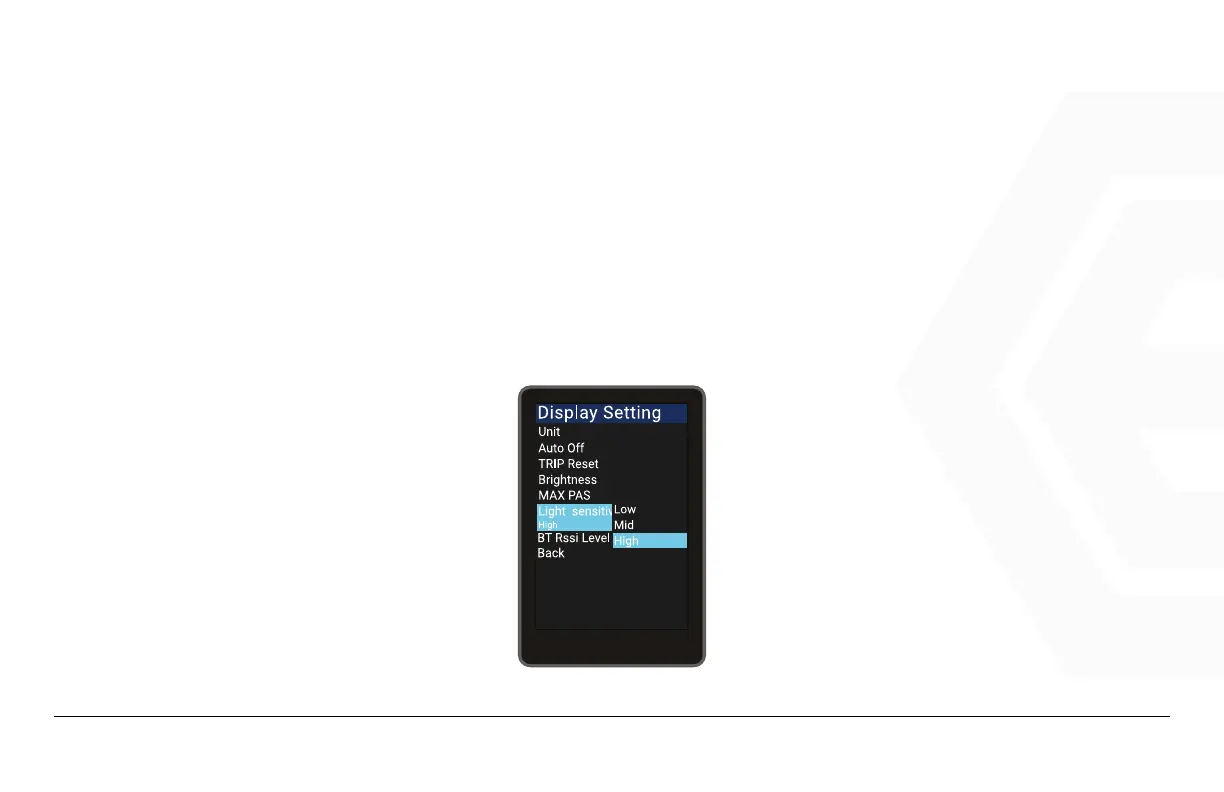
Light Sensitive - Light Sensitivity
Go to the “Display Setting” menu, use the “+” button or the “-” button to move the cursor up or down, se-
lect “Light sensitive”, press Power to enter the settings, and move the cursor after entering the settings
and select “Off”/“Low”/“Mid”/“High”. Selecting “Off” will turn off the auto headlight feature. Press Power to
save and exit to “Light sensitive”, exit to the main interface via “Back” to “Exit”.



 To Next Page