7
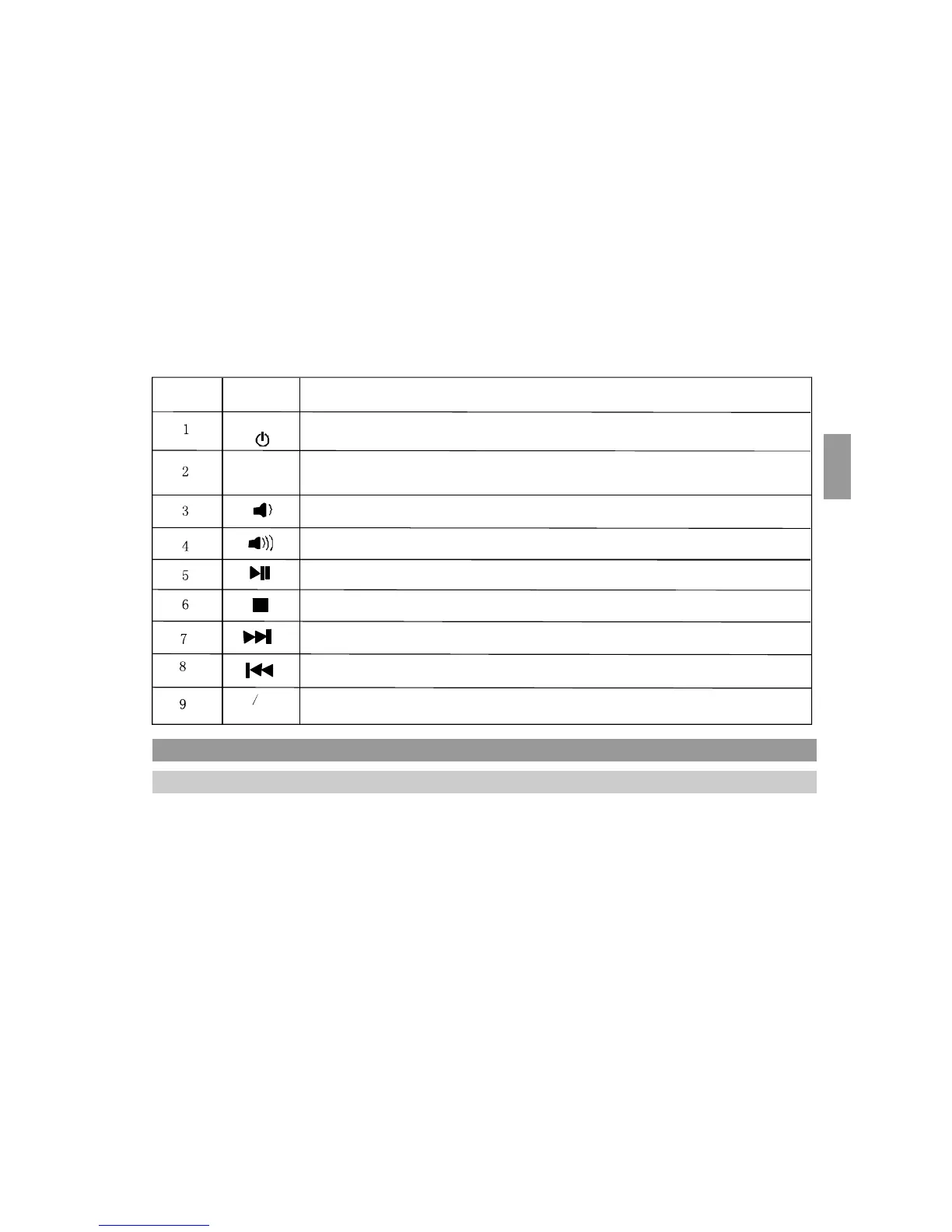
Number Icon
Function
POWER
Turn furniture audio on.
Change from iPhone mode to BT mode, or SD/USB mode or AUX mode.
Func
When the unit is turned on it will decrease the volume.
When the unit is turned on it will increase the volume.
In iPhone / BT / SD / USB mode, it will play and pause the music track.
In iPhone mode, it will stop the music track.
In iPhone / BT / SD / USB mode: skip to the next track.
In iPhone / BT / SD / USB mode: back to the previous track .
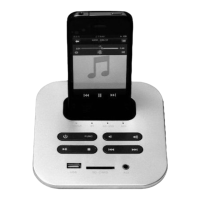
iPod/iPhone dock
iPod iPhone
dock
BASIC OPERATION
CONNECTING POWER ADAPTOR
Connect the power adaptor to the audio kit DC outlet, then connect the power adaptor to the wall
outlet.


 To Next Page