5
2. With buttons +/- set year – month – day – calendar language (EN – English, GE – German, IT – Italian,
FR – French, NE – Dutch, ES – Spanish, DA – Danish) – hour – minutes – time zone.
3. To move from one to another value use the Set button.
4. For faster value setting hold the +/- button.
5. To set the time format 12/24 press the + button.
Indoor and outdoor temperature and humidity, temperature unit
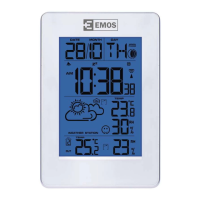
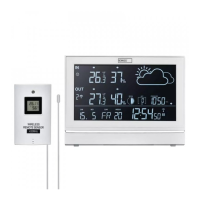
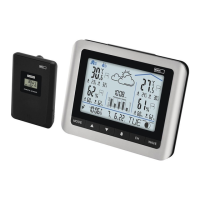
The indoor temperature and humidity is displayed in the C eld.
The outdoor temperature is displayed in the E eld.
Press the -/Wave button to choose the temperature unit °C/°F.
Indoor and outdoor temperature trend
Next to the outdoor and indoor temperature the icon of arrow is displayed.
Shows the temperature trend for the next development period.
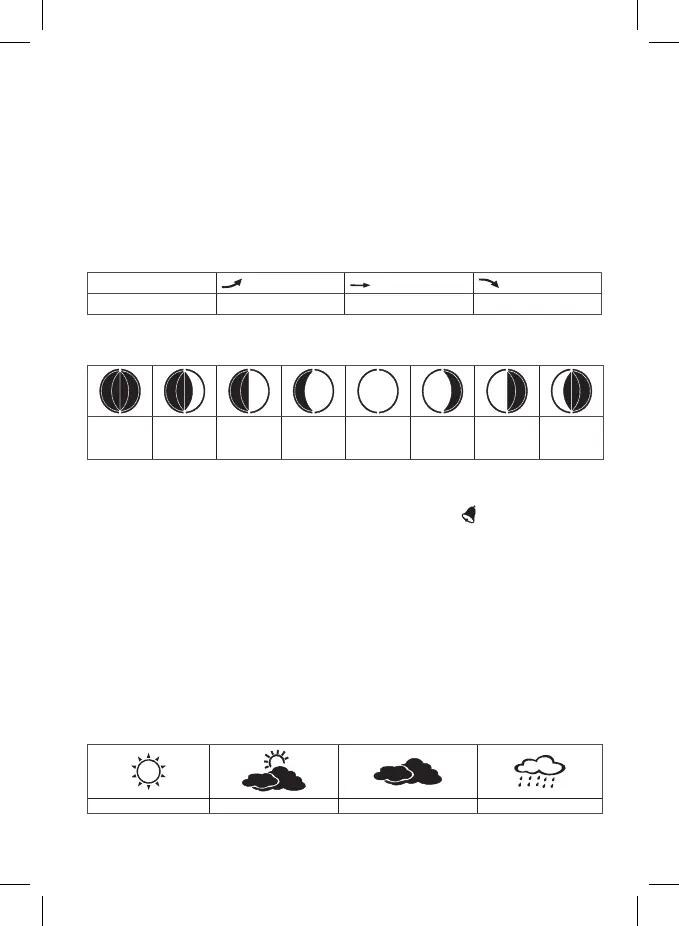
indication on display
temperature trend ascending constant descending
Moon phases
The moon phases are displayed in the I eld.
New Moon Leaving
New Moon
First
Quarter
Waxing
Moon
Full moon Waning
Moon
Last
Quarter
Appro-
aching
New moon
Setting the alarm clock time
By holding the Alarm button and the buttons +/- set the alarm time. To change the values press the Alarm
button. After setting the hour and minutes press the Alarm button. The icon
signalizes the alarm clock
is activated. To deactivate the alarm time, press the Alarm button again, the icon of bell will disappear.
Alarm snooze and the backlight
You can postpone the alarm sound about 5 minutes by pressing the SNOOZE button when the alarm sounds.
The “Zz” icon will be displayed. To cancel the snooze function, press any button except the SNOOZE button.
If you do not wish to use the snooze function, press the ALARM button when the alarm clock sounds. When
pressing the LIGHT button the display backlight will be activated for 5 seconds.
Weather forecast
Based on the atmospheric pressure changes, the weather station forecasts the weather for next 12–24 hours
for around 15–20 km radius. The accuracy of the weather forecast is 70–75%.
Because the weather forecast may not always be 100% exact, the manufacturer or the seller cannot be
responsible for any loss caused due to the incorrect forecast.
When you rst set or reset the weather station it takes about 12 hours to the station to start correctly
predict the weather forecast.
The weather station shows 4 icons of the weather forecast:
Sunny Clouds Overcast Rain
The icon of forecast is in the A eld.


 To Next Page