6
3
4
1
5
2
6
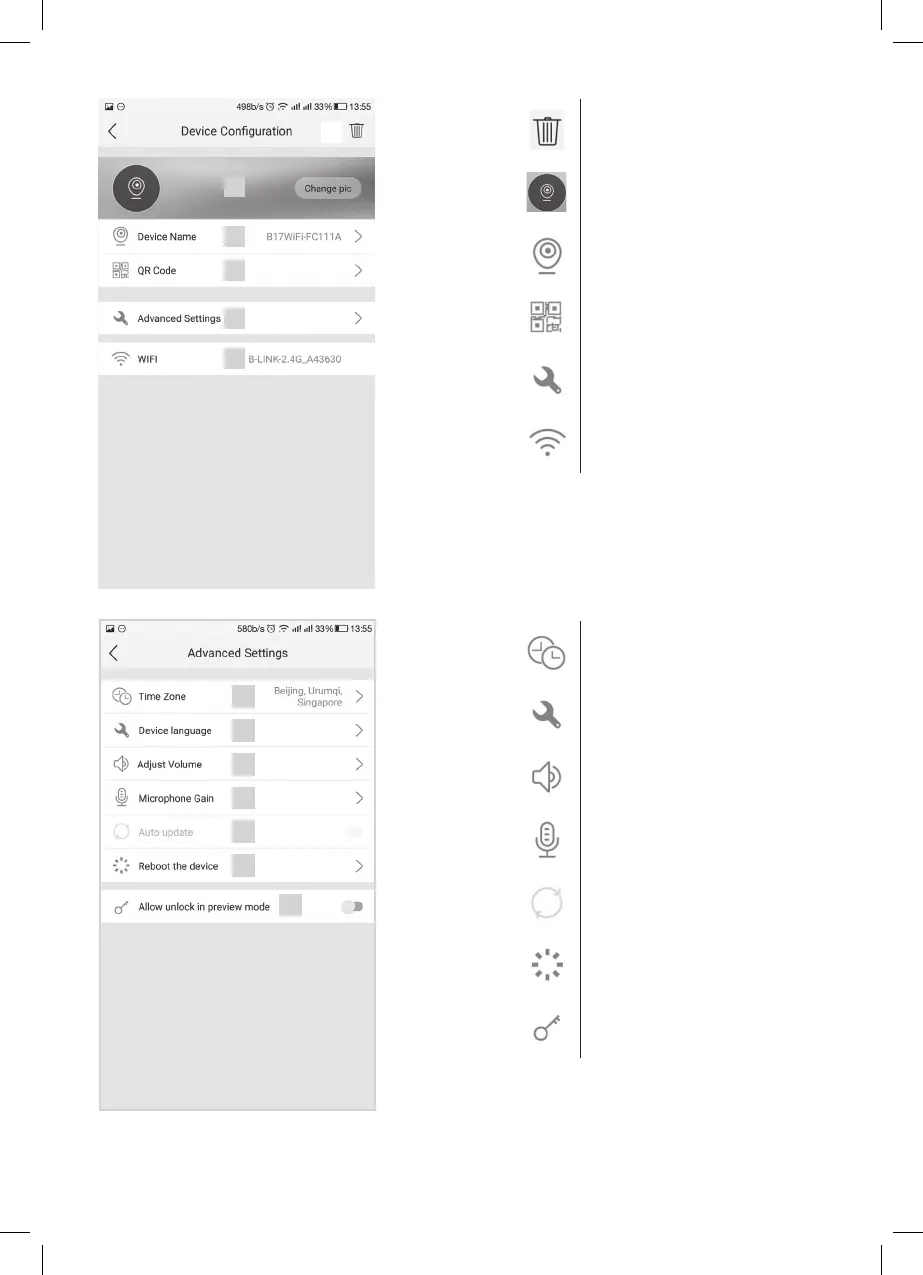
1 delete paired device
2
set background image
3
name of paired device
4
QR code for sharing access to the
device with another user
5
advanced settings
6
Wi-Fi connection settings
3
4
1
5
2
6
7
1 time zone settings
2
application language settings
3
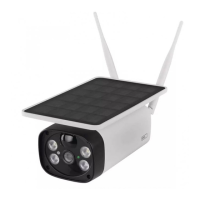
volume settings for the camera unit
speaker
4
sensitivity settings for the camera unit
microphone
5
automatic system update
6
device restart
7
allow lock and gate controls in preview
mode


 To Next Page