6
Battery test
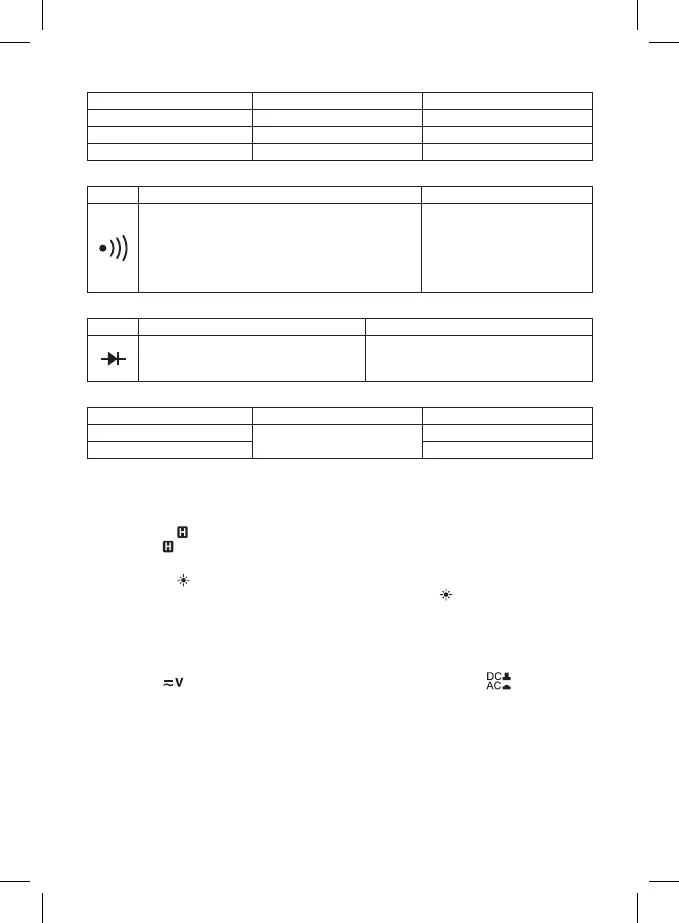
Range Resolution Electrical load
1.5 V 0.001 V approximately 20 mA
9 V 0.01 V approximately 5 mA
12 V 0.01 V approximately 4 mA
Continuity test
Symbol Description Note
The in-built buzzer will ring constantly if the resistance
is lower than 20 Ω.
The buzzer will be quiet if the resistance is higher
than 100 Ω.
If the resistance is between 20 Ω and 100 Ω, the
buzzer can, but may not ring.
Voltage of an open circuit:
approximately 2.8 V
Diode test
Symbol Description Note
The approximate voltage of the diode in
the open state will appear on the display
Voltage of an open circuit: approximately
2.8 V
Load current: approximately 1 mA
Measuring temperature
Range Resolution Accuracy
0 °C to 400 °C
1 °C
± (1 % + 5)
400 °C to 1 000 °C ± (2.5 % + 10)
The accuracy stated for the surrounding temperature stability ±1 °C.
Measuring out of the range could cause damage to the temperature probe and a large variance in
accuracy.
DATA HOLD function
After pressing the button the current registered value will stay on the display and an icon will appear
on the display: . Pressing the button again will stop the function and the icon will disappear.
Display backlight
After pressing the button the display will be backlit for approx. 25 seconds, it will then automatically
turn o. You may also turn o the backlight by repeatedly pressing the button.
Operating Procedure
AC voltage/DC voltage measurement function
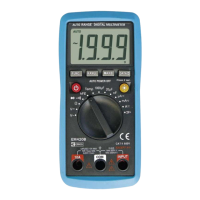
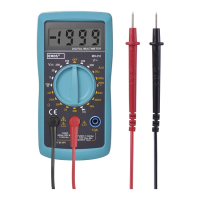
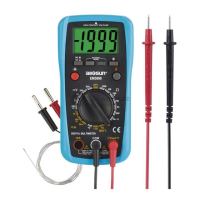
Connect the end bit of the black (negative) measuring conductor with the tip into the "COM" socket and
the end bit of the red (positive) for measuring voltage into the "VΩmA" socket. Switch to the function
marked with a
. Choose measuring direct and alternating voltage with the button. Choose
the measuring range and connect the measuring tips to the place where you will measure voltage. The
voltage value will display along with its polarity (for DC voltage). If you do not know the voltage range
beforehand, set the largest possible range and gradually decrease it. Connect the measuring tips to the
device or circuit where you will be measuring the voltage. Turn on the power to the device you will be
measuring. The voltage value will appear on the display.
Note: To prevent electric shock and damaging the device, do not connect voltage higher than 300 V to the
multimeter.
AC voltage/DC voltage measurement function
Note: The 10 A socket is permanently inaccessible and only temporarily accessible when setting a 10 A range!
It is not possible to move the circular switch if the red (positive) conductor is connected to the 10 A socket.


 To Next Page