10
Inserting/Changing the Batteries (see g. B)
1. Grab a hold of the square section of the head located below the thread.
Turn the square section clockwise. You should hear the head‘s lock release
after turning.
2. Slide the inner core of the head from the housing.
3. Replace the batteries. Make sure to observe the correct polarity.
4. Find the arrow icon on the housing and the slide slot on the inner core.
5. Slide the core back into the housing.
6. Once the core is all the way in, grab a hold of the square bottom portion
of the head located below the thread and turn the inner core of the head
counter-clockwise. You should hear the head‘s lock close after turning.
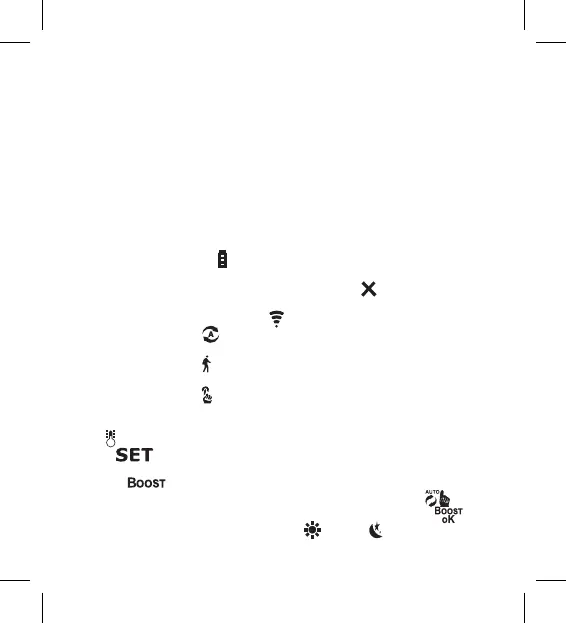
Description of the Screen of the Thermostatic Head (see g. C)
1 – Low battery indicator .
Starts ashing once the batteries are nearly depleted.
2 – Indication of connection status to Zigbee gateway
.
Indicator on – not connected. Indicator o – connected.
3 – Connection signal strength icon .
4 – Weekly mode icon
.
Indicator on – the mode is active. Indicator o – the mode is inactive.
5 – Holiday mode icon
.
Indicator on – the mode is active. Indicator o – the mode is inactive.
6 – Manual mode icon .
Indicator on – the mode is active. Indicator o – the mode is inactive.
7 – If the icon is lit up, the screen shows the current temperature in the room
.
8 – If lights up, the screen shows the temperature in the mode you
have set.
9 – The icon means the mode is active.
10 – Button for switching between weekly mode and manual mode
.
11 – Conrmation button and button for turning Boost mode on or o
.
12 – Button for switching between comfort
and ECO mode.


 To Next Page