Page 11
XDA-3 Differential Reference DAC
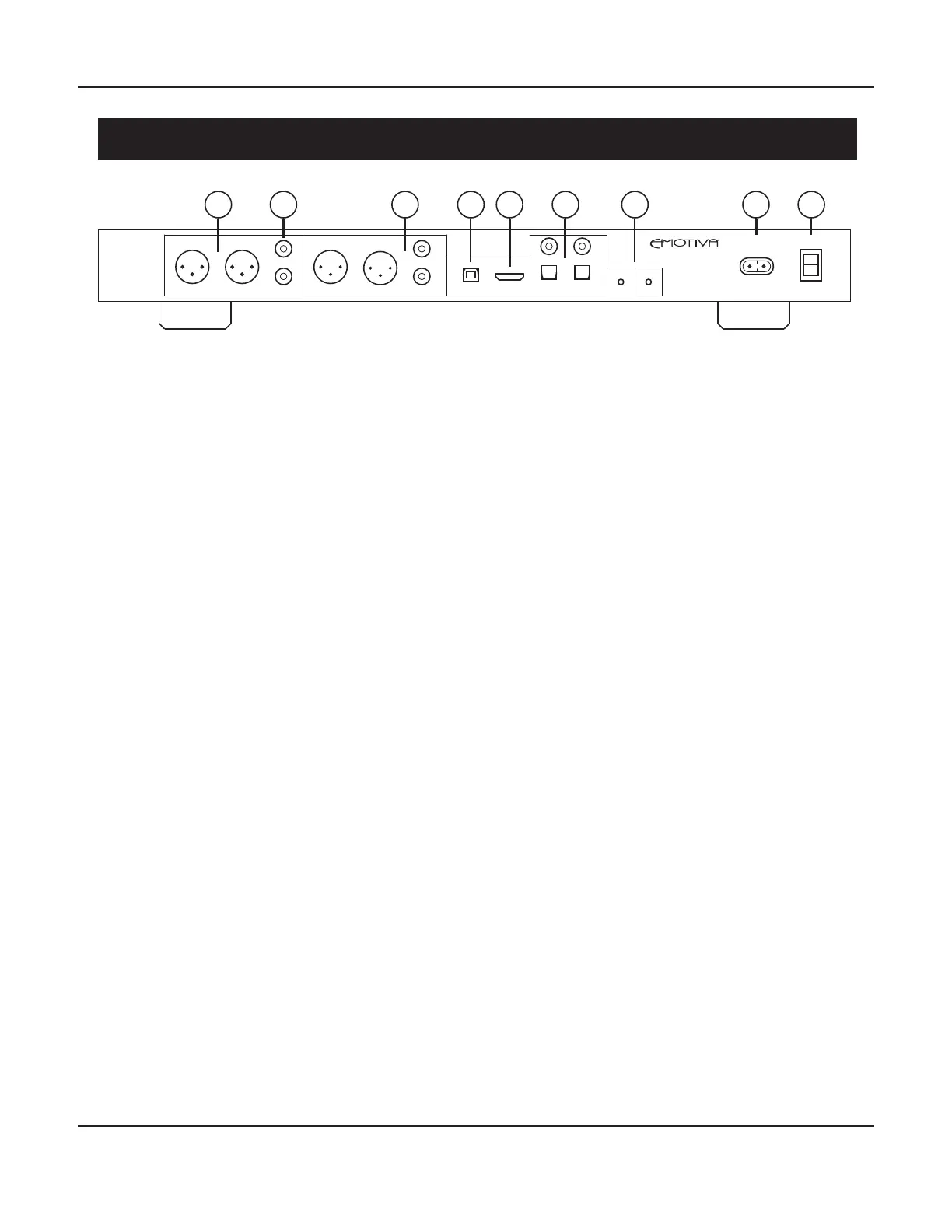
XDA-3 Rear Panel
1. Balanced (Analog) Inputs
Connect any stereo balanced analog audio source to these Inputs.
2. Unbalanced (Analog) Inputs
Connect any stereo unbalanced analog audio source to these Inputs.
3. Balanced & Unbalanced (Analog) Outputs
Connect these outputs to a set of balanced or unbalanced inputs on your preamp if you want to
use the XDA-3 as a DAC or source component. Connect them directly to your power amplier if
you want to use the XDA-3 as a high performance DAC and preamplier / control center.
Note: Both Balanced and Unbalanced outputs are active at the same time. The level of both sets
of outputs is controlled by the Volume and Mute controls.
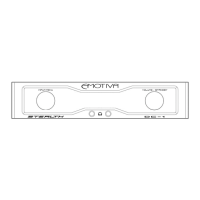
Note: The main outputs are muted when headphones are plugged into the front panel. When
there are headphones plugged in, the Volume buttons on the front panel (and on the remote
control) adjust the headphone output level. When no headphones are plugged in, the Volume
buttons adjust the main output level. The XDA-3 stores both settings independently. When you
unplug the headphones, the main output level will return to its previous setting; when you plug
the headphones back in, they will return to their previous setting.
4. USB (Digital) Input
Connect your computer or other similar digital audio source to this input. Your computer
or source device will recognize the XDA-3 as a USB Audio Class 2 (UAC2) compliant “USB
audio output device” or “external USB DAC”. (Some source devices may identify the XDA-3 as
“Emotiva XDA-3”. Others may report it as “SXW CTUAD768 PRM-A”, which is the name of the
high performance audio interface chip we use. And, if you’ve installed special drivers, it may be
identied by the driver or drivers you’ve chosen to use.)
See the section entitled Using The USB Input for more details.
1 2 43 5
7
6 8 9
ANALOG INPUTS ANALOG OUTPUTS USB HDMI ARC DIGITAL INPUTS
TRIG IN
TRIG OUT
COAX 1
OPT 2OPT 1
COAX 2
AC INPUT POWER
R L R L
R
L
R
L
XDA-3



 To Next Page