Page 9
XDA-3 Differential Reference DAC
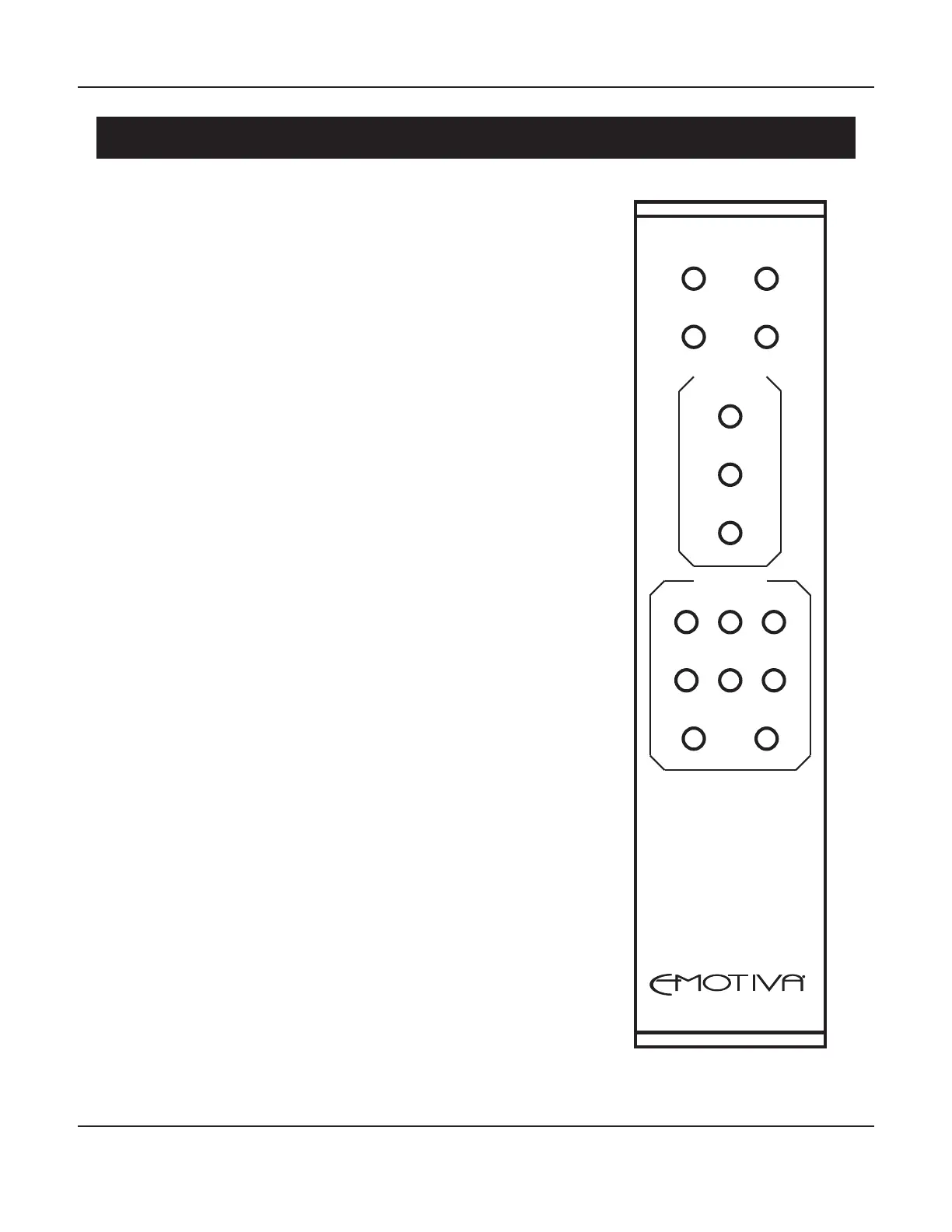
XDA-3 Remote Control
XDA-3
STANDBY
FILTERS DIM
ON
MUTE
VOLUME
-
CO1 OPT1 USB
CO2 OPT2 ARC
RCA BAL
+
INPUTS
The solid aluminum full-function remote control for the XDA-3
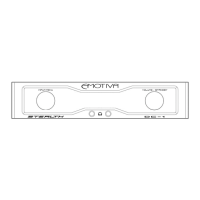
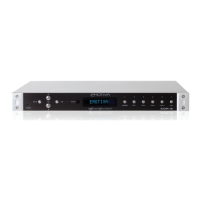
includes several functions that are not included in the front panel
controls, including the Mute, Dim, and Filter buttons, as well as
buttons that enable you to directly select Inputs.
Standby & On Buttons
Press the On button to turn the XDA-3 On from Standby Mode.
Press the Standby button to return the XDA-3 to Standby Mode.
Note: The rear panel AC Power switch must be On for the XDA-3
to operate. If the rear panel AC power switch is O, the XDA-3
will not respond to either the front panel controls or the remote
control.
Filters Button
The Sabre ES9038Q2M DAC includes a choice of seven
user-selectable oversampling lters, each of which delivers a
subtly dierent user listening experience. The rst time you
press the Filters button it will display the number of the currently
selected Filter. Pressing the Filters button repeatedly while the
Filter Number is displayed will cycle through the available lters.
To select a Filter simply stop pressing the button when the
desired Filter Number is displayed and wait a few seconds.
Dim Button
Press the Dim button once to see the current Brightness setting.
Pressing the Dim button repeatedly will cycle through the
available Brightness settings. To select a Brightness setting
simply stop pressing the button when the desired setting is
displayed and wait a few seconds.
Note: The front panel display and LEDs will be fully o with the
Brightness set to 0. The maximum Brightness setting is 10.



 To Next Page