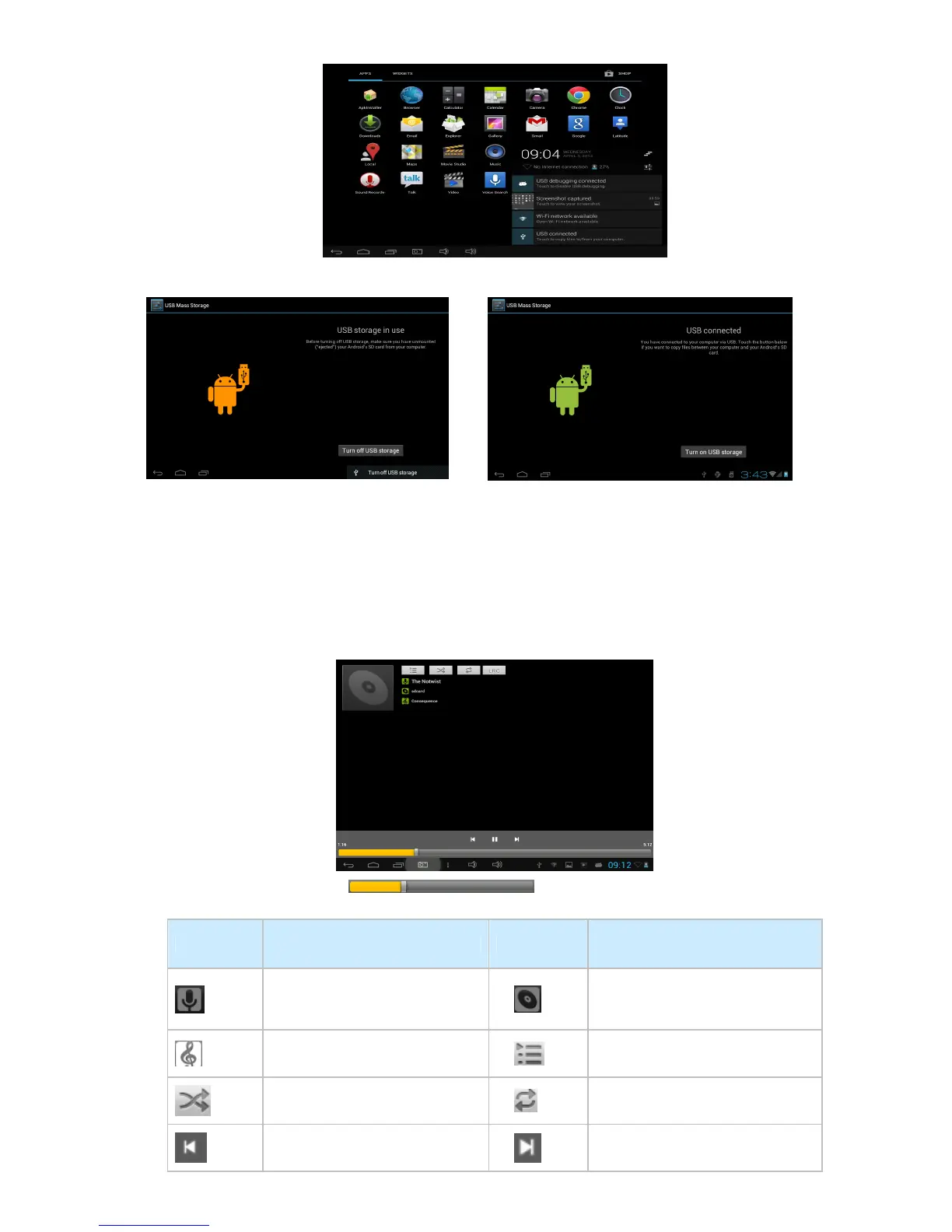
C) Select USB Connected, then, Turn on USB storage.
The left picture shows that the device storage content can be viewed and modified from the computer.
The right picture means that device storage content can NOT be viewed or modified from the computer.
6. Main Functions
6.1 Audio Function
To access the music player: in music player mode, double-click the item in the playlist you wish to
play, as shown in the following picture:
Drag the music progress bar to adjust the progress.
Explanation of the buttons in the Music player
Button Instruction button Instruction
Artist
Album
Song
Play playlist
Random Play
Continuous playback
Play the previous song
Play the next song



 To Next Page