USING THE DIGITAL FABRIC STEAM PRESS
FILLING WATER RESERVOIR
1. Place Digital Fabric Steam Press on a flat, level surface.
2. Turn Locking Knob to “ Unlock ” position to unlock Pressing Plate.
3. Lift up Pressing Plate using Handle. It will automatically stay in lifted position.
4. Pull Water Reservoir out. Note that the Water Reservoir cannot be completely
removed from unit; do not attempt to force it free.
5. Remove Water Reservoir Cap to expose Water Reservoir fill hole.
6. Using Measuring Cup (included) fill Water Reservoir up to the MAX (300nl) line
with distilled water.
7. Replace Water Reservoir Cap and push filled Water Reservoir back into main
unit.
OPERATING DIGITAL FABRIC STEAM PRESS
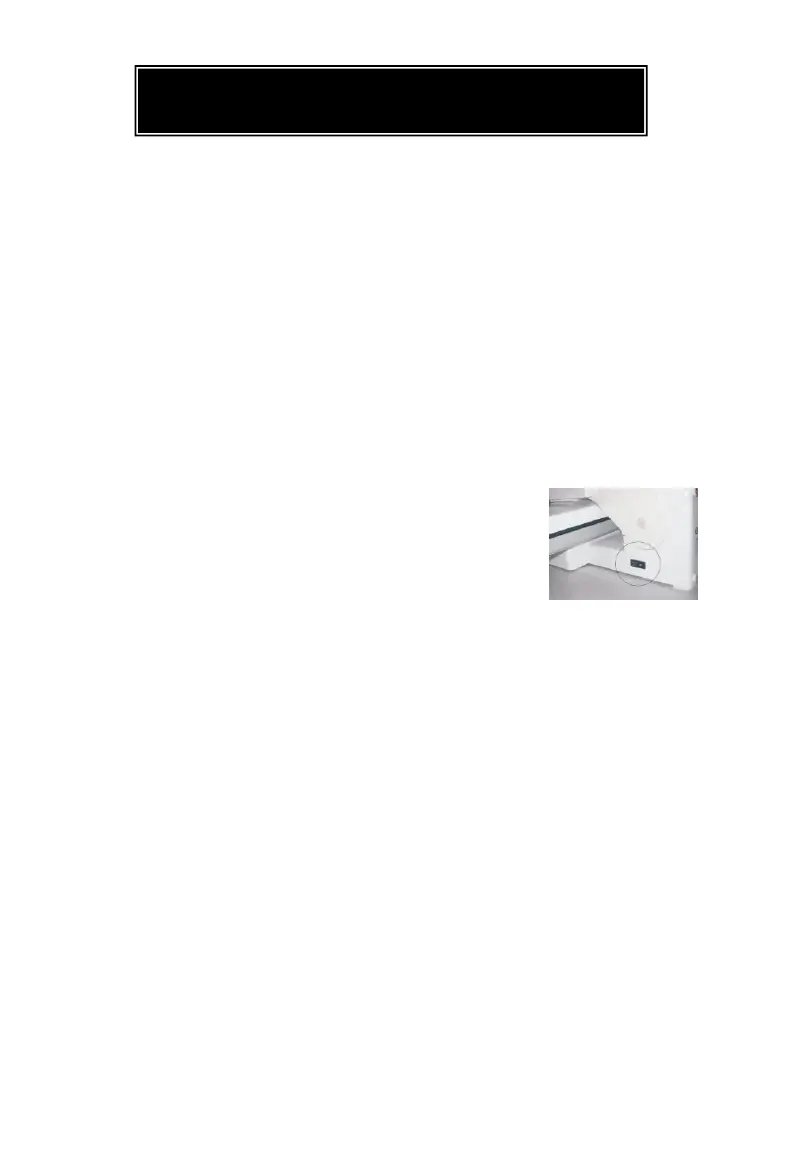
1. With Pressing Plate in lifted position, plug power cord into electrical outlet, and
set On/Off Switch to “On” position (FIGURE1)
2. Identify type of fabric you are going to press,
and select corresponding temperature setting
using Temperature Control Buttons. Note that it is
best to start with the most delicate fabrics
first, as higher level of heat will cause damage
to Nylon and Silk. Pressing Indicator Light will
illuminate.
3. A few minutes of heating time will be required to reach selected temperature.
Once Pressing Plate is heated, Pressing Indicator Light will deactivate. You are
now ready to begin pressing.
4. Lay fabric flat on Ironing Board
5. If pressing wool, you may choose to spray with a burst of steam. This function is
available once Steam Burst Ready Indicator Light illuminates.
NOTE: Do not activate burst of steam with unit completely closed, as this may
damage unit. Best results are obtained if Pressing Plate is held open
approximately 75mm above Ironing Board before pressing Steam Burst Button.
For safety reasons, do not hold Pressing Plate open more than 75 mm when using
steam burst function.
6. To press, lower Pressing Plate gently onto fabric and Ironing Board. Hold there
for 8-10 seconds, and then lift up Pressing Plate. Repeat until you have achieved
desired crease and smoothness. See page 8 of this manual for more specific
pressing tips.
7. Once pressing tasks are complete, immediately set On/Off Switch to “Off”
position. Refer to page 9 of this manual for further information about cleaning
and storage of Digital Fabric Steam Press.


 To Next Page
 Loading...