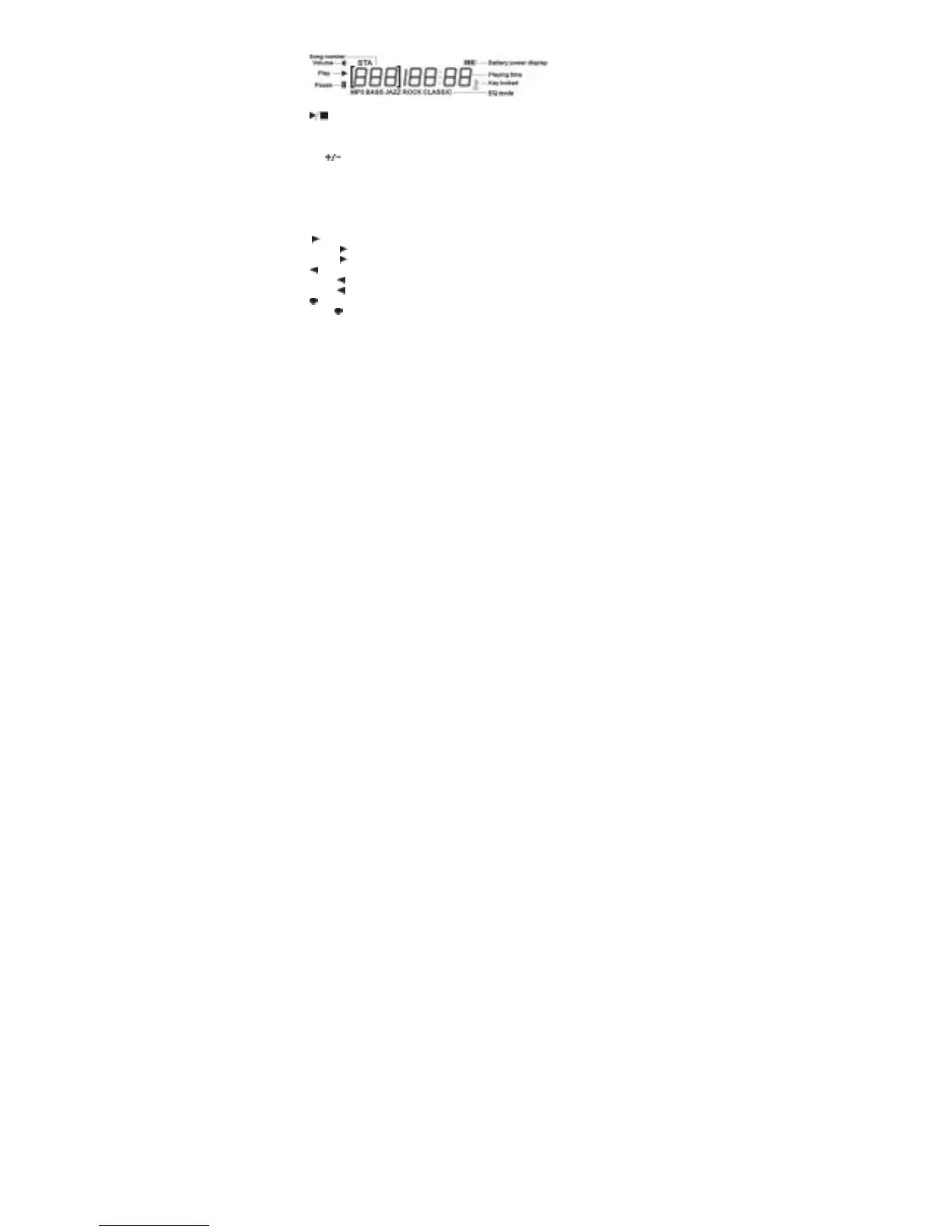
Overall View of Display
Operation
Key: Power ON/Power Off/Stop/Play/Pause:
Press and hold to power on the player
Play/Pause/Stop:
Press and hold to power off the player
: Volume Up/Volume Down
Press + to increase the volume level
Press - to decrease the volume level
Note: Do not set the volume level too high. Avoid using the
equipment continuously for a long period of time to minimize
impairs to your hearing.
Key:
Press Key to skip to next track
Press Key and hold to fast-forward within the current track
Key:
Press Key to skip to previous track
Press Key and hold to fast reverse within the current track
Key:
Press Key to select EQ mode : NORMAL ,JAZZ , ROCK , CLASSIC , BASS
HOLD key:
Push right: all key locked and data under protection.
3



 To Next Page