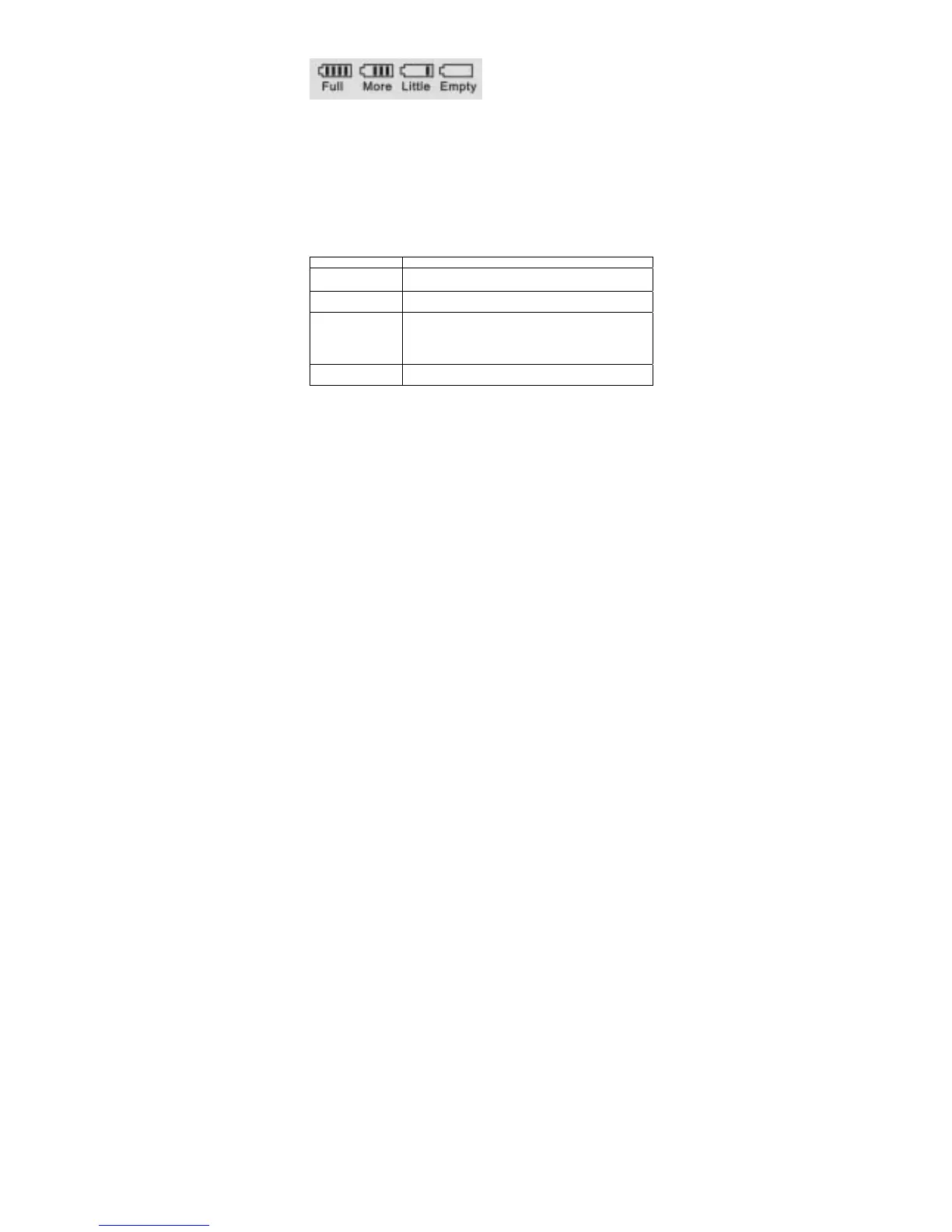
Battery power display:
When battery power is too low, device will turn off automatically
Playing time depends on playing volume, music type and operation frequency.
Software installation:
Insert the software installation CD into the CD-ROM drive.
Run “setup.exe”, and then follow installation process step by step.
USB storage
-Plug and play as a USB storage device
-Driver need only under windows 98 system.
-When MP3 player connects with PC, all MP3 player functions are disabled,
except working as a USB storage device.
-Please safely remove your device from PC when operating.
Common malfunction resolve:
Problems Resolve
Can not turn
on the player
Check if the battery is no power
Can not operate
Check if the battery is no power
Take out the battery, put it back and turn on the player again.
Can not play music
Check if the battery is no power
Check if the HOLD key locked
Make sure the volume is not in “o”
Make sure the music file type is compatible to the player.
Format the player.
Device can not be
recognized by PC
Turn on the player and then connect to PC.
Install the driver again.
4



 To Next Page