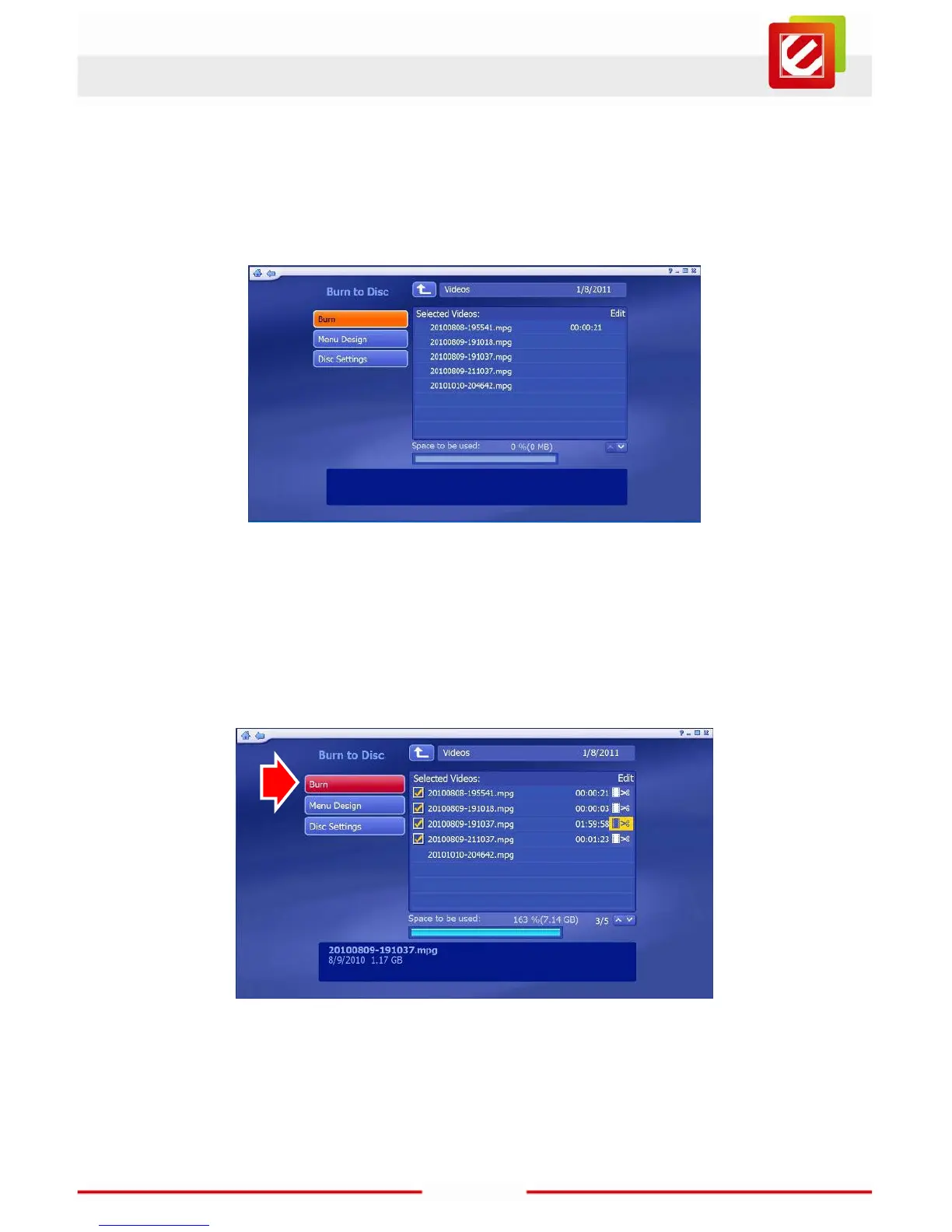
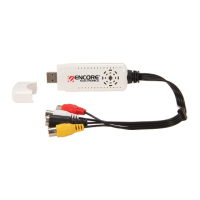
Now select the recordings you want to include on the DVD by clicking on them. Details of
each item appear at the bottom of the screen; scroll down to see more recordings if the list
is too long to fit on the screen.
Click the “Burn” button when you’re ready; a window will appear showing the disk burning
progress. Once the burn’s complete, a window will offer to print a disk cover for you. There
are various kinds, but if you prefer to wait, you’ll find a copy stored on the DVD you’ve
burned.



 To Next Page