3.2 Trim Video
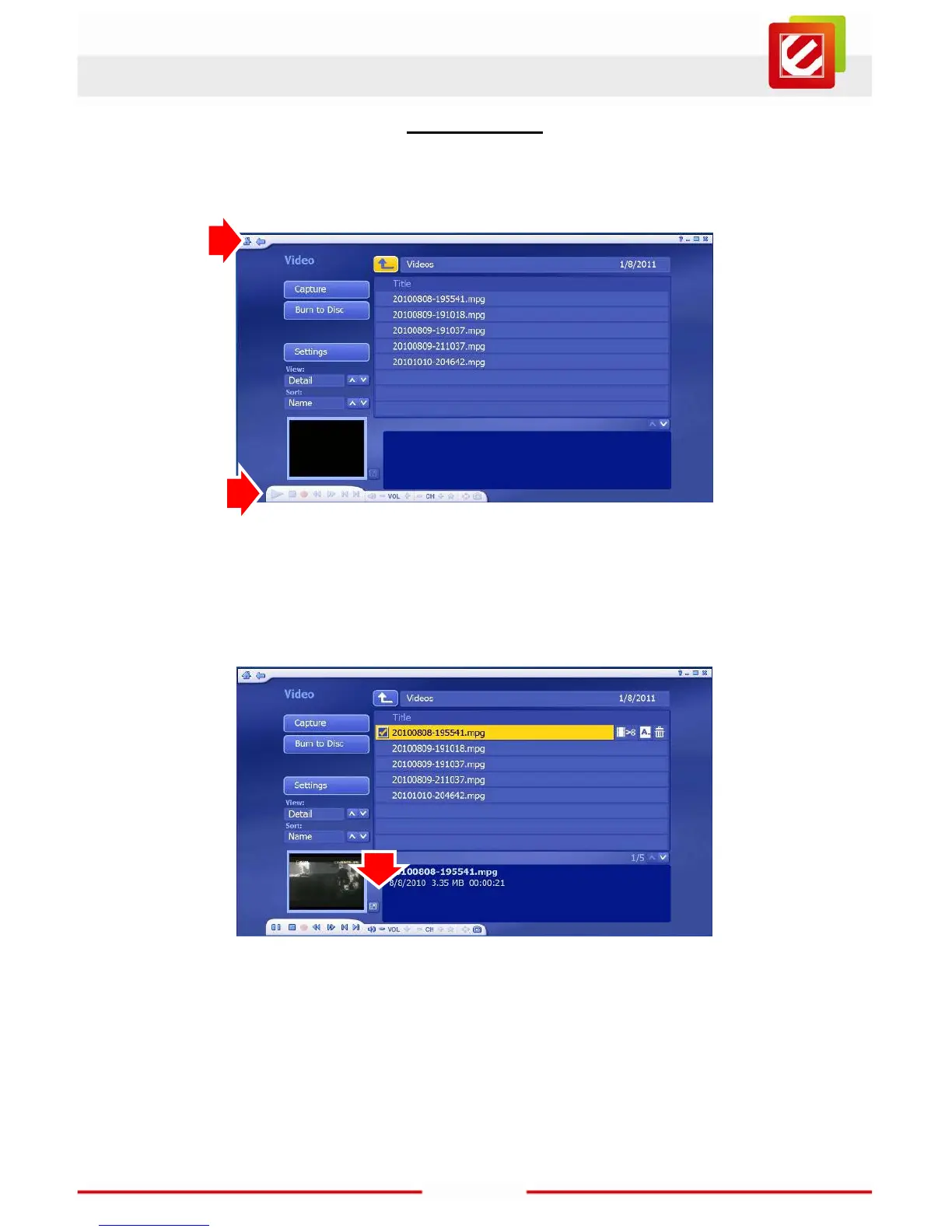
Go back to the Video page by moving your cursor to the top of the screen, then click on the
arrow icon in the floating toolbar that will appear.
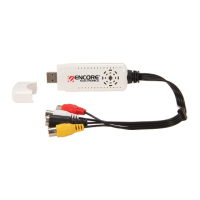
You’ll see a list of all your recordings. Click on one to start playing it in the lower left part of
the screen. You can make the video larger by double-clicking on the video playback image
(double-clicking on the full screen image will take you back to the original screen).
If you move your cursor to the bottom of the screen, a floating toolbar will appear. You’ll
find standard VCR controls that can control the video playback. You can edit your
recordings by selecting the recording which you want, then clicking on the scissors icon.
You can rename a file by click on the “A_” icon. You can also delete a file by click on the
trash can icon.



 To Next Page