Chapter 3: Using the ENMVG-2
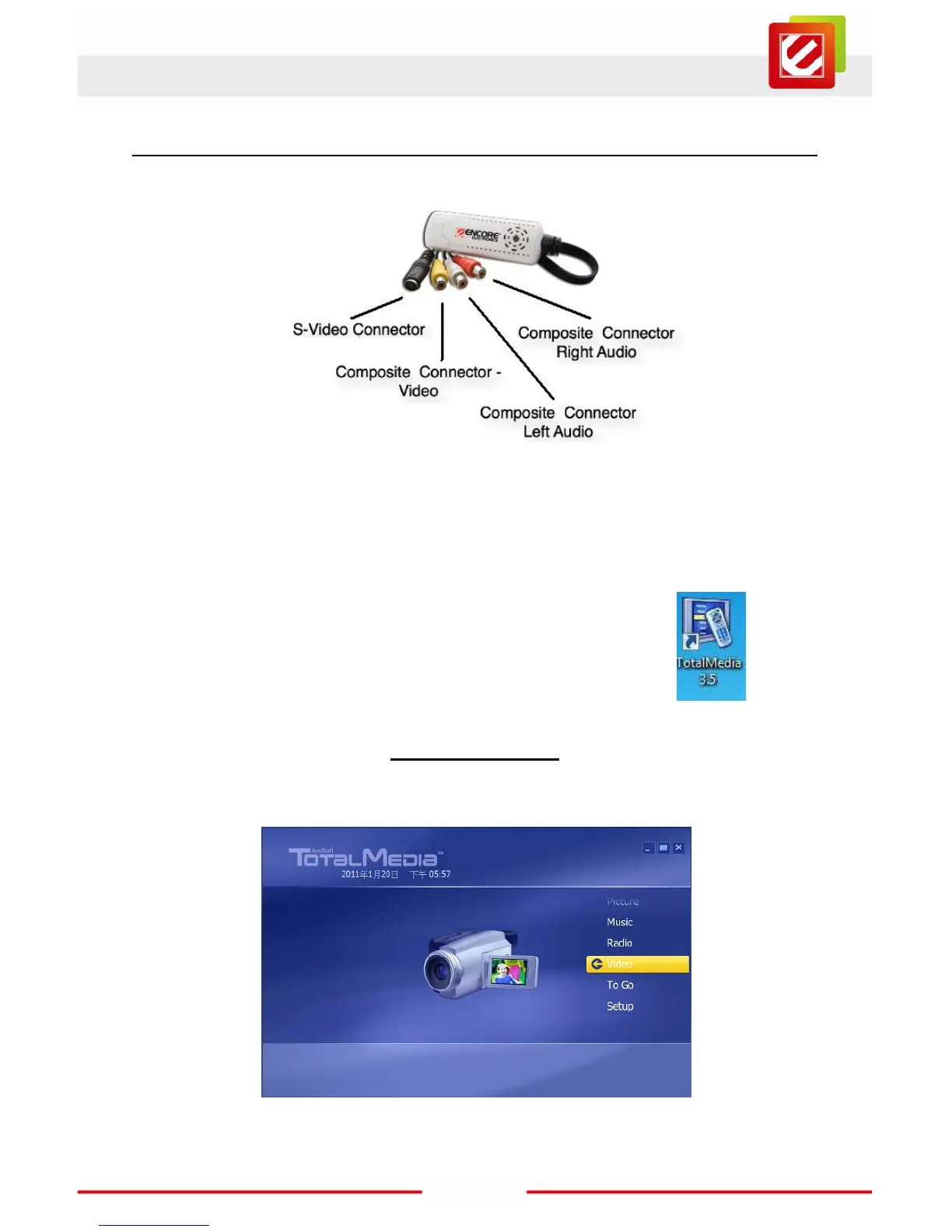
Connect your video source to the ENMVG-2. Let’s start by assuming that your video
source is working properly and also sending a signal to the output connectors you’re going
to use (if you're not sure, now’s the time to check!).
Start up TotalMedia (the software you just installed). Double-click the
TotalMedia3.5 icon on your desktop.
3.1 Capture Video
As soon as the software runs up, you’ll see the screen to the right. Now click on the
“Video” button; the Capture screen should load.



 To Next Page