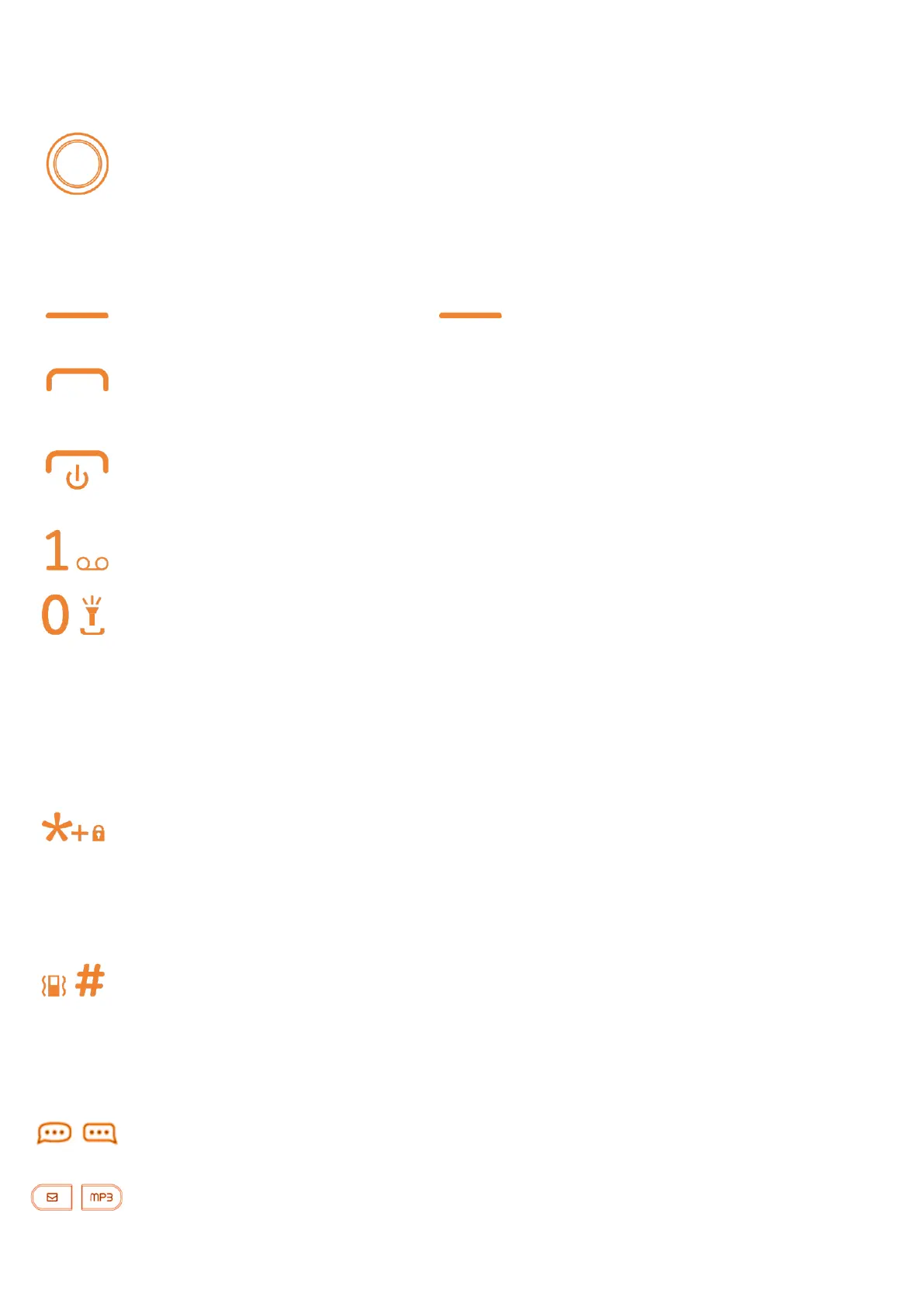
1.1 Keys
Navigation
k
ey
• Press to confirm an
option
• Press: access app list (from the Home screen)
• Press to go
l
e
ft (Shortcut to Apps)
/
rig
h
t (Settings)
/
u
p (Quick ShortCut,
Menu)
/
d
o
wn (KaiOS Card)
• Left - Access Notice
• Pick up/ Answer a call
• Press: Enter Call
l
o
g
• Press: End a call / Return to the Home screen
• Long press: Power
on
/
o
ff, Menu
• Long press: Access your
v
oi
c
email
From Idle screen
• Press: Enter 0
• Long press: "Turn On /Turn off the light
In Edit mode
• Press: Space
• Long press: 0
From Idle screen
• Press:
*
In Edit mode
• Press: Access symbols table
From Idle screen
• Press: #
• Long press: Vibrate alert
In Edit mode: Change input methods
Quick access Whatsapp (left) / Facebook (right)
Quick access Message (left) / Music (right)
Right - Access contacts



 To Next Page